Apply Custom Logo to Selected Assets
When the Qualys Cloud Agent is installed on the Windows assets with Patch Management application activated, the assets receive notifications for the patch updates. You can customize the logo and header for these patch notifications.
You can apply the custom logo change to all Cloud Agents when you upload the custom logo. For details on uploading the custom logo image, see Upload Custom Logo.
You can apply the custom logo to single or multiple agent hosts.
To apply a custom logo for notifications for single or multiple hosts:
- Go to Agent Management > Agents.
- Select the agent host and navigate to Quick Actions > Agent Operations. In the Agent Operations menu, click Apply Custom Logo. A confirmation pop-up is displayed.
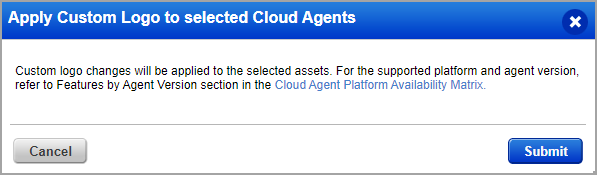
- Click Submit to apply the custom logo for the notifications on selected assets. Patch Management must be activated for the Cloud Agent to apply custom logo.
This feature is supported only on the Windows platform. For the supported platform and agent version, refer to Features by Agent Version section in the Cloud Agent Platform Availability Matrix.