Cloud Agent for Windows Release 7.0
October 05, 2026
Cloud Agent for Windows 7.0 brings you agent-based TruConfirm for exploitability validation, AI application monitoring capabilities with Qualys Secure Plugin, improved Group Policy Object (GPO) visibility, and database assessment support for Microsoft SQL Server 2025 databases.
New Feature
Validate Asset Exploitability using Windows Cloud Agent
What's New
You can now validate exploitable vulnerabilities on your host using Qualys TruConfirm, along with Windows Cloud Agents. This enhances remediation efficiency by pinpointing confirmed, exploitable vulnerabilities on host assets.
Qualys TruConfirm now supports exploitability validation using Windows Cloud Agent. Previously, Qualys TruConfirm could only validate vulnerabilities using Qualys scanners installed on assets.
Once TruConfirm is activated for a Cloud Agent, it can run on-demand scans to determine whether a vulnerability detected on a host asset is exploitable and whether the existing security measures are sufficient to prevent exploitation.
The following Qualys application is required to validate asset exploitability:
| Required Application Version | Qualys Enterprise TruRisk Management (ETM) 1.13.0 |
To learn more about exploitability validation, refer to TruConfirm Online Help | How to Activate Cloud Agent
.New Feature
See What is Shared to AI with New Qualys Secure Plugin
What's New
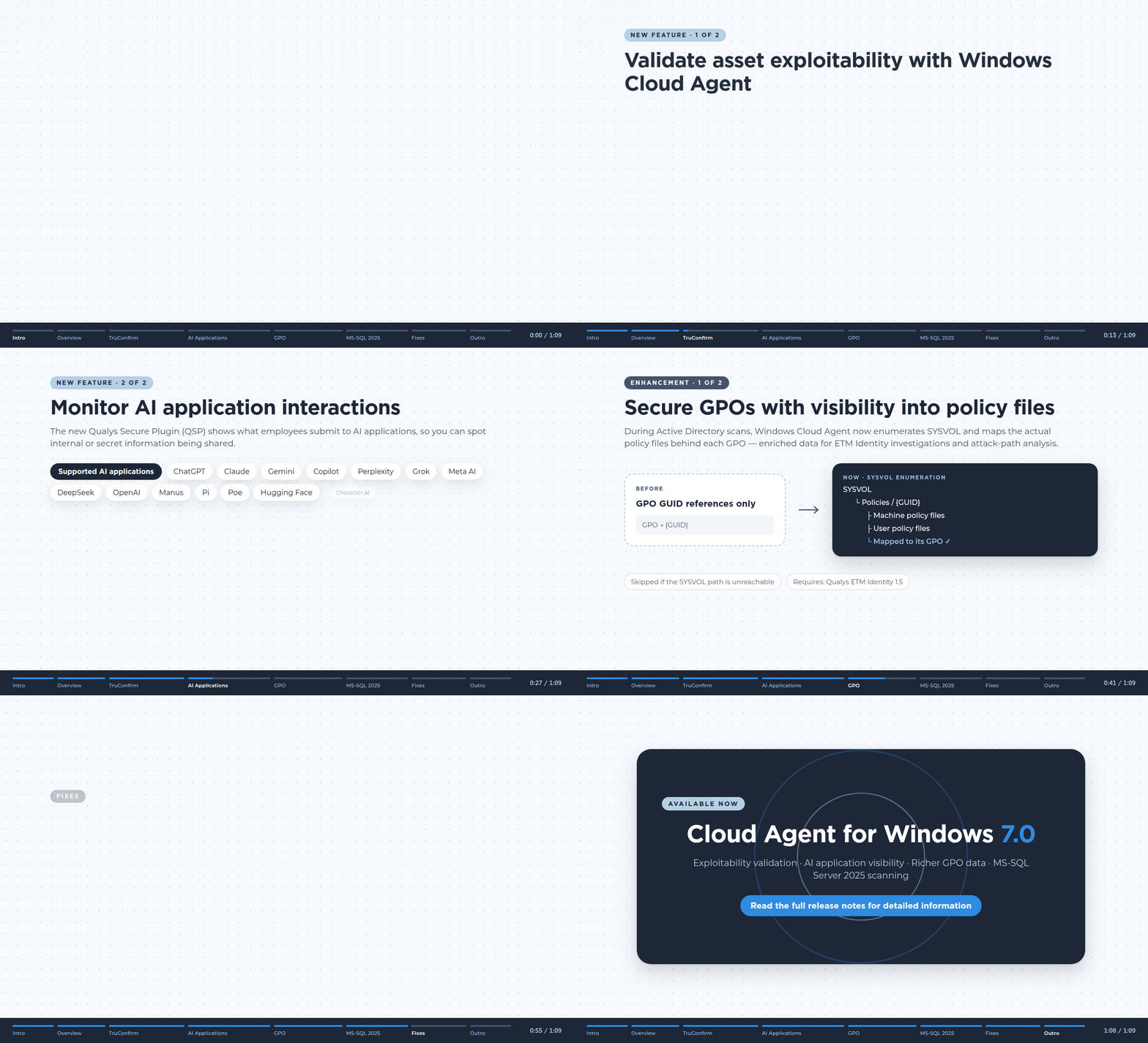
You can now monitor employees' interactions with major AI applications, such as ChatGPT, Claude, Gemini, and Perplexity, using our new Qualys Secure Plugin (QSP).
Windows Cloud Agent now supports a new monitoring capability, Qualys Secure Plugin (QSP). This plugin provides your organization's security teams with complete visibility into what employees submit to AI applications, without blocking, alerting, disrupting, or delaying their responses. Cloud Agent sends the observed events to Qualys TotalAI for policy evaluation and security analysis.
The improved visibility provided by the QSP plugin helps you monitor whether sensitive information is being shared with public AI applications and implement policies to prevent security threats arising from such disclosures.
The QSP browser extension must be installed to monitor AI application interactions.
You can monitor the following major AI applications: ChatGPT, Claude, Gemini, Copilot, Perplexity, Grok, Meta AI, DeepSeek, OpenAI, Manus, Pi, Poe, Hugging Face, and Character.AI
Currently, the QSP Browser extension is supported only for Google Chrome.
The following Qualys application is required to monitor AI application interactions:
| Required Application Version | Qualys TotalAI 2.0 |
To learn more about monitoring AI interactions, refer to TotalAI Online Help.
Enhancement
Secure GPOs with Improved Visibility for Policy Files
What Changed For You
Active Directory (AD) scans now provides policy file mapping for respective GPOs to improve security investigations and attack-path analysis for Group Policy Objects (GPOs).
Windows Cloud Agent can now enumerate the SYSVOL directory to map actual policy files for respective GPOs during Active Directory scans. This enhancement improves visibility into the policies used by GPOs and provides enriched data for security investigations and attack-path analysis. Previously, only the GPOs' GUID references were collected.
GPO file enumeration is skipped during Active Directory scans if the SYSVOL path is unreachable.
| Required Application Version | Qualys ETM Identity 1.5 |
To learn more about patch management, refer to TruRisk Eliminate Online Help.
Enhancement
Scan MS-SQL Server 2025 Databases
What Changed For You
You can now scan, detect vulnerabilities, misconfigurations, and compliance issues for Microsoft SQL (MS-SQL) Server 2025 databases using Windows Cloud Agent 7.0.
Windows Cloud Agent now supports database authentication and assessment for MS-SQL Server 2025 databases. You can now scan these databases to identify any critical vulnerabilities, misconfigurations, or compliance issues. This enhancement increases the database assessment coverage and enhances the security of the MS-SQL Server 2025 database.
Fix
Fixes
The following important and notable customer issues are fixed in this release:
| Component/Category | Description |
|---|---|
| Cloud Agent Self-Patch | Resolved an issue where Windows patch jobs were stuck in a continuous processing loop on the Cloud Agent, preventing successful patch deployment. Patch execution now completes correctly without repeated processing cycles. |
| Cloud Agent Memory Management | Resolved excessive memory consumption observed on systems running Windows Cloud Agent version 6.4.1.22. Cloud Agent memory utilization is now stable during normal operation. |
| Cloud Agent Installation | Resolved an issue where the QualysAgent.exe version and file information appeared blank after installing Windows Cloud Agent version 6.4.0.397. Cloud Agent information is now displayed correctly after installation. |
| Agent Self-Patch Scheduling | Resolved issues related to agent self-patch timing behavior, including download timing and staggered deployment intervals. Self-patch deployments are now scheduled correctly. |
| Cloud Agent Installation and Upgrade | Resolved an issue where some Cloud Agents were unable to install or auto-upgrade properly due to some remaining files from the previously installed Cloud Agent. Cloud Agents installations and upgrades are now completed successfully. |
| Script Execution on Windows | Resolved an issue where Qualys scripts were blocked by Airlock application control software on Windows systems. Script execution now functions correctly when allowed by configured policies. |
| Cloud Agent File System Scanning | Resolved a Cloud Agent crash condition triggered while scanning non-default drives. Cloud Agent scanning now completes successfully without causing service interruptions. |
| Cloud Agent Service Stability | Resolved instability observed in Cloud Agent services after upgrading to Windows Cloud Agent version 6.4.1.22. Cloud Agent services now remain operational and stable following upgrades. |
| Cloud Agent Health Monitoring | Resolved an issue where agents reported an unhealthy status despite successful communication with the platform. Health status reporting now accurately reflects Cloud Agent connectivity and operational state. |
| Azure Metadata Communication | Resolved issues where Cloud Agent requests to the Azure Metadata Service were aborted unexpectedly. Metadata retrieval now functions correctly and no longer interrupts Cloud Agent operations. |
| Asset Inventory Synchronization | Resolved an issue where assets were not merged correctly based on configured Asset Identification Service (AIS) rules. Asset correlation now works as expected. |
| Azure Metadata Detection | Resolved an issue where metadata retrieval failures or empty Azure Instance IDs caused Cloud Agent API processing errors on non-Azure virtual machines. The Cloud Agent now handles such scenarios correctly. |
| Cloud Platform Detection | Resolved an issue where non-Azure virtual machines could be incorrectly identified as Azure systems. Cloud environment detection now accurately identifies supported platforms. |