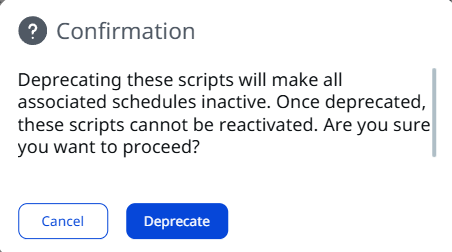
Deprecate Scripts in Bulk
Deprecate multiple scripts you no longer need at once, rather than selecting and deprecating each one individually.
To deprecate scripts in bulk, follow these steps:
- Navigate to the Scripts tab and select all the scripts you want to deprecate.
- Click Actions > Deprecate Scripts.
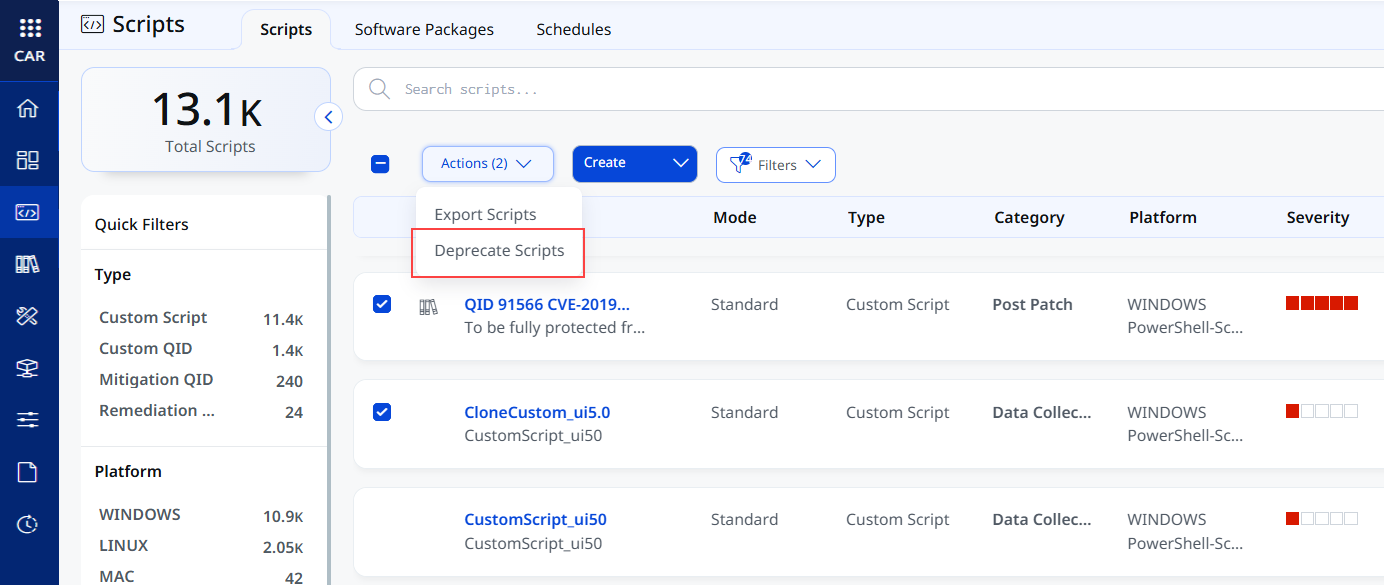
If your selection includes any script that is already deprecated, the Deprecate Scripts option will be disabled. To avoid this, you can filter out deprecated scripts or narrow the list to scripts with specific statuses by using QQL filters such as:
script.status:APPROVED - Click Deprecate to provide confirmation.