Custom Assessment and Remediation Release 2.6
July 29, 2025
View Pending Asset Jobs of Scripts
You can now access and view the details of pending asset jobs of a script from the Scripts tab. The Quick Actions menu includes a View Pending Asset Jobs option that enables you to check the details and status of these asset jobs in a single click.
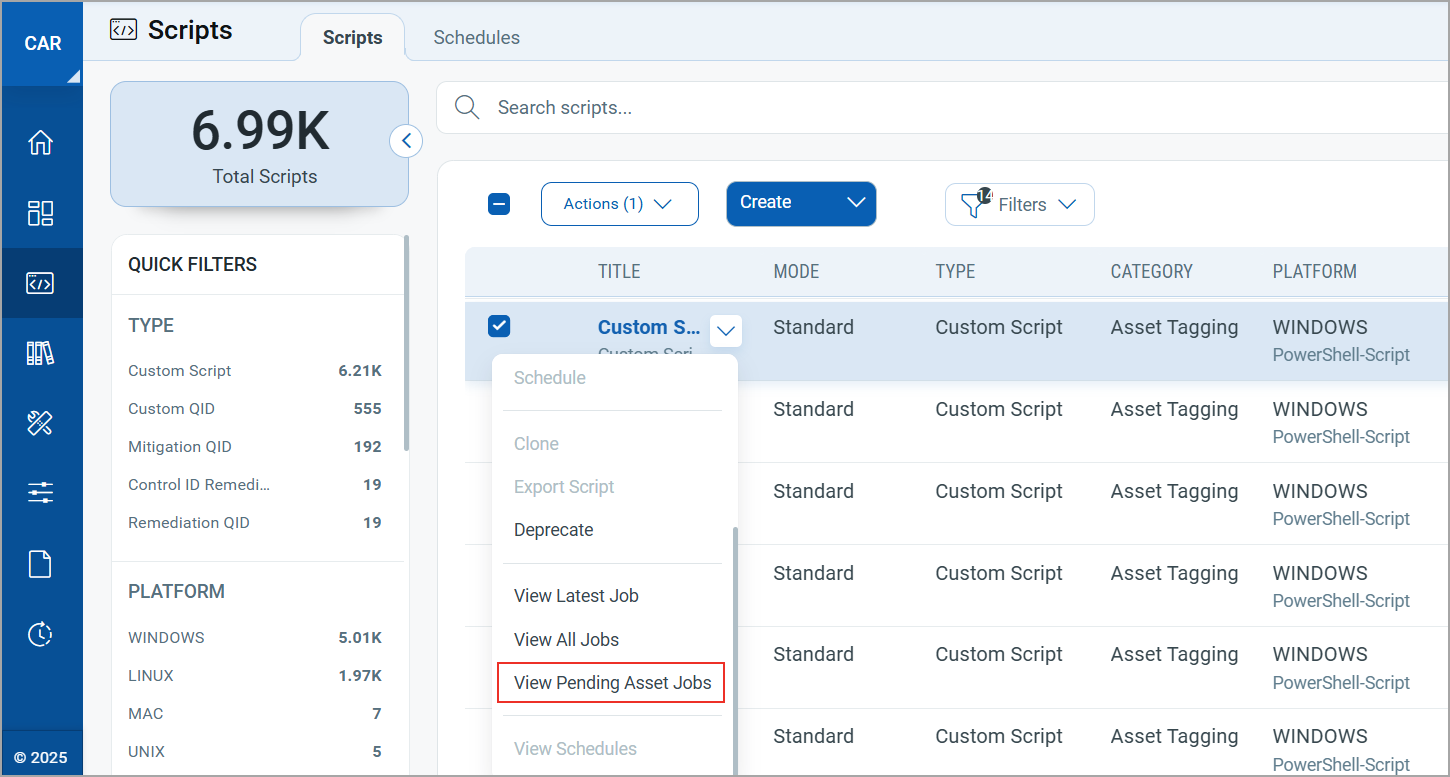
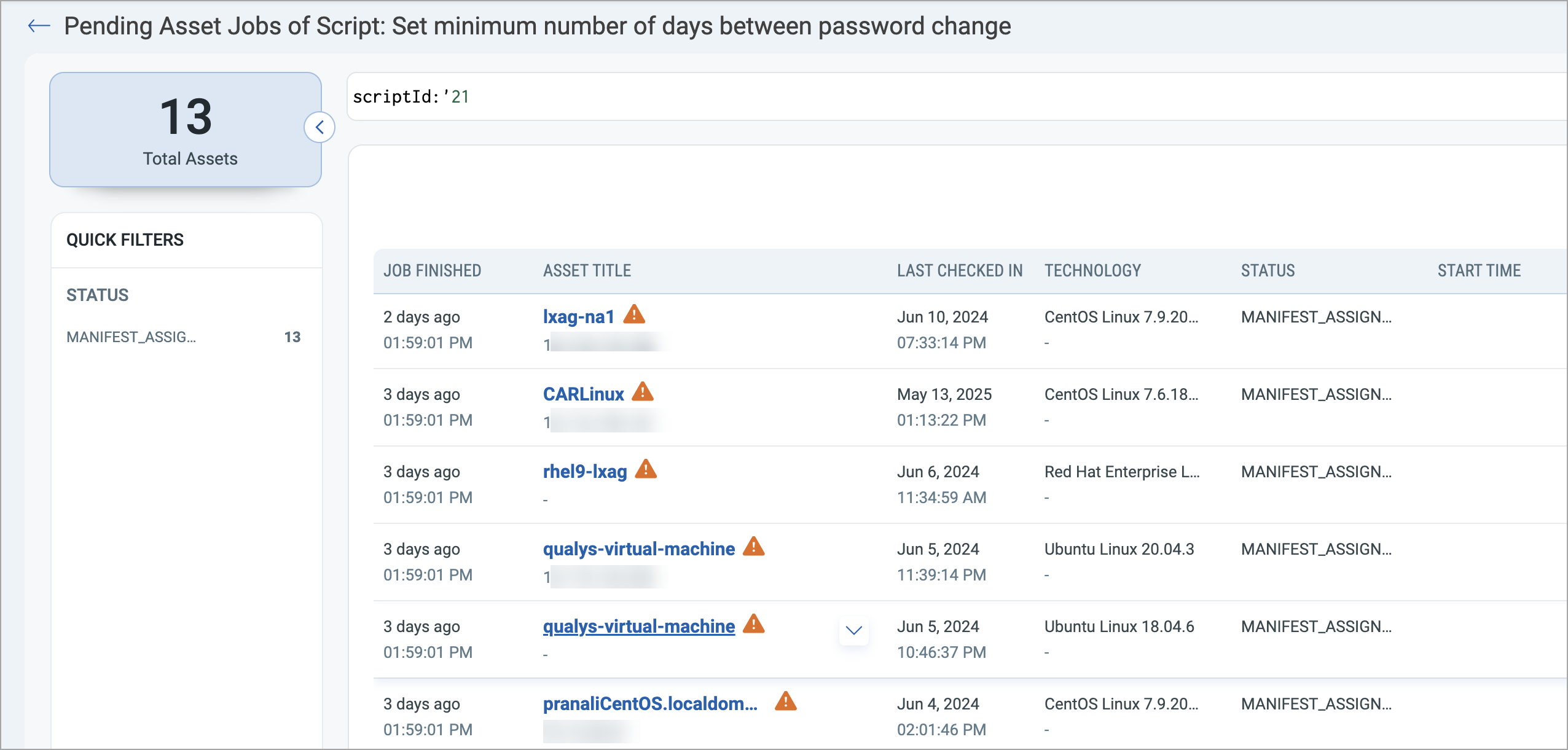
When you click View Pending Asset Jobs, you are navigated to the Pending Asset Jobs for Script window, where you can view assets in pending status.
Script Subtypes for Custom Scripts
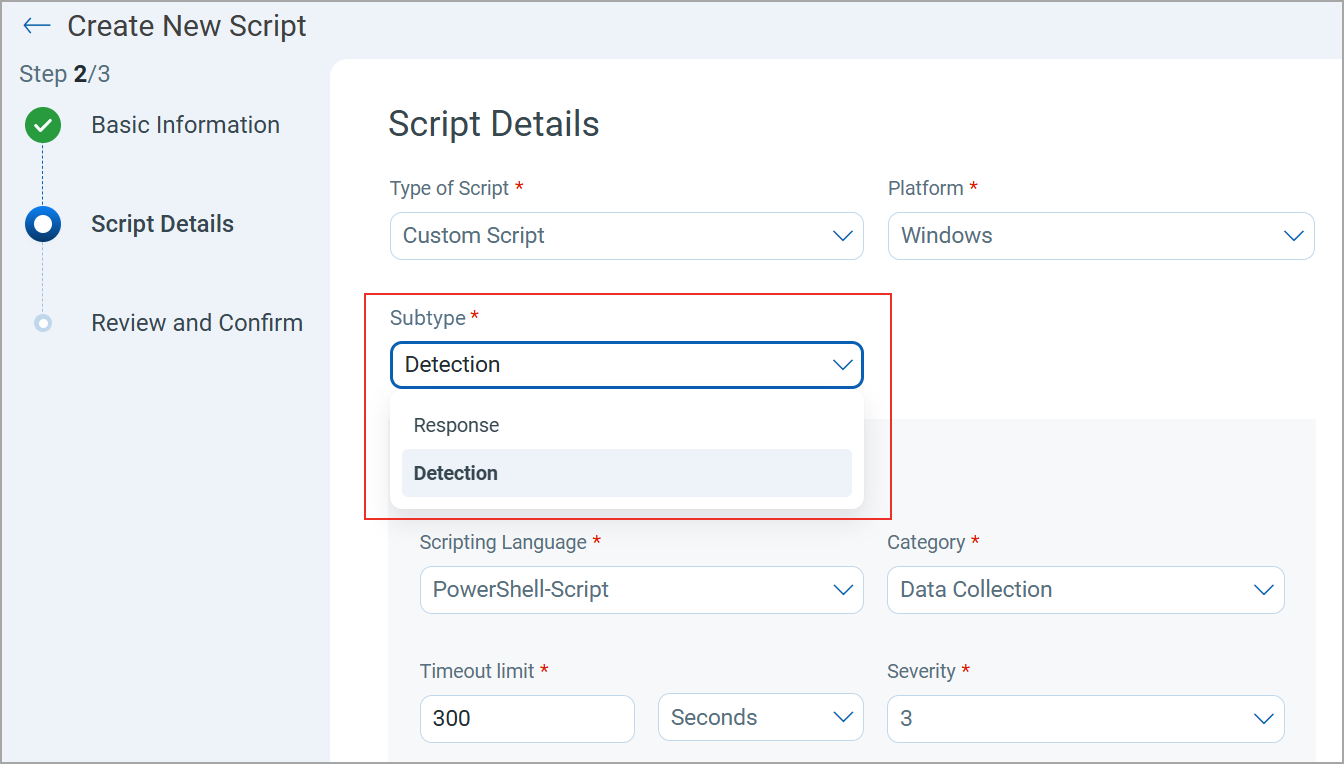
You can now identify the purpose of your custom scripts without reading their content or description. A new Subtype field is added to categorize custom scripts as either Detection or Response.
The Subtype field is available only for Custom Scripts.
While creating or importing a custom script, you can select the Subtype from the list.
API Support:
You can also define the subtype of the script while using the Create and Import Script APIs. For more information, refer to Enhancements to Create and Import Script APIs in the Custom Assessment and Remediation 2.6 API Release Notes.
Monitor File Integrity Monitoring (FIM) Assets with Scripts
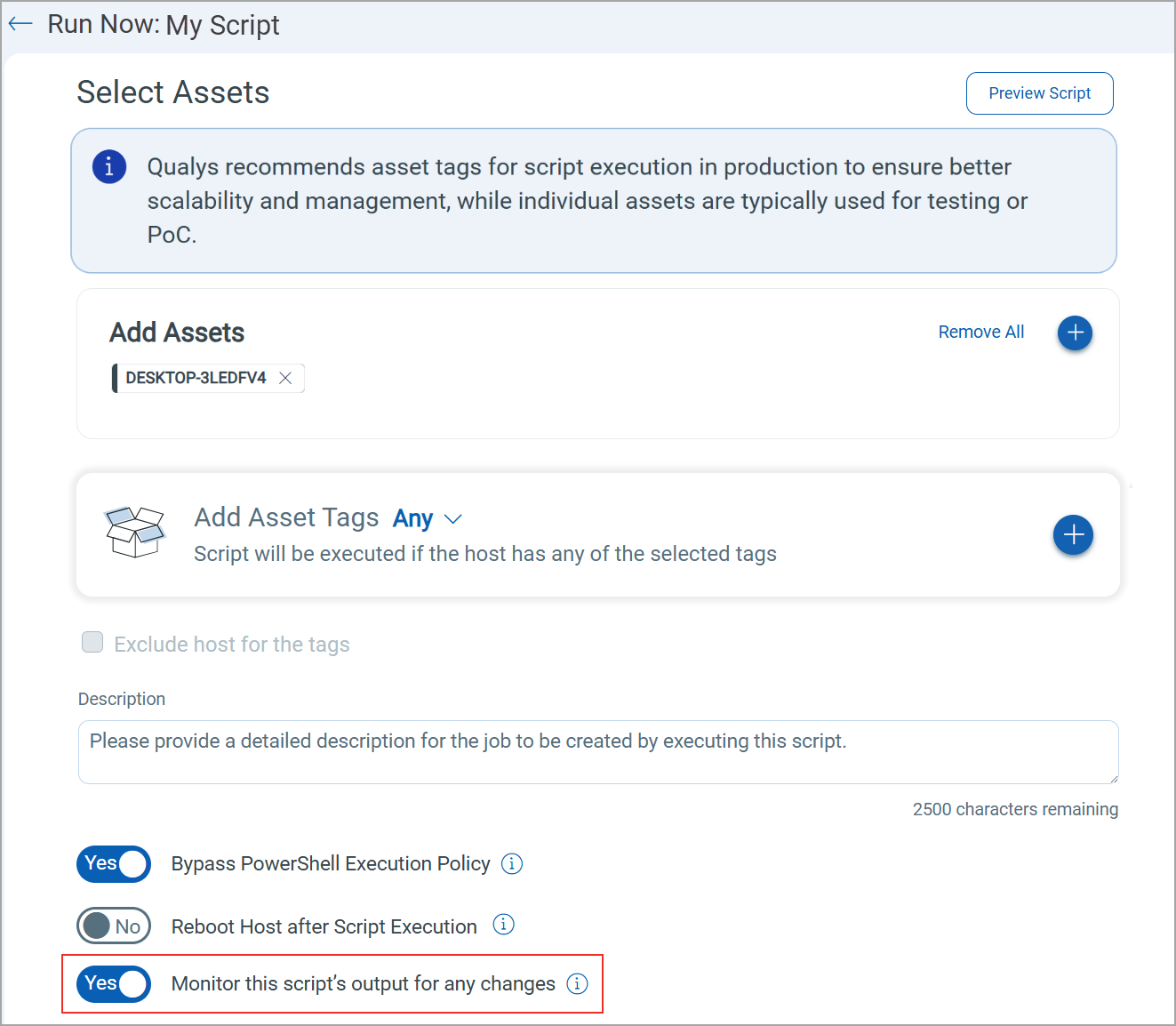
From this release, you can now share the script output with FIM when a script is executed in Custom Assessment and Remediation (CAR). This script monitors and detects any changes to the FIM assets and displays those changes as events in FIM.
To share the script output, turn on the new Monitor this script’s output for any changes toggle while:
- Executing a script on demand
- Scheduling a script
- Testing a script
Features Availability by License Type
The following Custom Assessment and Remediation features are now available based on the Qualys modules:
| License Type | CAR Features |
|---|---|
|
Security Configuration Assessment (SCA) with Policy Audit Fix/Policy Compliance Remediation |
|
To view all license types, refer to Custom Assessment and Remediation Online Help.
New QQL Token
The following table provides the new QQL token added in this release:
| Token | Tab | Description |
|---|---|---|
| shareScriptResultWithFim: | Jobs | Use this token to search for asset jobs created by scripts executed on FIM assets.
Accepted values:
Example:
|