Install or Update Plugin from Azure DevOps Marketplace
You can install the Qualys TotalAppSec Scanning Connector for Azure DevOps from the Azure DevOps marketplace.
Install or Update the Plugin
Perform the following steps:
- Log in to your Azure DevOps instance.
- Click
 on the top pane at the right side of the page and choose Browse Marketplace.
A new browser opens to show you the plugins/extensions for Azure DevOps. - In the search bar, enter Qualys to search for all the Qualys plugins. Are you not going to click or press Enter on the keyboard to see the search result?
- Click the Qualys TotalAppSec Scanning Connector plugin in the plugin list.
- Click Get it free.
You need to navigate to the Visual Studio Marketplace screen. - Select the organization and click Install. You can see the installed plugin in the Installed tab when navigating from Organization Settings > Extension.
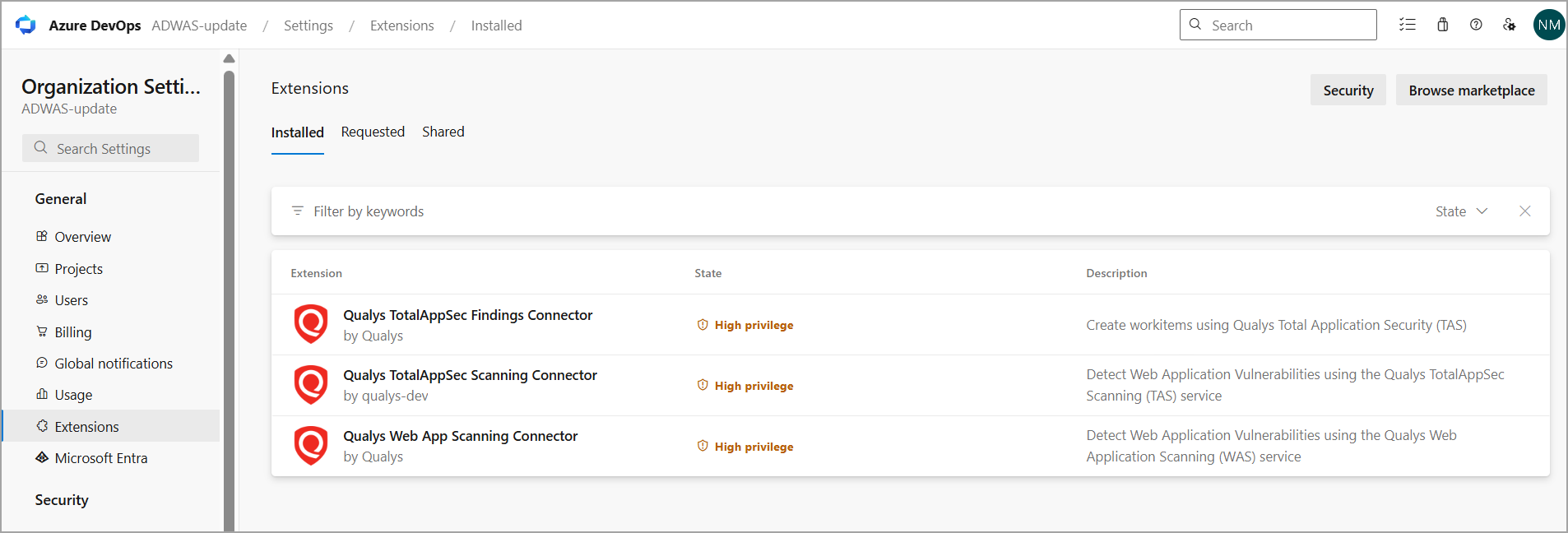
The Qualys TAS Connector gets installed or updated in your Azure DevOps instance. In case of an update, your existing configuration continues to work. In a fresh install, you can perform the configuration steps provided in this document.