Configure Plugin for YAML-Based Pipeline Projects
You can add a plugin as a task in YAML pipeline projects to create a ticket for findings. The steps for this ticking process differ slightly from those of the build or release pipeline.
Perform the following steps to configure the YAML pipeline:
- On the Microsoft Azure portal, navigate to the Organization and select the required project.
- Click Pipeline.
- Create a new Pipeline.
- SelectAzure Repo to store the pipeline YAML file.
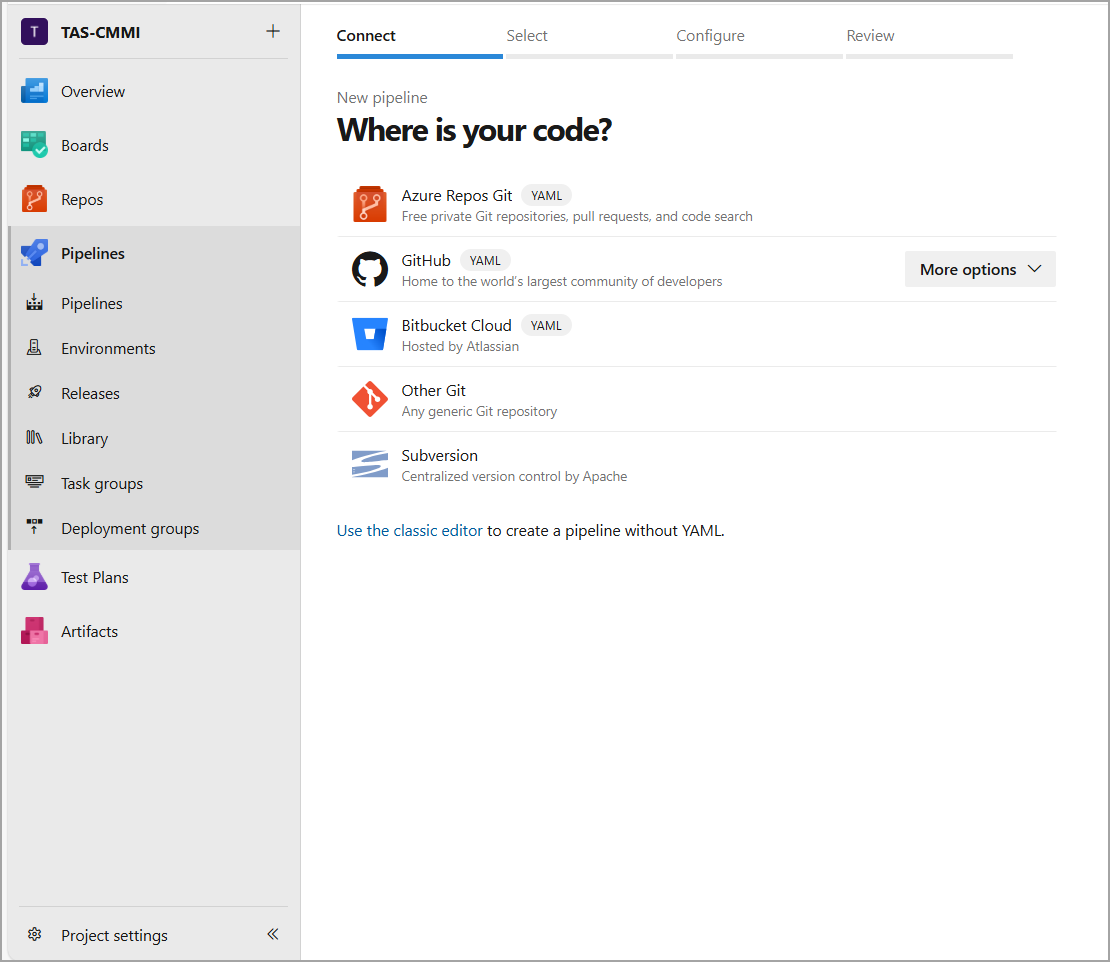
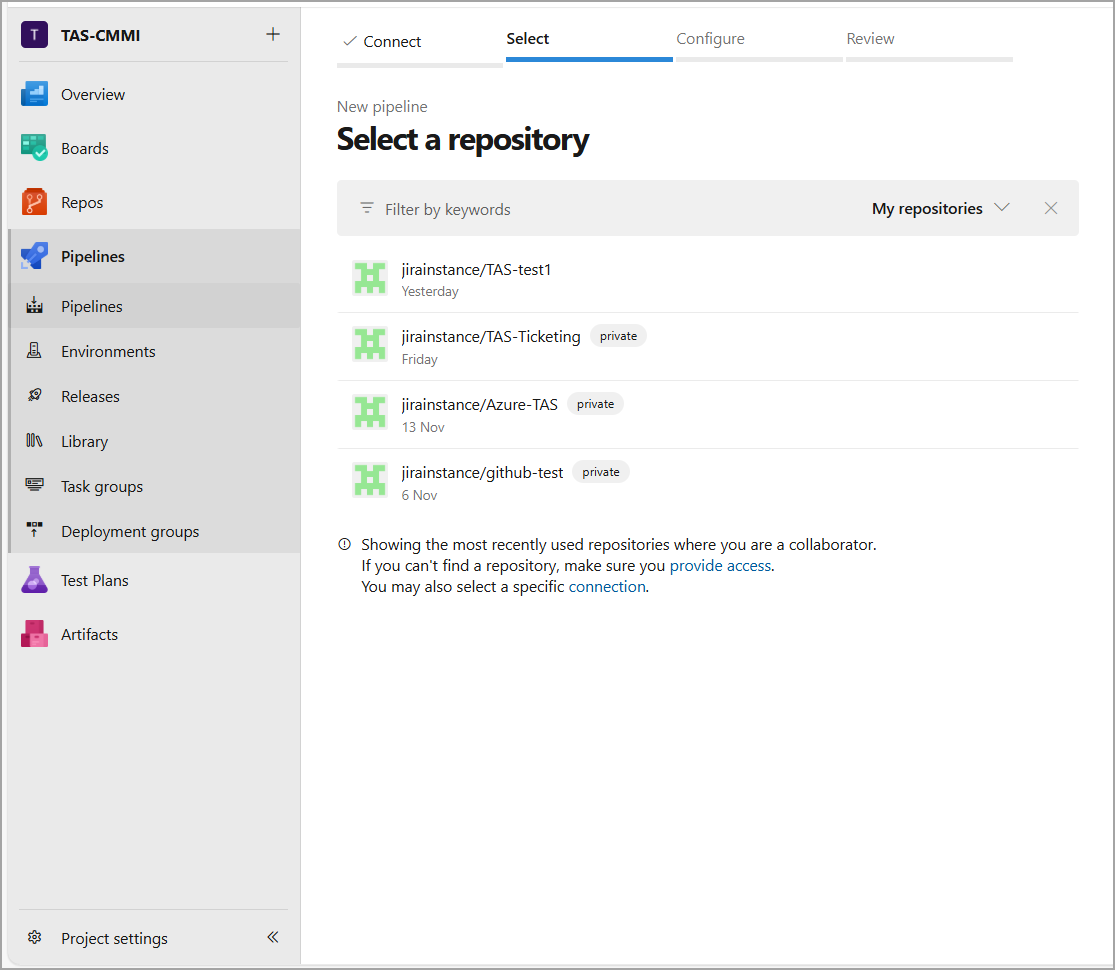
- Select a repository from an existing list.
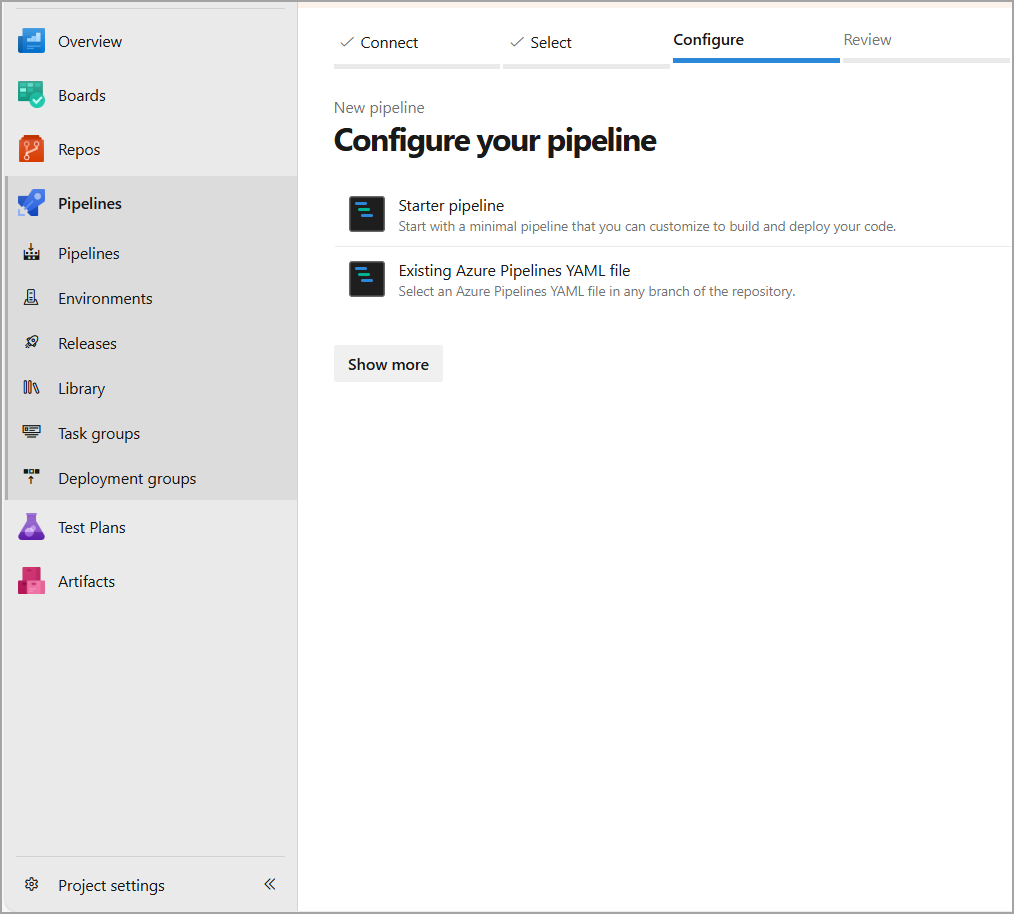
- If you have an existing YAML pipeline file, select the Existing Azure Pipeline YAML file and paste the generated configuration steps into it. Alternatively, select Starter Pipeline.
- Type Qualys TotalAppSec Finding Connector in the search bar.
- Select Qualys TotalAppSec Finding Connector.
- Configure the Qualys TAS plugin
For more information, refer to Configure Plugin. - Add the configuration steps generated by the plugin into the pipeline file.
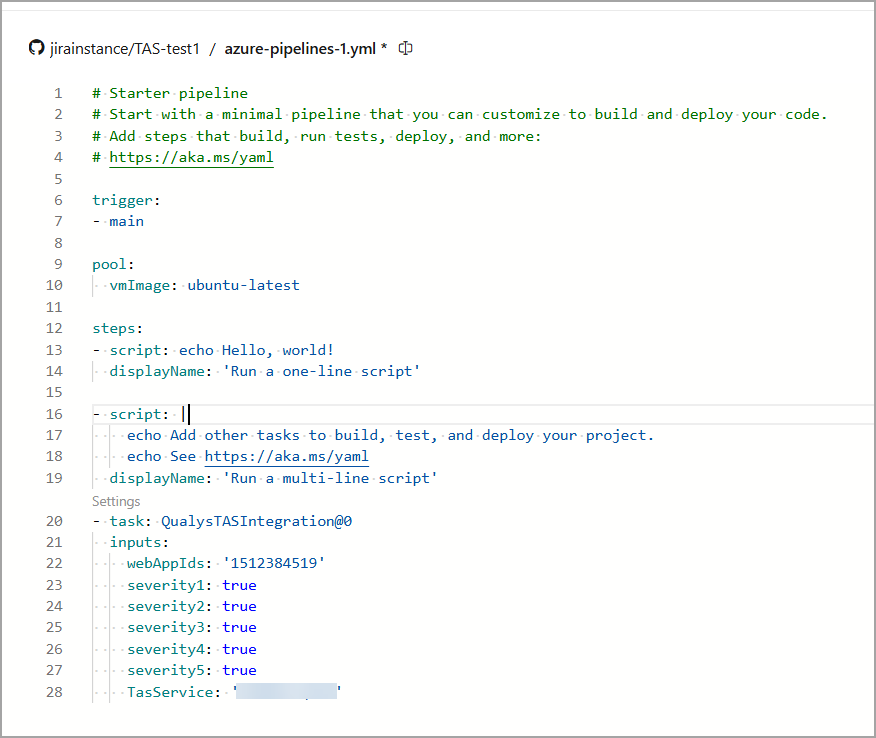
-
Click Save and run.