Assign Necessary Roles to Application Users
This configuration specifies how to assign roles to Application Users.
Role Required: System Administrator (admin)
-
Navigate to User Administration and click Users.
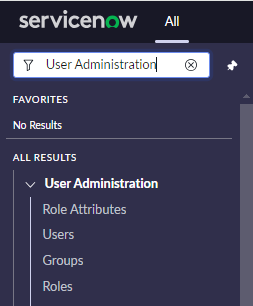
-
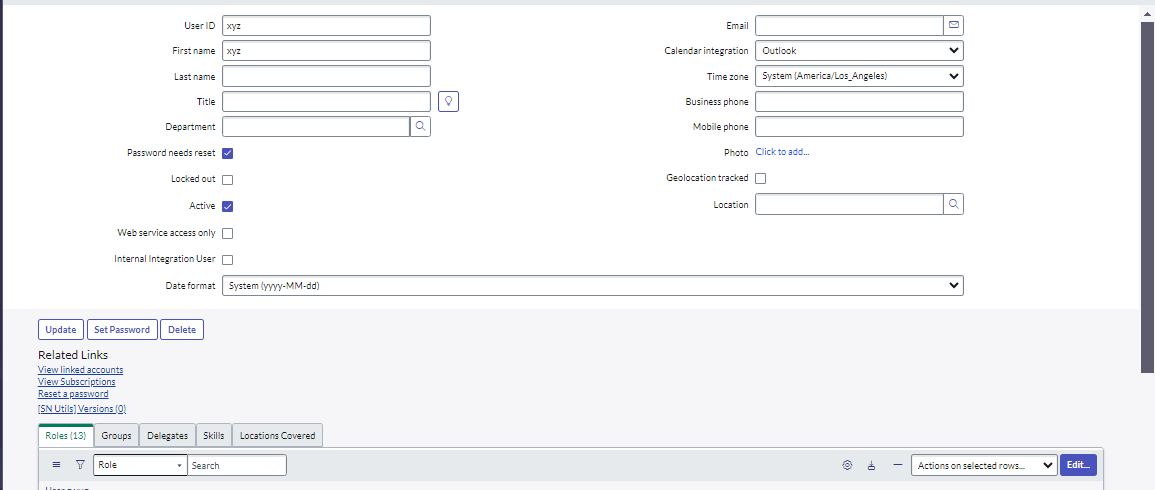
Search for the created users in the Application and click the user record.
A form opens with the following information:
-
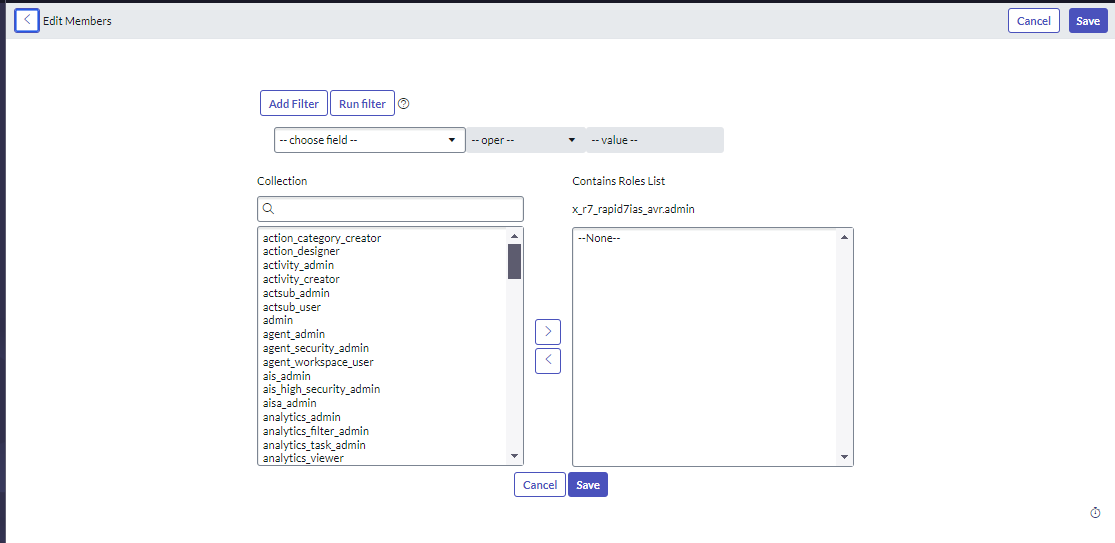
Click Edit under the Roles Tab, and a view opens that contains a list of roles.
-
Search for each role in the following table, then double-click each role; it will move to the right side of the list. When all the roles are added to the right side of the view, click Save.
1.
sn_vulc.admin
2.
x_qual5_conf_comp.qualys_cspm_admin
3.
sn_vul.configure_integrations
4.
Mid_server (For on-prem configuration)
5.
import_admin