Automatically Run Integration with Next Integration
You must have the Admin role.
To automatically run the integration in the specified execution order with Next Integration, you must activate all integrations.
To automatically run integrations with the next integration, perform the following steps:
- Select Active checkbox in Vulnerability Integration.
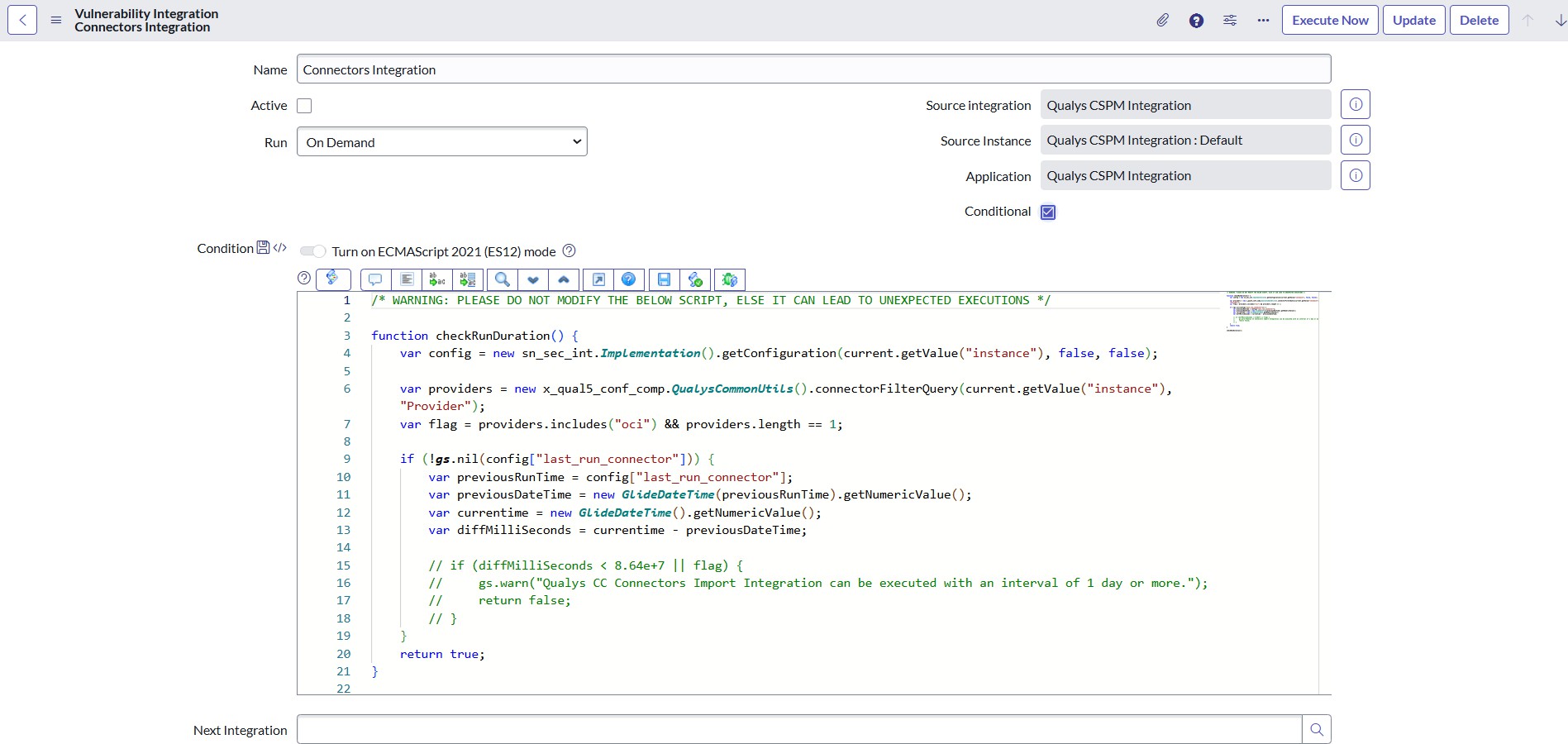
- Click the hamburger icon in the top left corner, then select Form Layout.
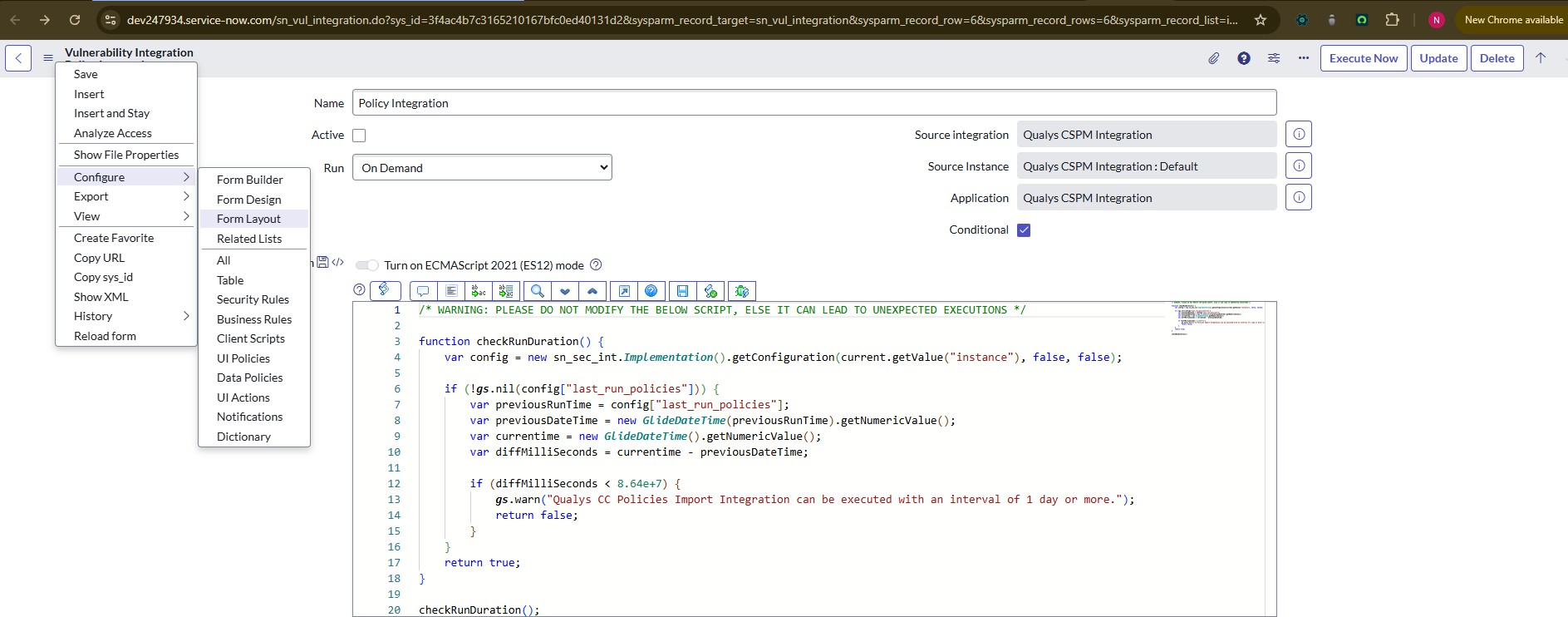
- Click Edit this section in Vulnerability Response.
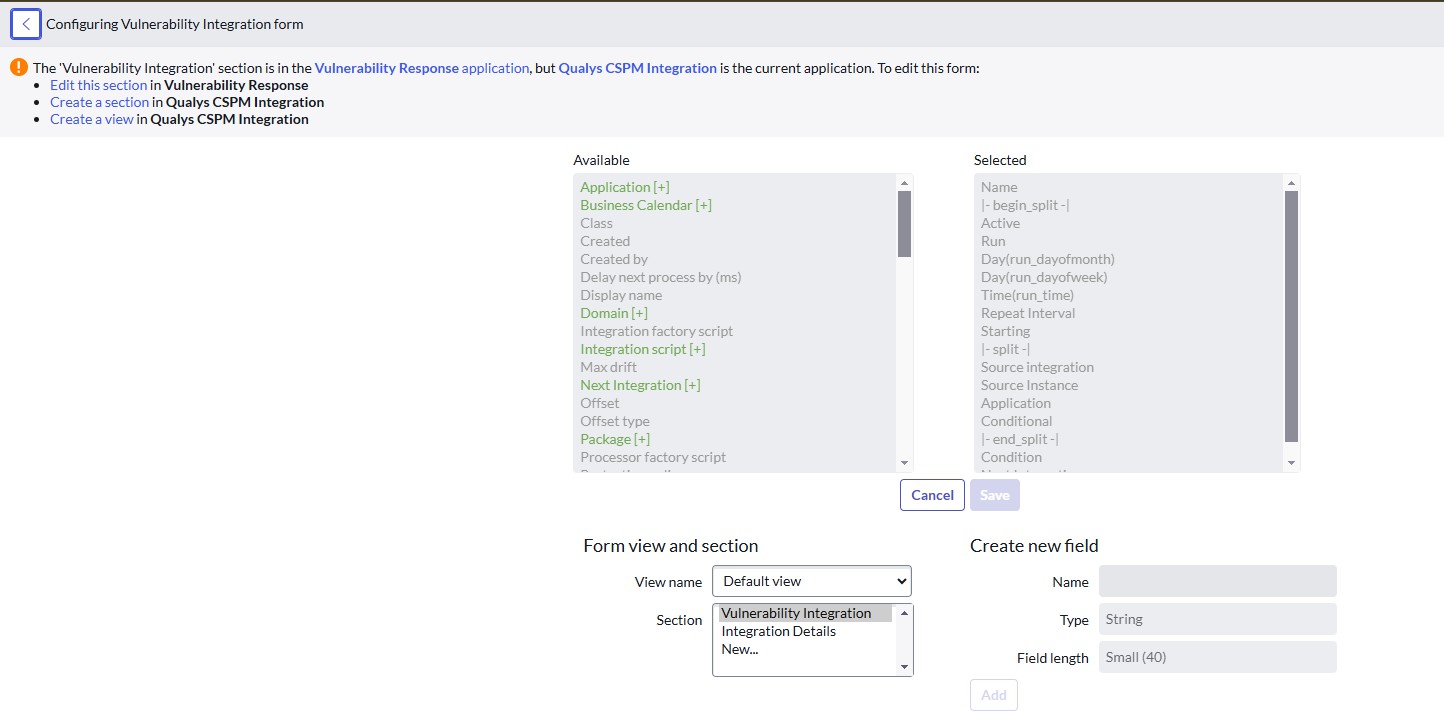
- Select Next Integration, double-click to move it from the left section to the right, and click Save.
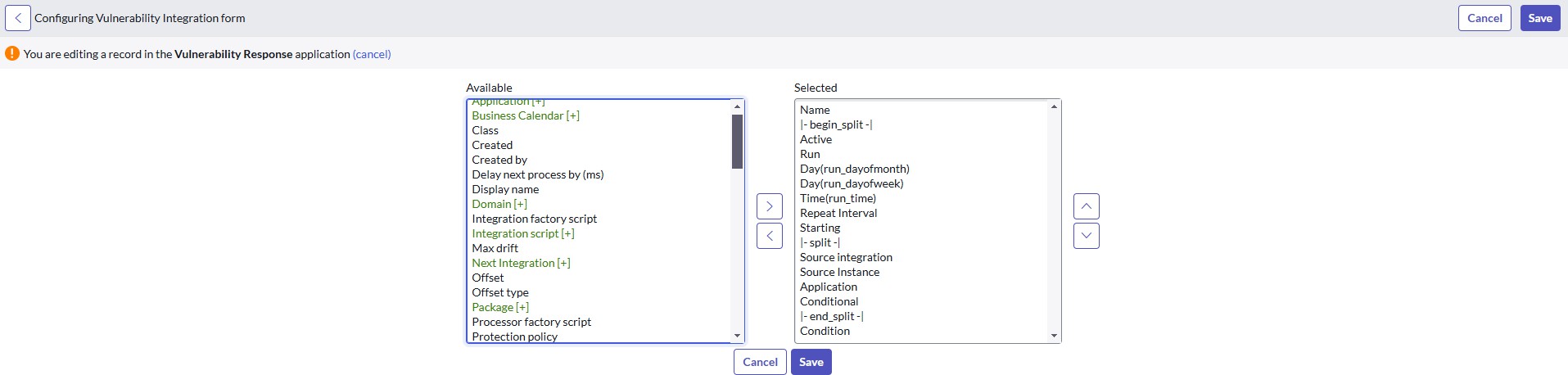
- You can see the Next Integration field in the Vulnerability Integration.
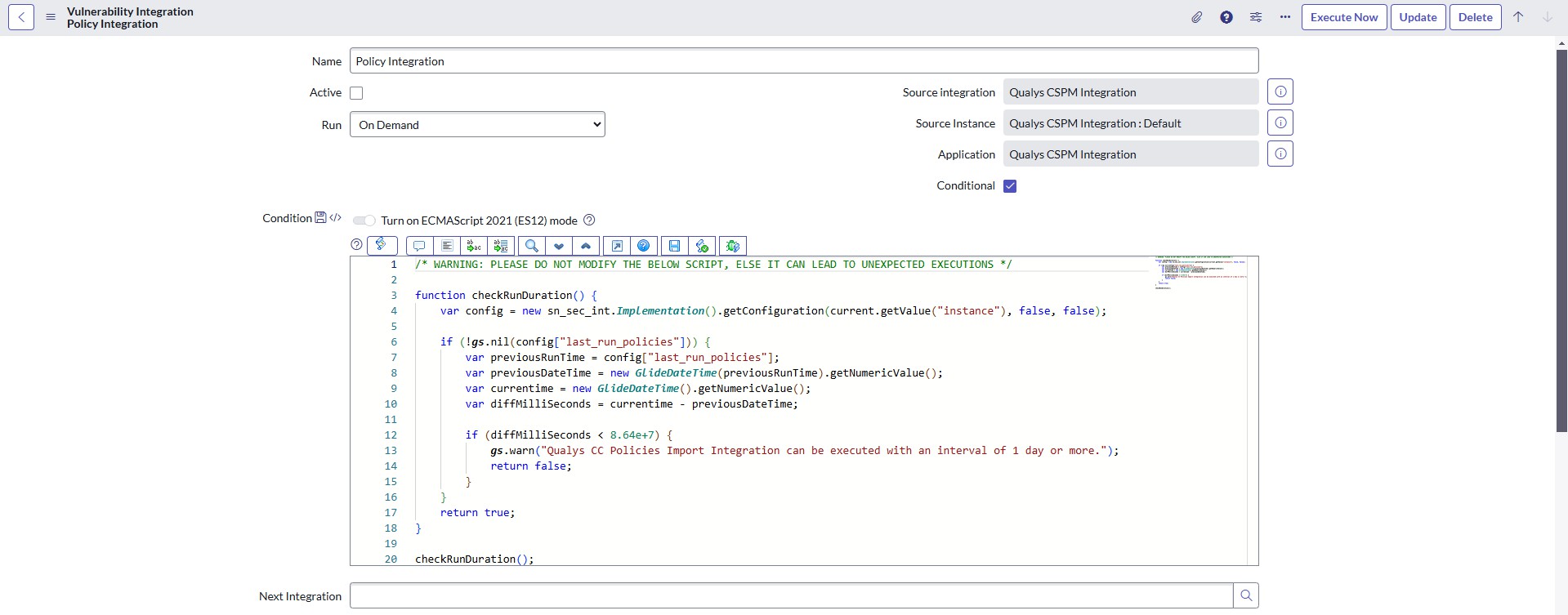
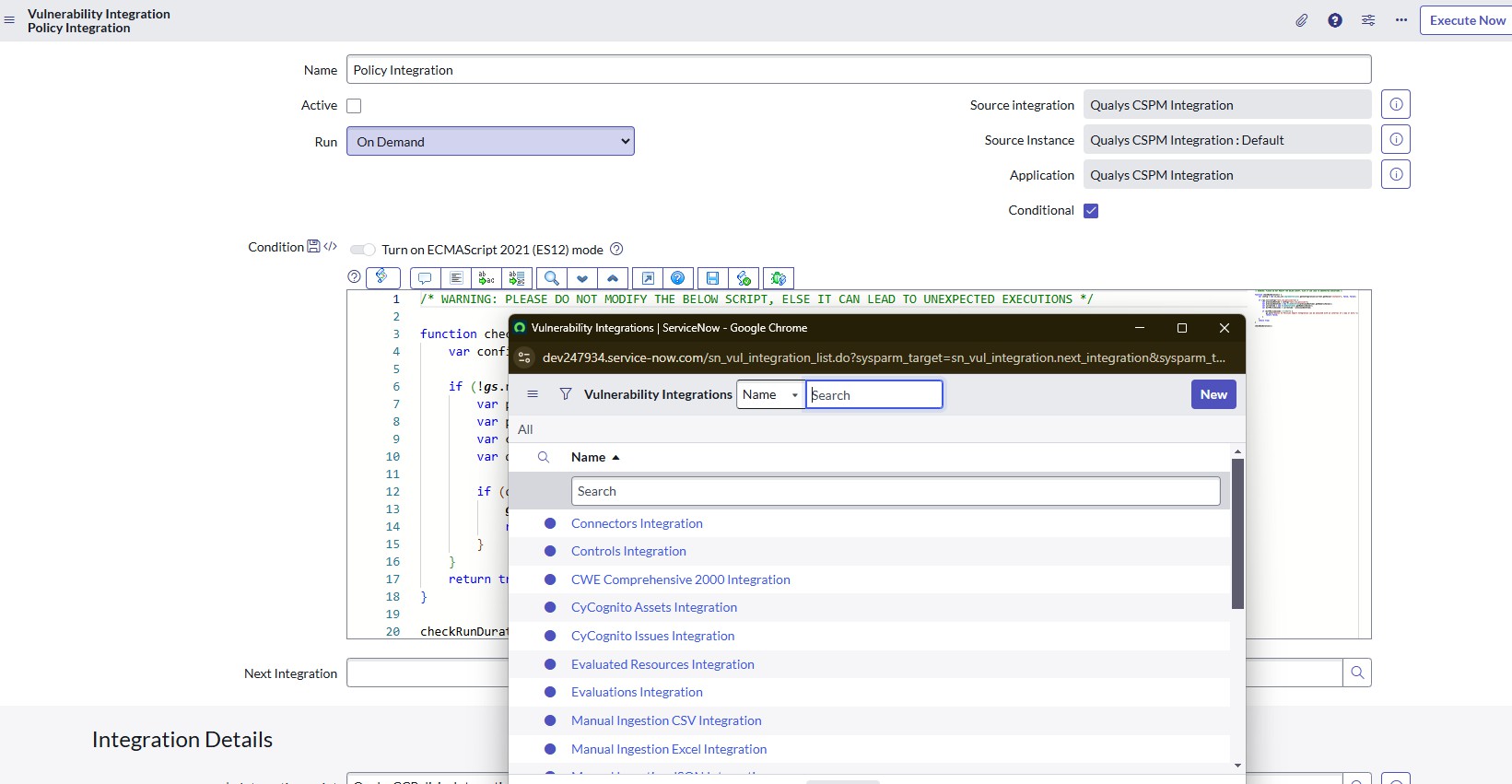
- Click search icon to view the list of integrations that should run after this integration.
- Select the desired integration, and it gets added to the run next.
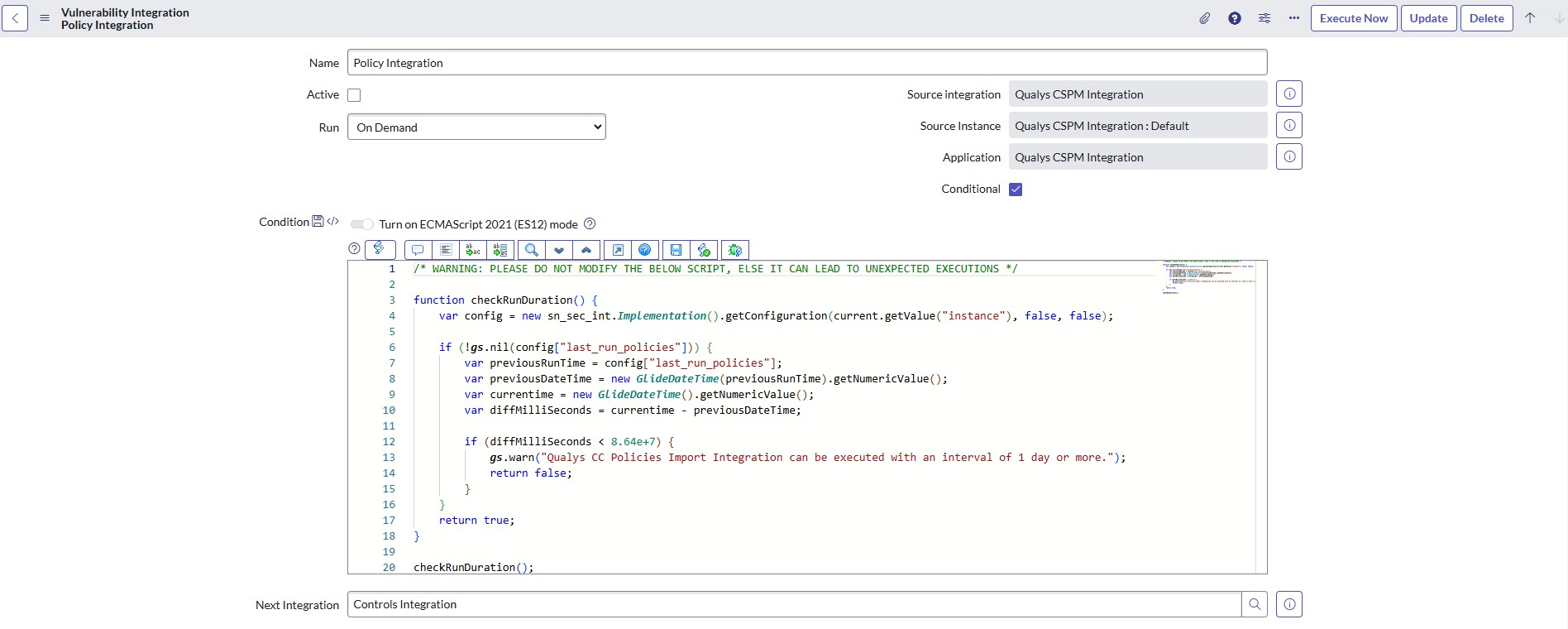
For example, once the Policy Integration is executed, the Next Integration should be the Control Integration.
Order of execution for the integration.
Policy integration > Controls integration > Connectors integration > OCI Connectors integration > Evaluations Integration > Evaluated Resources Integration.