Assigned to My Group (Open)
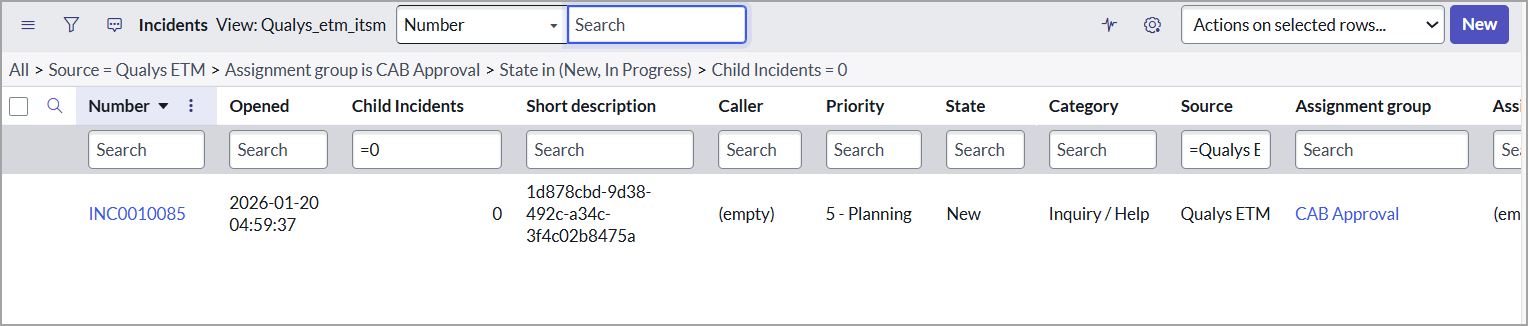
You can view the table of incidents in the New and In-Progress state and assigned to the group you are included in, using the Assigned to My Group (Open) option under the Incident - ETM menu.
To view the list of Active incidents, perform the following steps: