ETM Report Queue
The ETM Report Queue list shows the status of the downloaded report's queued files. Initially, the files are in the New state, and as processing progresses, the state changes to REQUESTED or COMPLETED.
To view the ETM Report Download Queue, perform the following steps:
- Navigate to Qualys - ETM for ITSM.
- Click ETM Report Queue.
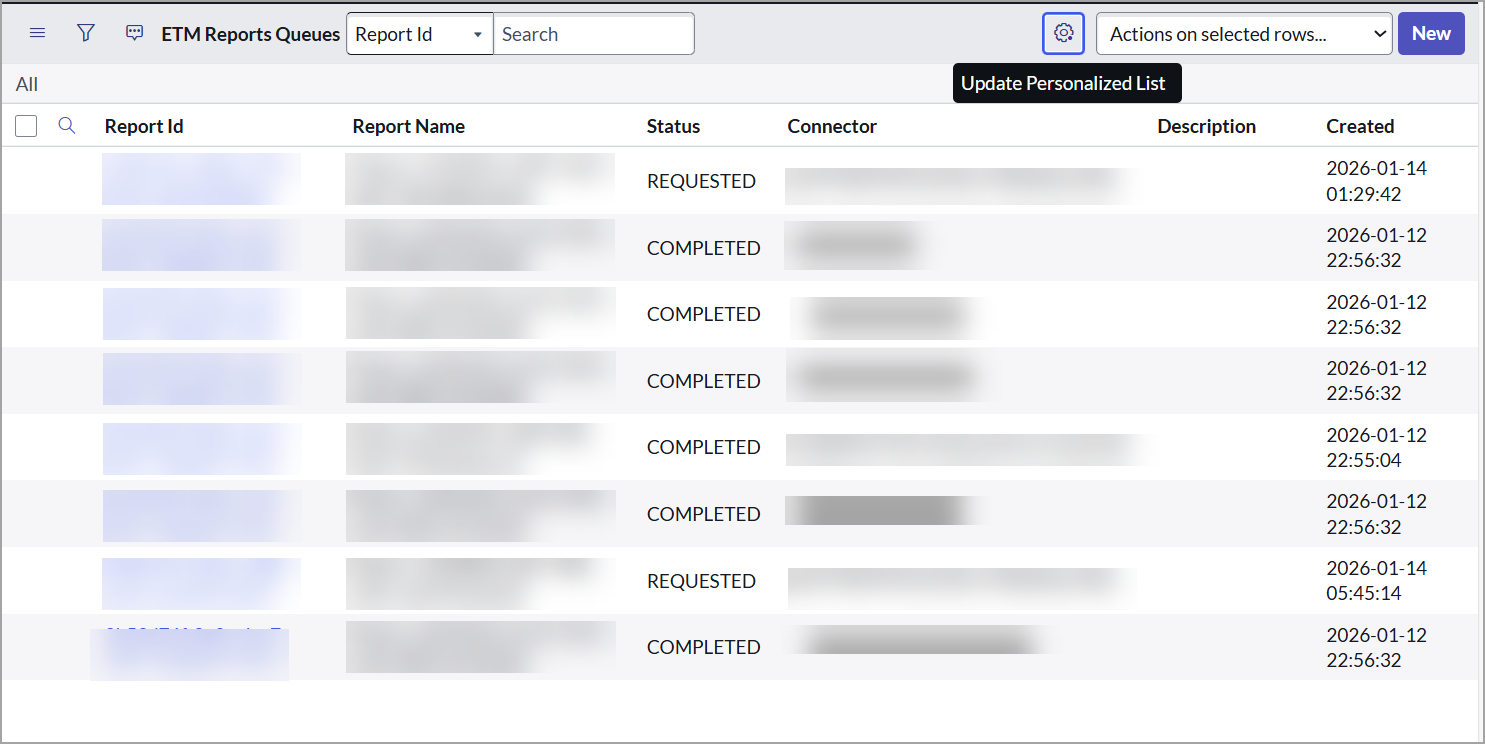
The ETM Report Queue Table includes details such as Credentials, Report ID, Report Name, Connector, Status, Description, and other details