Properties
You can configure the logging in the ETM ServiceNow integration app using the ETM Enable Logging property.
To configure the ETM Enable Logging property, perform the following steps:
- Go to All.
- Search for Qualys ETM VR Integration.
- Navigate to Configuration and click Properties.
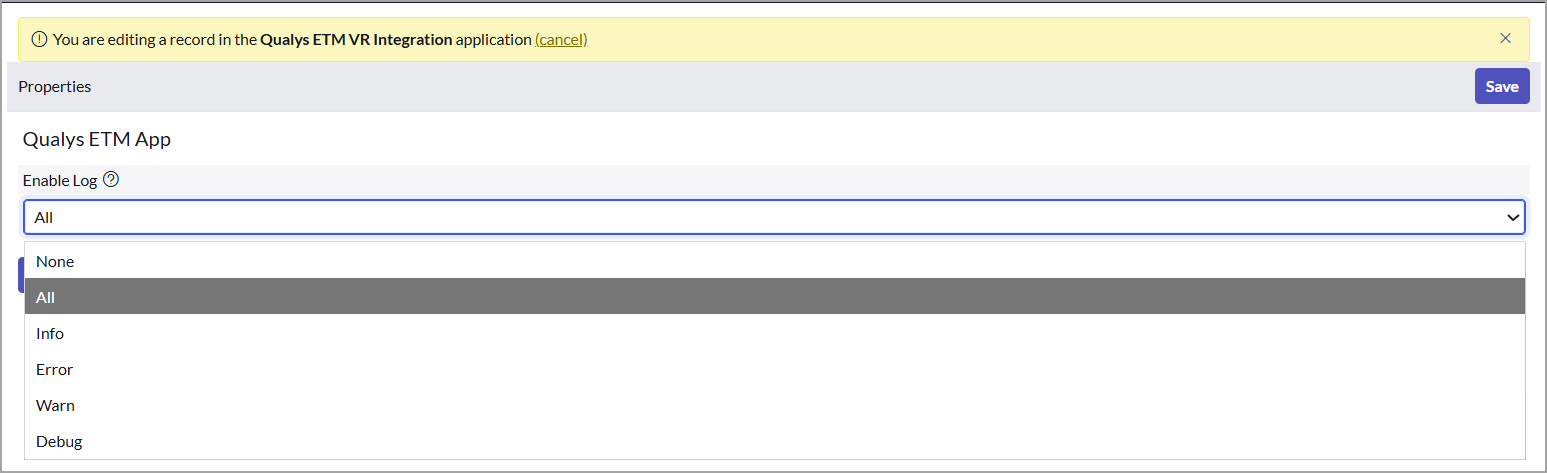
- In the Enable Log dropdown, choose the required option.
By default, the Select Log type is set to ALL. If you do not want to log the activities in the application, select None.