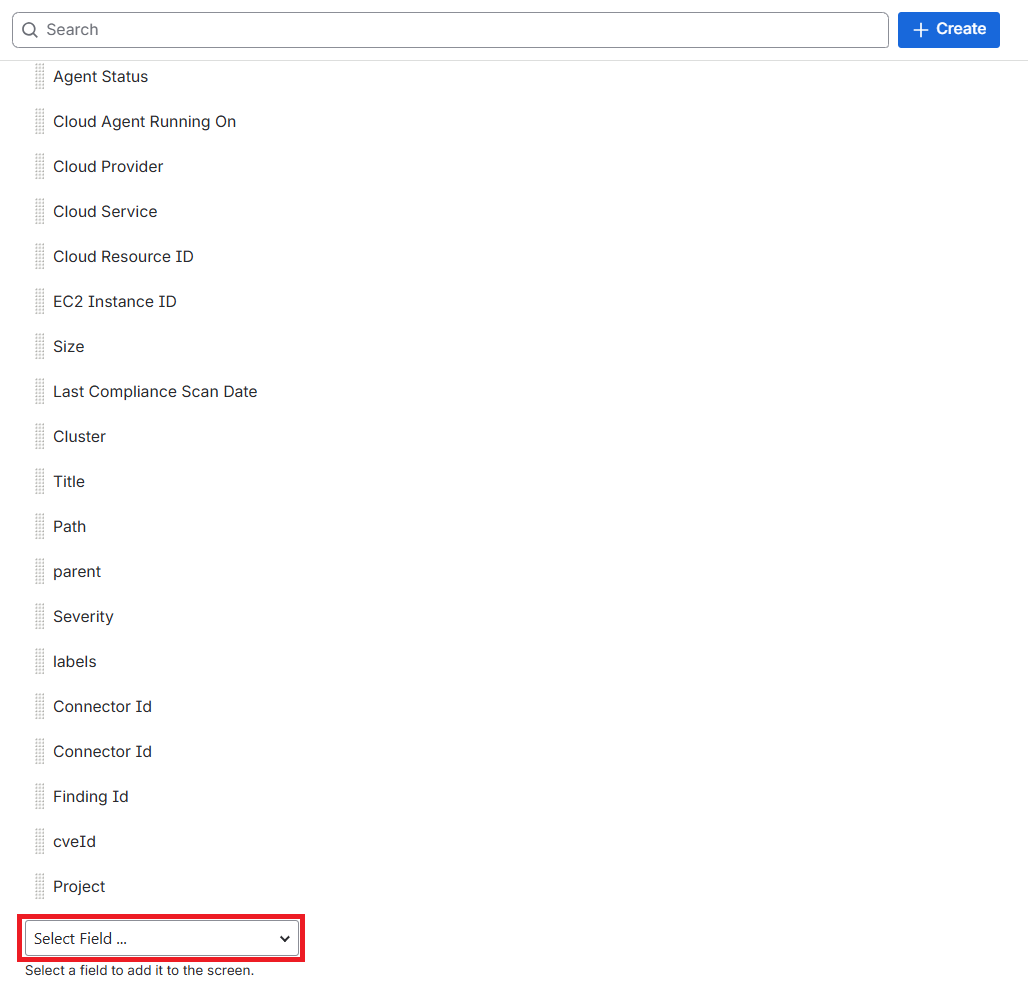
Associate the custom field to the screen
- Open your Jira Instance in the browser.
- Navigate to Space Settings > Workitems > Screens > Actions > Edit screen.
- Click Screen Scheme in the left sidebar.
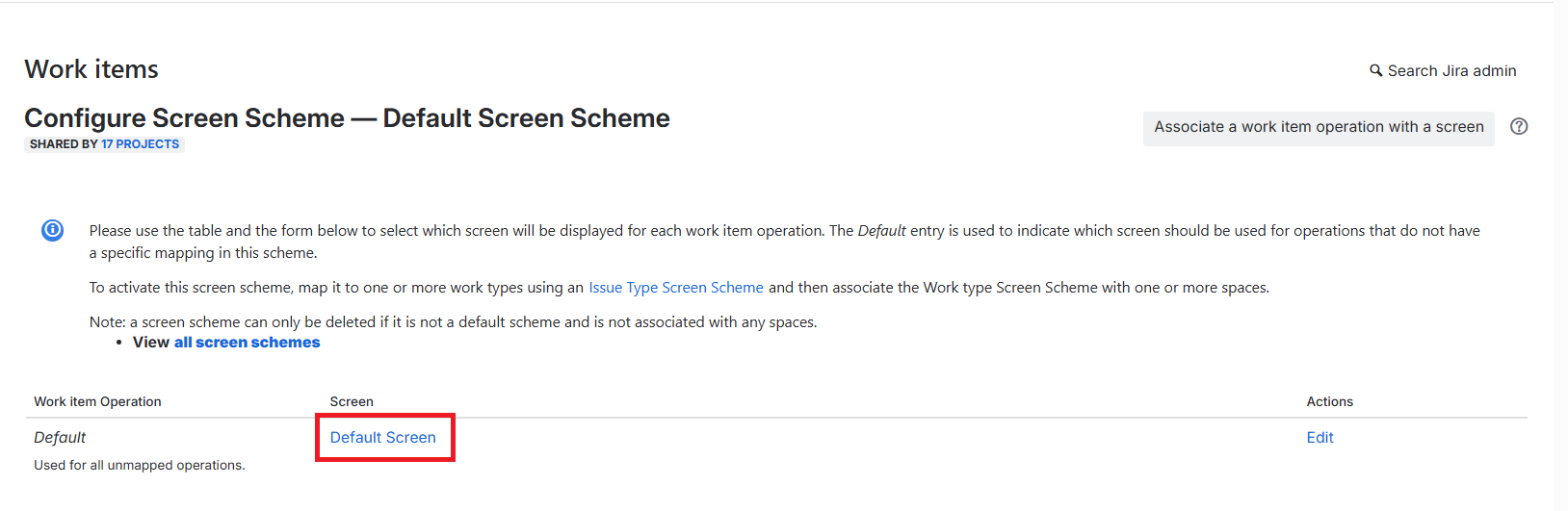
- Select the screen scheme where you want to create tickets, then click Screen.
- Select a custom field to add it to the screen as per your ticketing scheme.