Posture Incident Groups
To manage posture incidents effectively, you can categorize individual incidents based on several factors, including posture criticality, various Qualys Host fields, and the Qualys PC/PA State.
Qualys Policy Compliance/Policy Audit creates groups of incidents according to the Grouping Rules set up in Qualys Core and assigns them to the remediation team based on established assignment rules.
Grouping posture incidents enhances visibility for remediation owners, enabling them to track remediation efforts with fewer incidents and faster resolutions. It also helps organize posture incidents and facilitates bulk analysis.
As a remediation owner, you can view the posture incident groups assigned to you and your team. You can see the state and priority of each incident group, the assignment group, the number of posture incidents included in the group, the percentage of issues remediated, and additional relevant information.
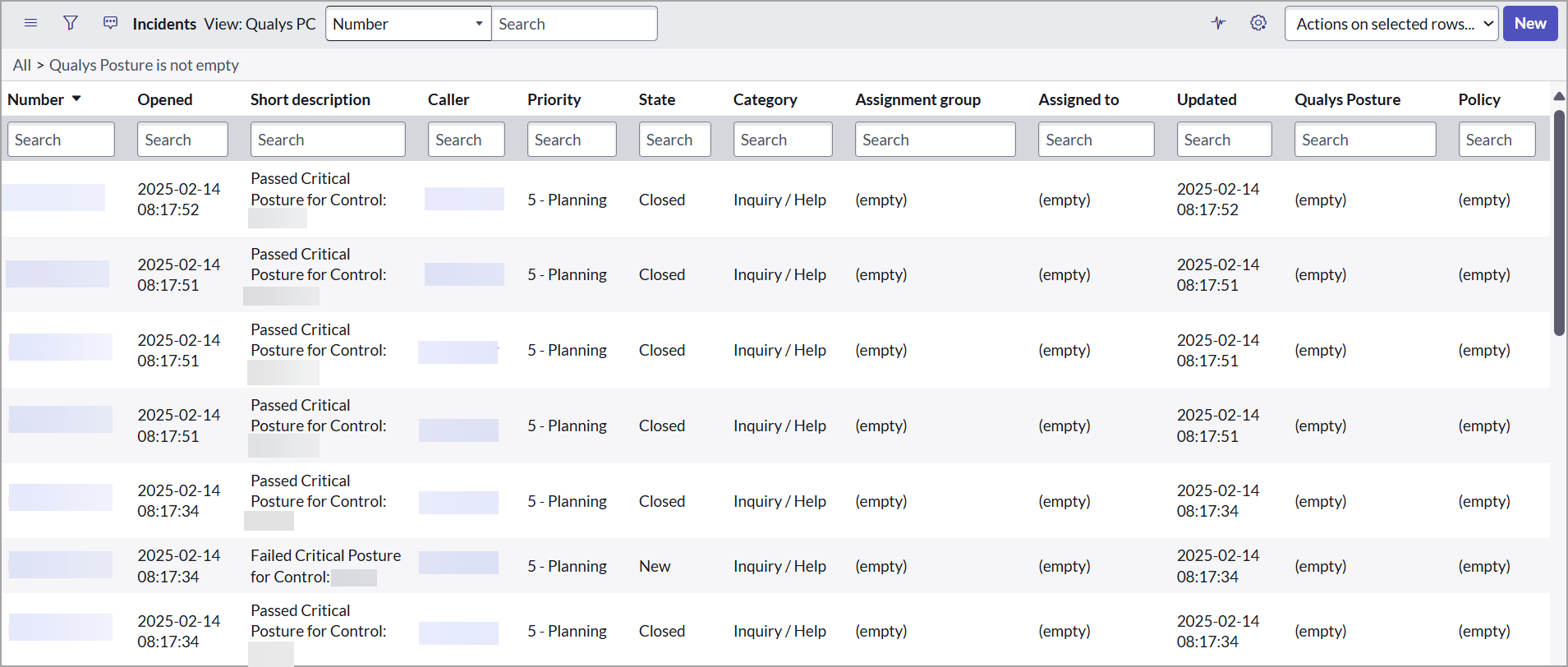
For each Policy incident group, you can view the following details:
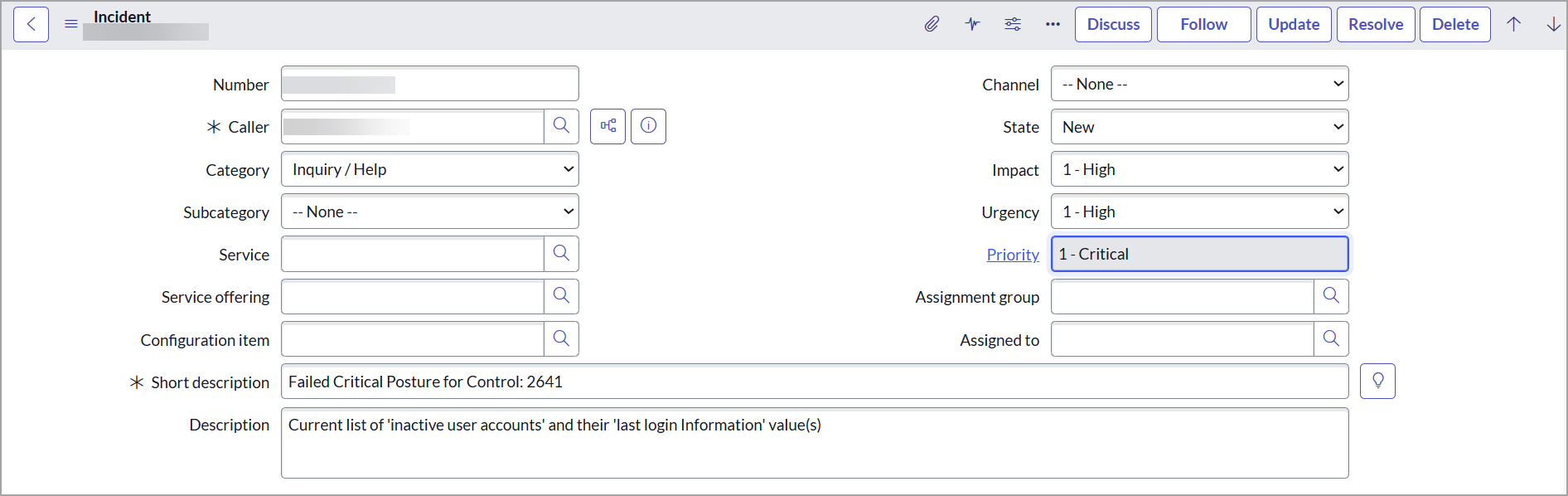
You can view the basic information about a vulnerability group incident, such as the incident number and status, assignment group, and priority.
The Group Definition displays the detection event rule applied to create this group incident.
