Posture Incidents
You can view incidents categorized by assignment, including those assigned to you and your group, and based on their status, whether they are open or fixed.
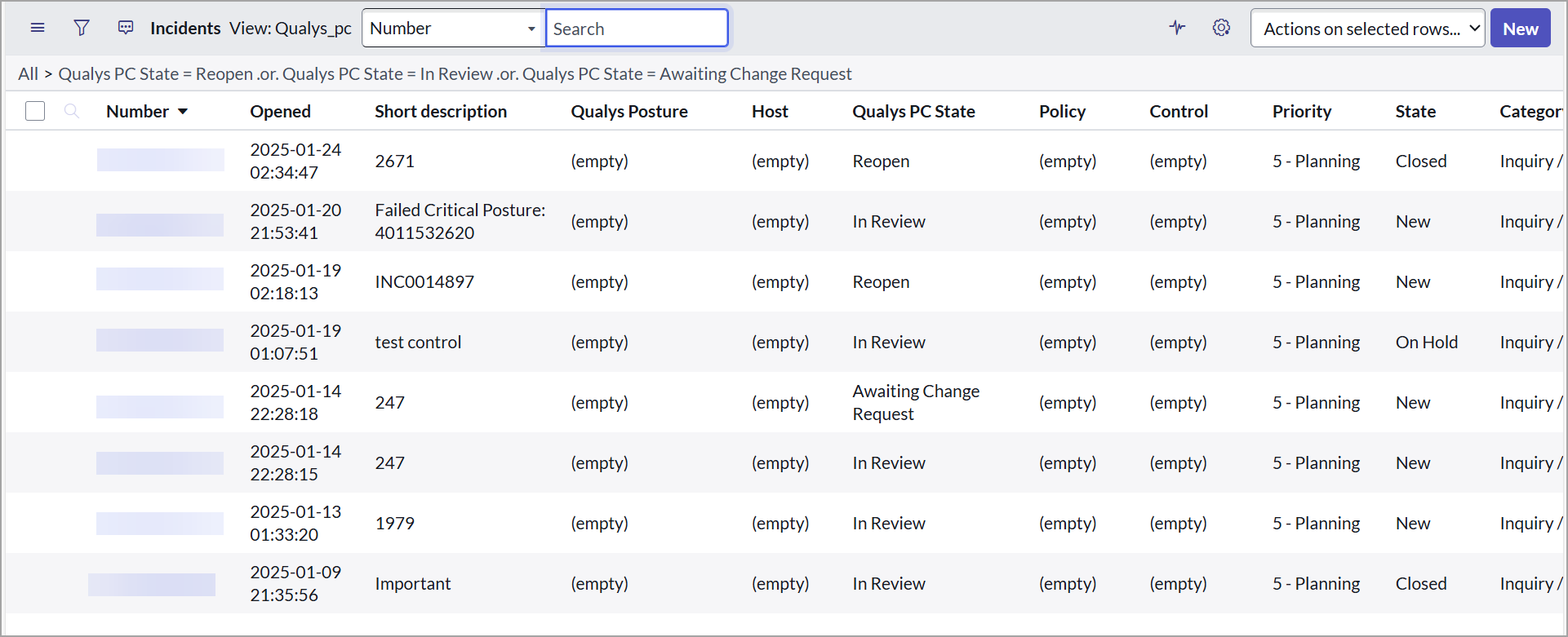
The administrators can view all policy Incidents in all statuses.
View Posture Incident Details
You can view a list of all the posture incidents that are created in the application.
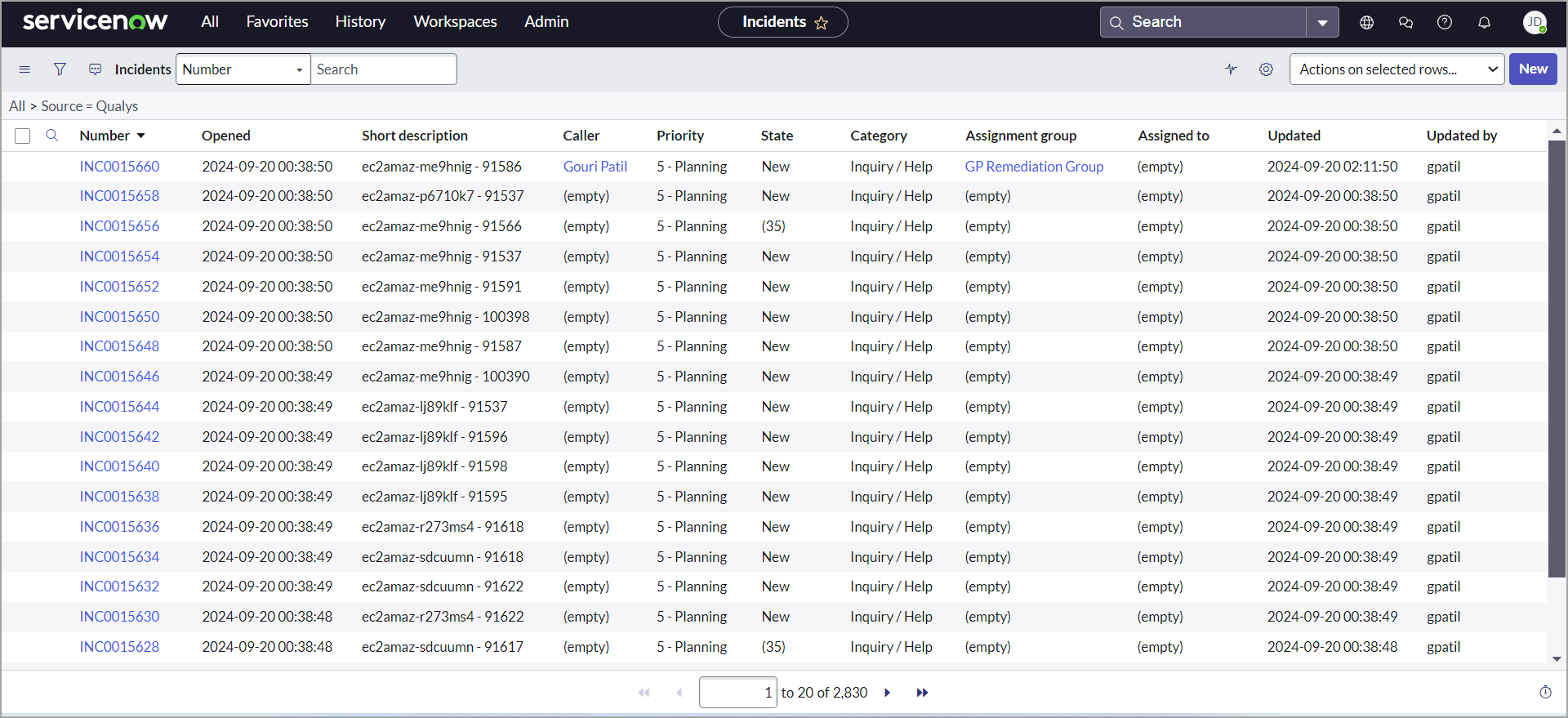
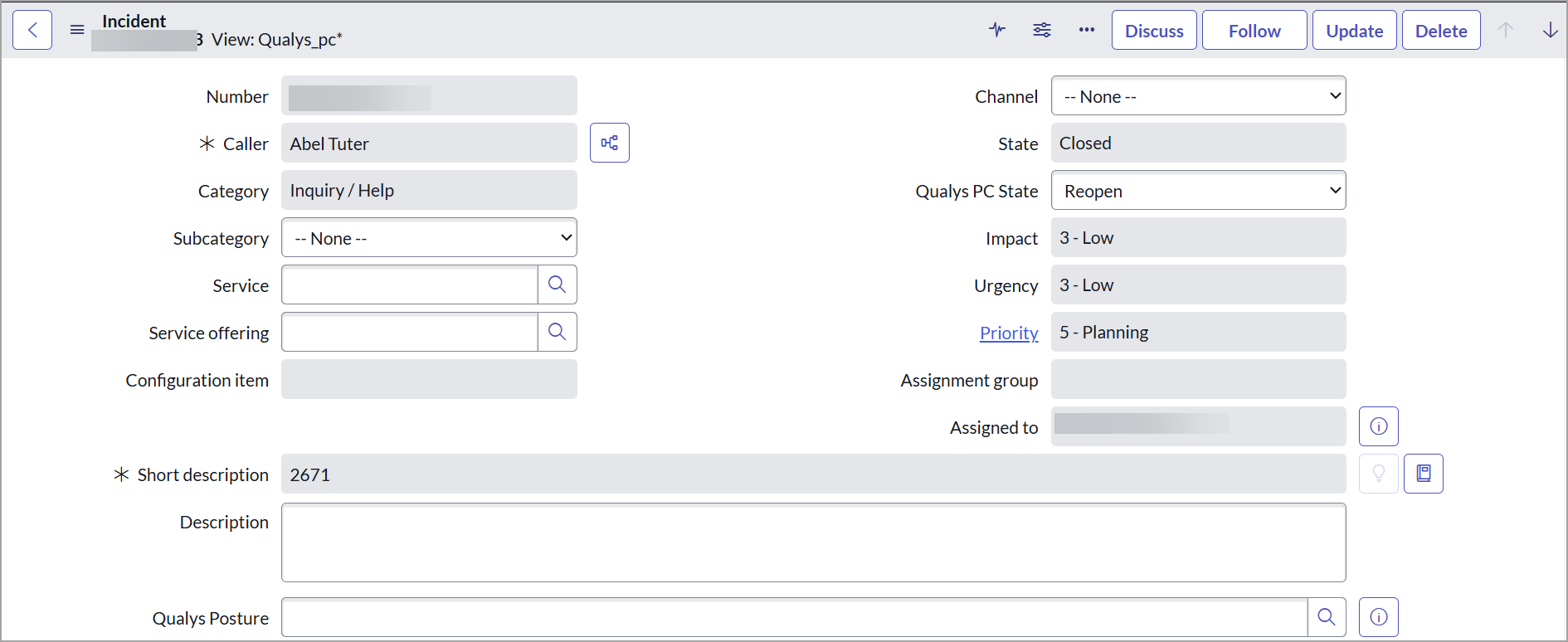
You can click on a posture incident number to view its details. Basic information available for a posture incident includes the incident Number, State, Host Information, Associated Connector, Posture Status, Assignment details, and Qualys posture, policy, and Control details.
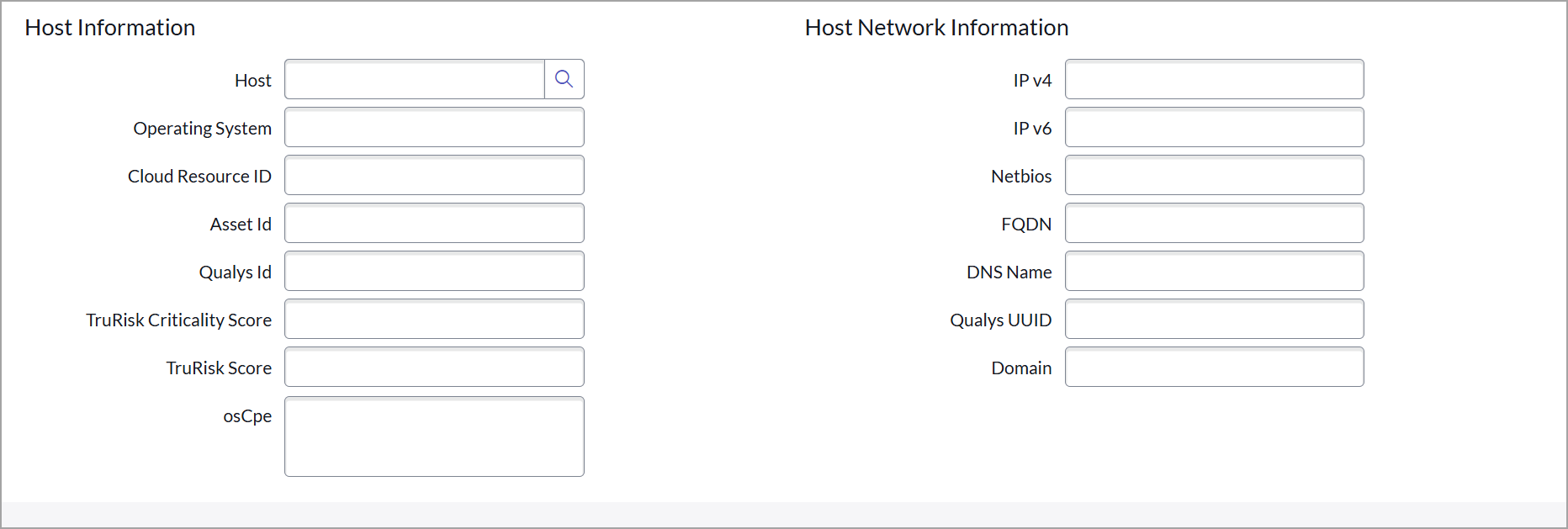
The host Information section provides details of the host and host network.
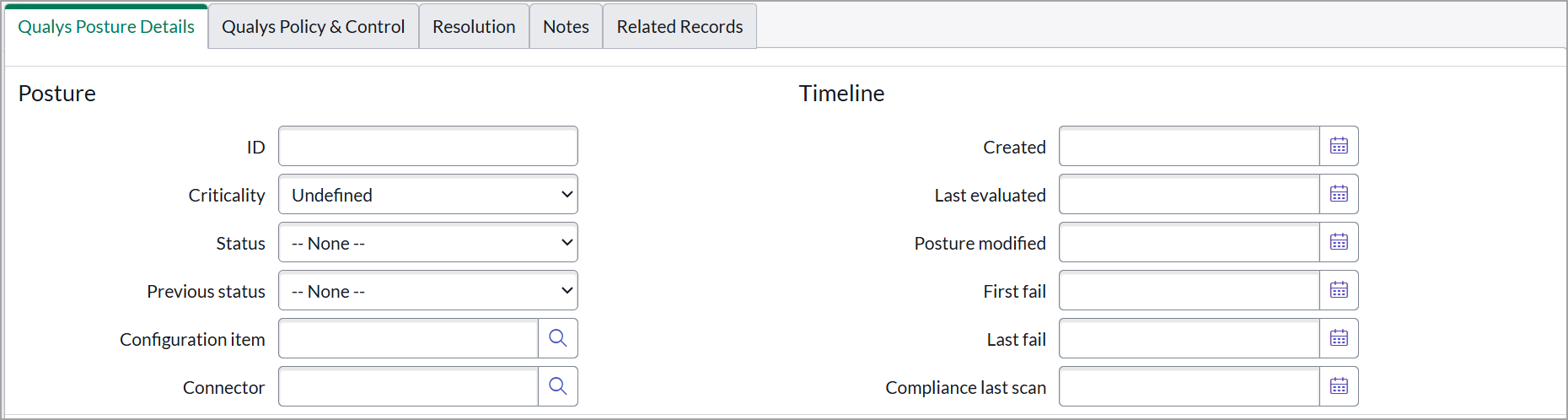
Qualys Posture Details provides details of postures that are available from Qualys Policy Compliance/Policy Audit.
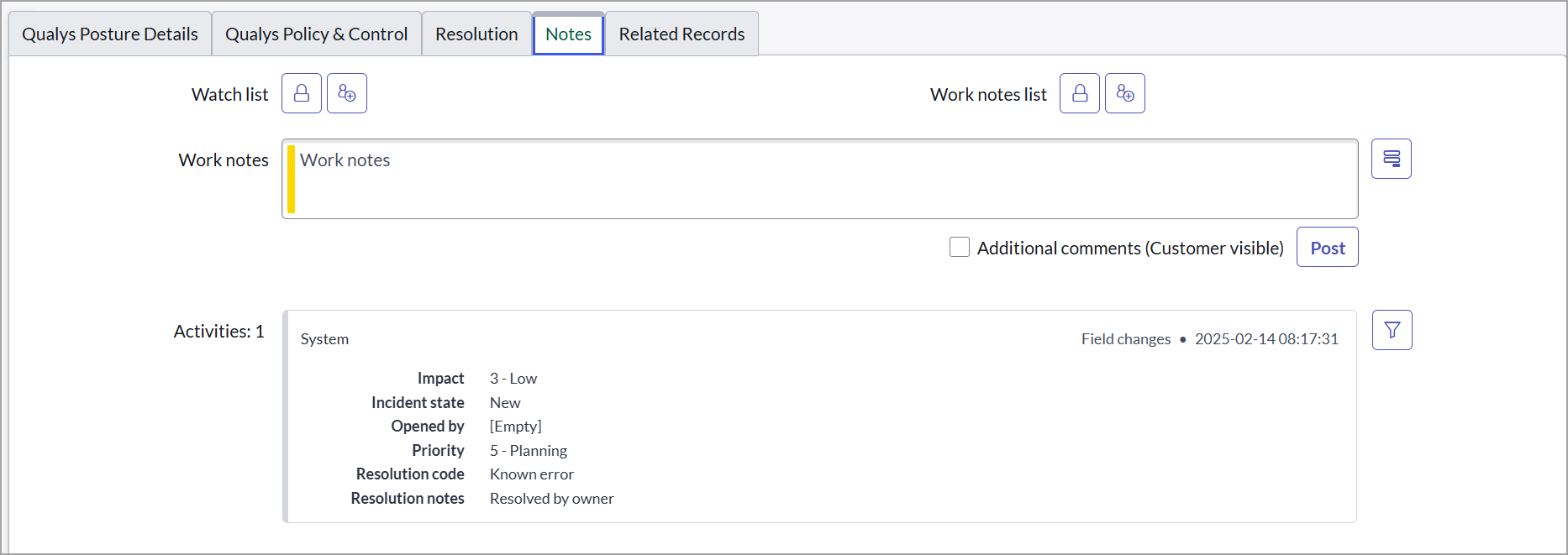
You can add notes to the ticket in the Notes tab. Any changes or updates in the incidents are also seen in the Notes tab.
On the policy incidents page, you can also view additional details, such as other open incidents on the same host, open incidents for the selected posture, and SLA for the selected incidents.

Update Incident
You can update the incident's state to Resolved. When the posture status is passed, the incident state is automatically updated to Closed.