Search Your Qualys Data in Splunk
The section helps you find and explore data in Splunk. You can enter a search query and choose a time range to view relevant results. Search results display data in various formats, including events, patterns, statistics, and visualizations. You can also use fields and filters to narrow and analyze results quickly.
To search your data in Splunk, perform the following steps:
-
Go to the Search tab.
-
In the search bar, enter a search query.
-
Select a time range.
-
Select Search.
Search VMDR Data
You can search for specific VMDR data that the Qualys Universal Technology Add-on (TA) for Splunk has pulled into Splunk from your Qualys account.
Use the following source types:
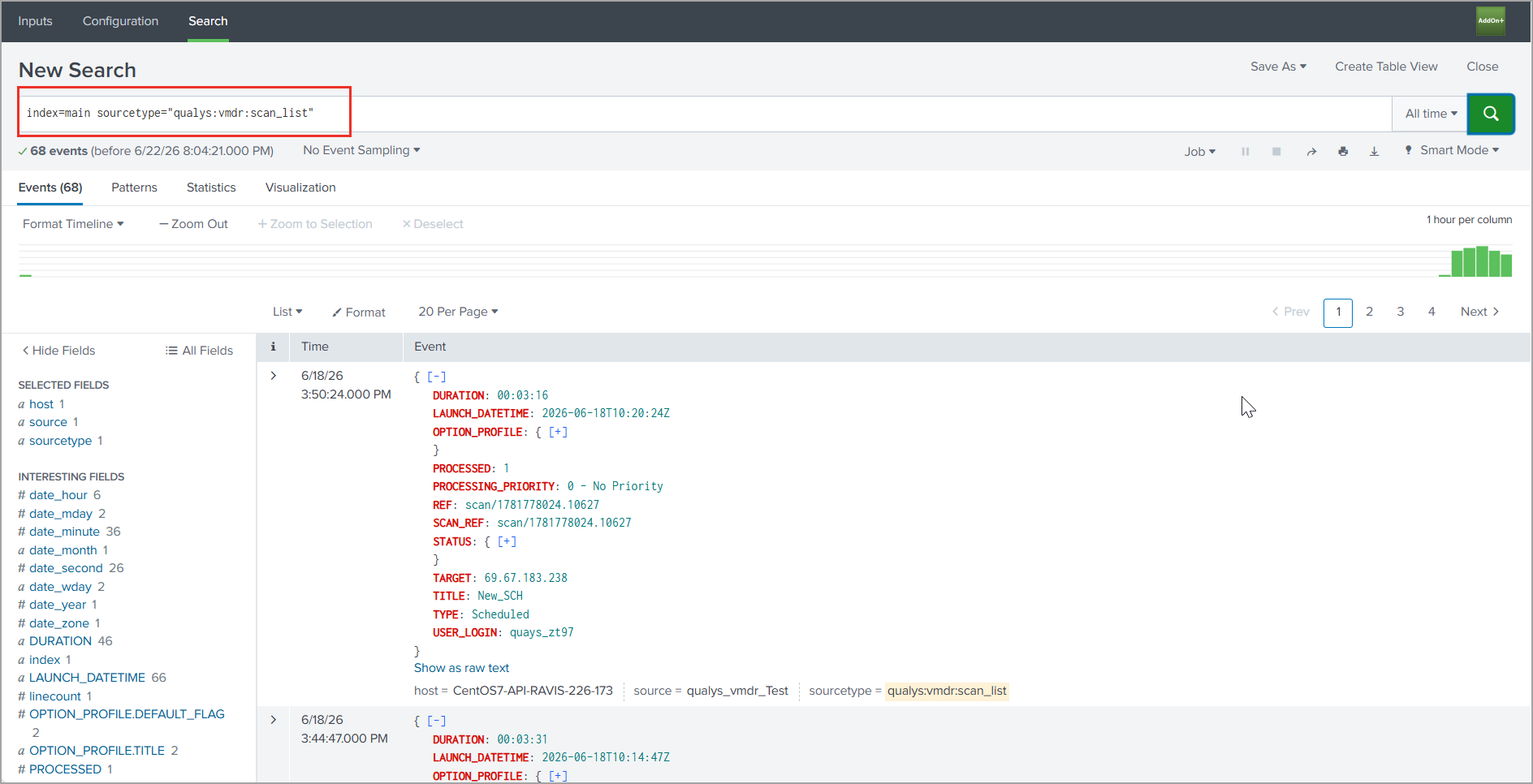
Source type="qualys:vmdr:scan_list" to fetch VMDR scan list metadata.
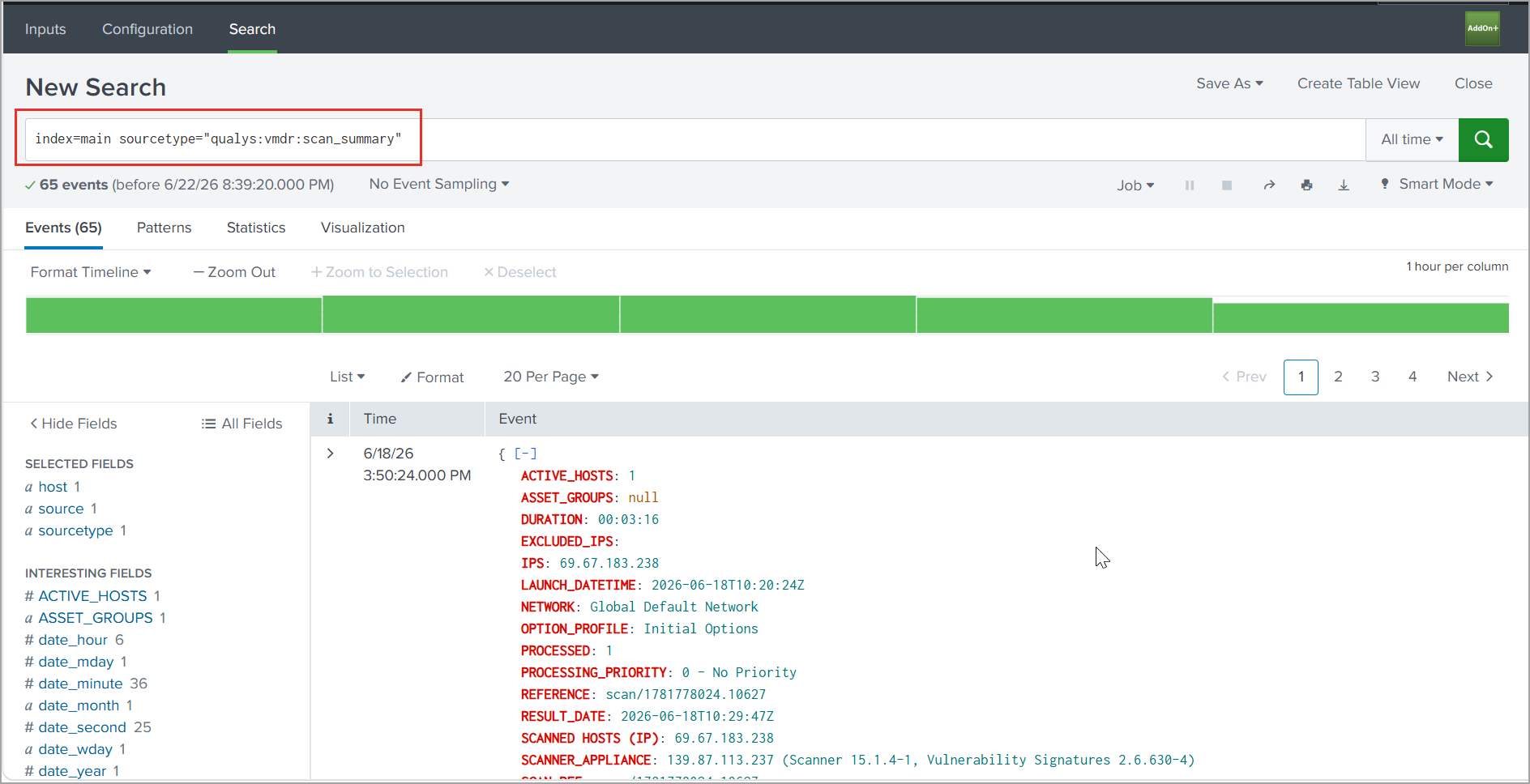
Source type="qualys:vmdr:scan_summary" to fetch the VMDR scan summary.
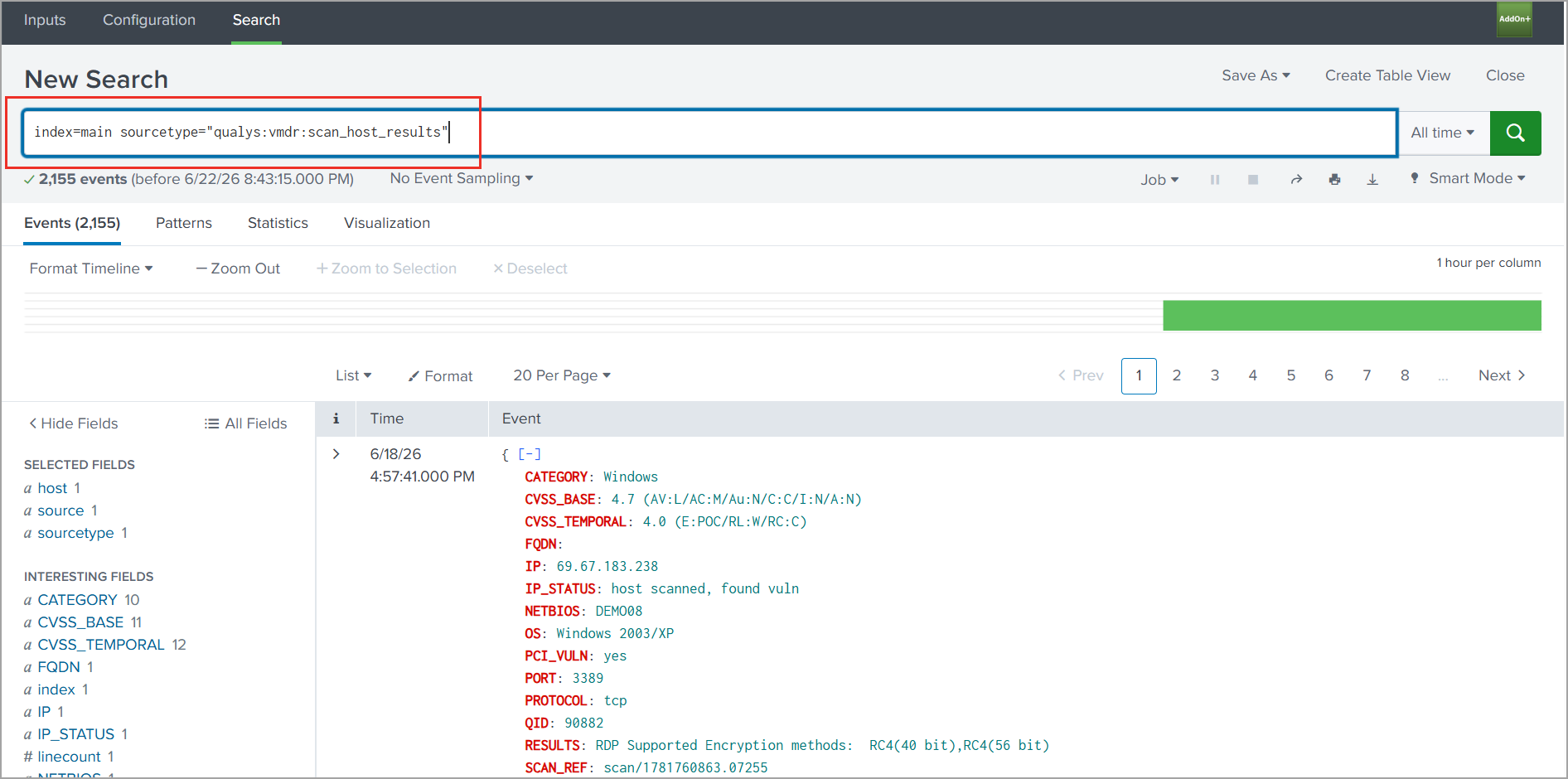
Source type="qualys:vmdr:scan_host_results" to fetch VMDR vulnerability detection results.
Source type="qualys:vmdr:scan_report" is a safety net for unexpected API responses..
Use the following query for the VMDR scan list:
Use the following query for the VMDR scan summary:
Use the following query for the VMDR scan host results:
Search WAS Data
You can search for specific WAS data that the Qualys Universal Technology Add-on (TA) for Splunk has pulled into Splunk from your Qualys account.
Use the following source types:
Source type="qualys:was_scan" to fetch WAS scan metadata.
Source type="qualys:scan_report" to fetch WAS scan report data.
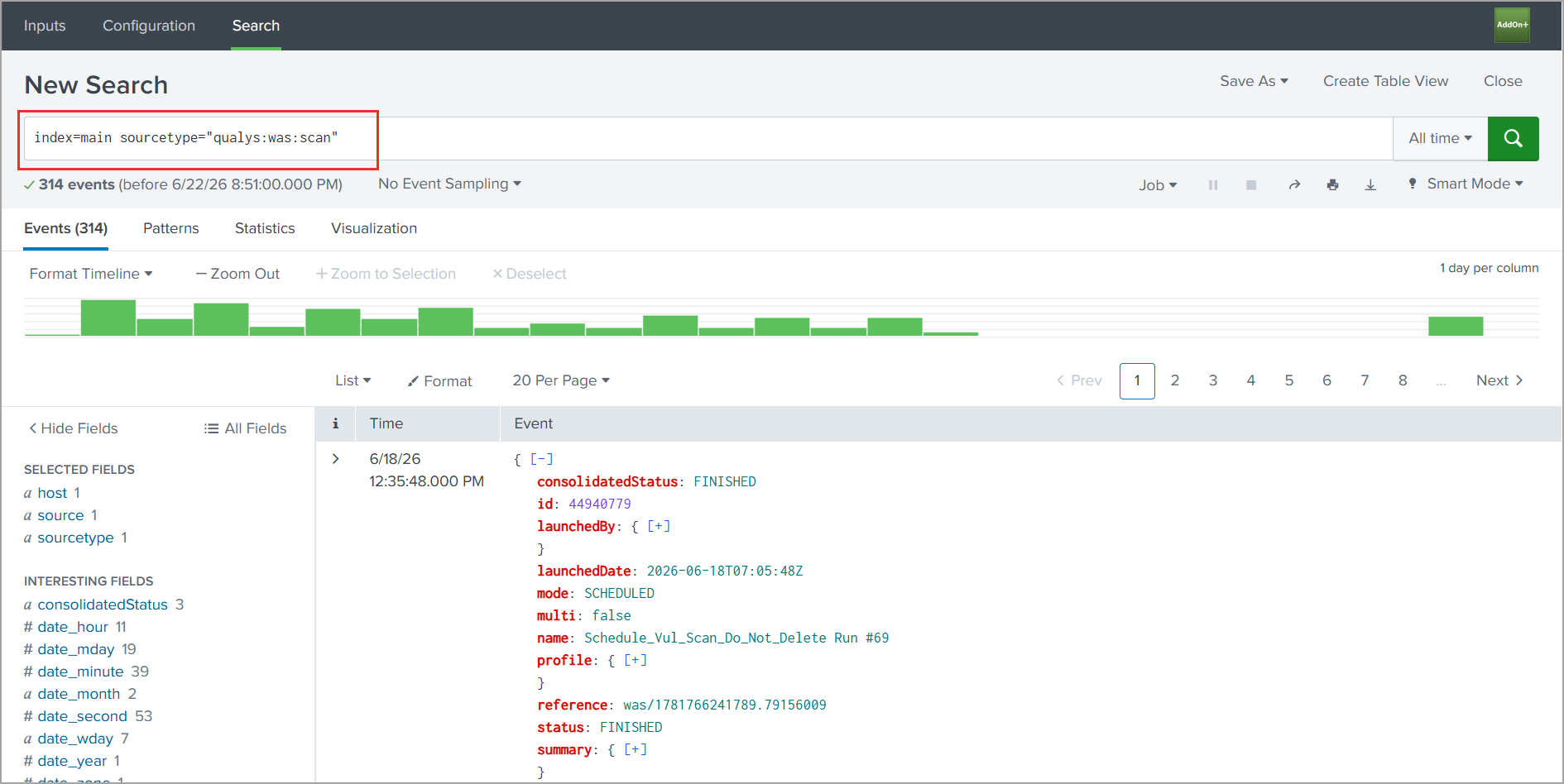
Use the following query for the WAS scan data:
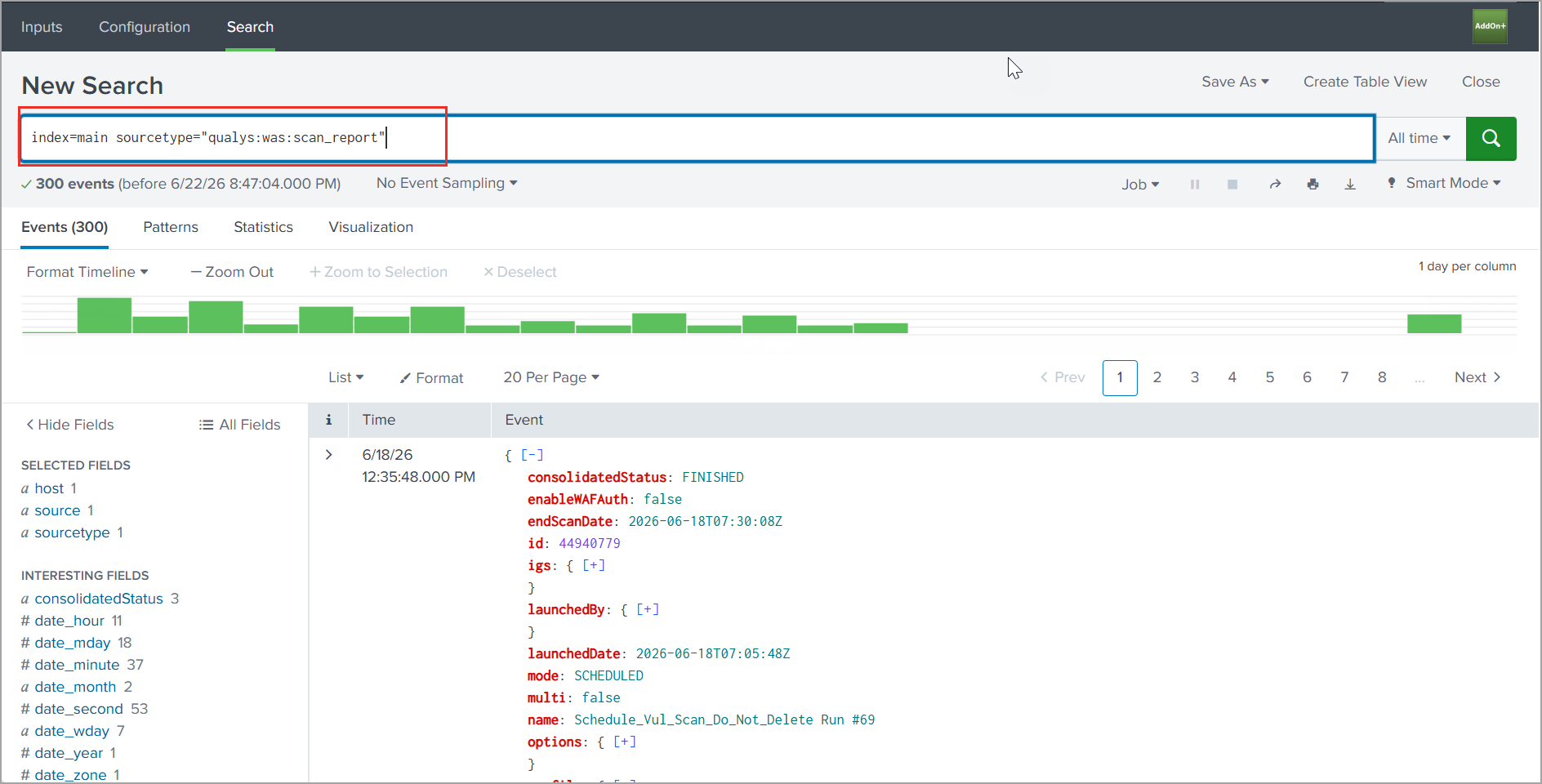
Use the following query for the WAS scan report: