Generate and Download Scan Result
The scan result for web application scanning depends on the input parameters you submitted while launching the scan.
Generate Scan Result
The following two scenarios produce different scan results when using the WAIT_FOR_RESULT input parameter:
- WAIT_FOR_RESULT = true
- WAIT_FOR_RESULT = false
When WAIT_FOR_RESULT is true, it waits for the result until the scan is complete.
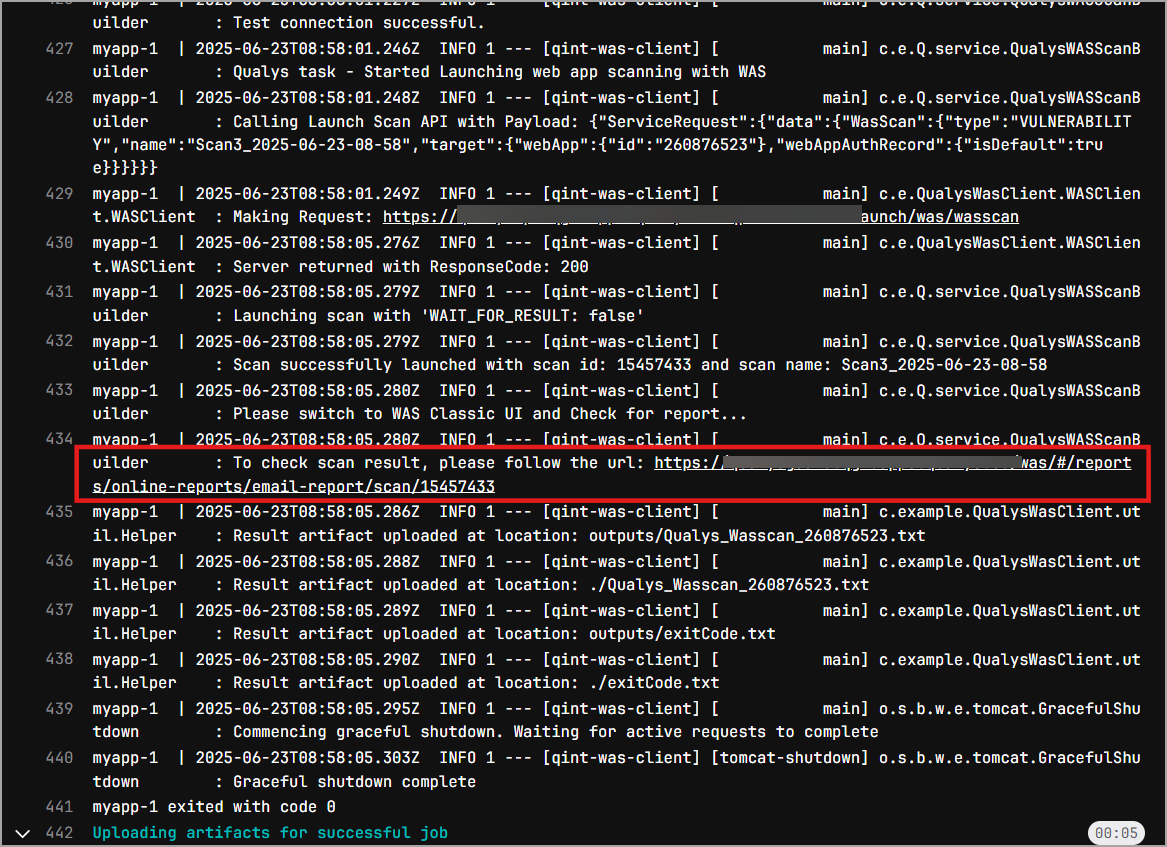
When WAIT_FOR_RESULT is false, it provides the link to check the online result on the Qualys Enterprise TruRisk™ Platform.
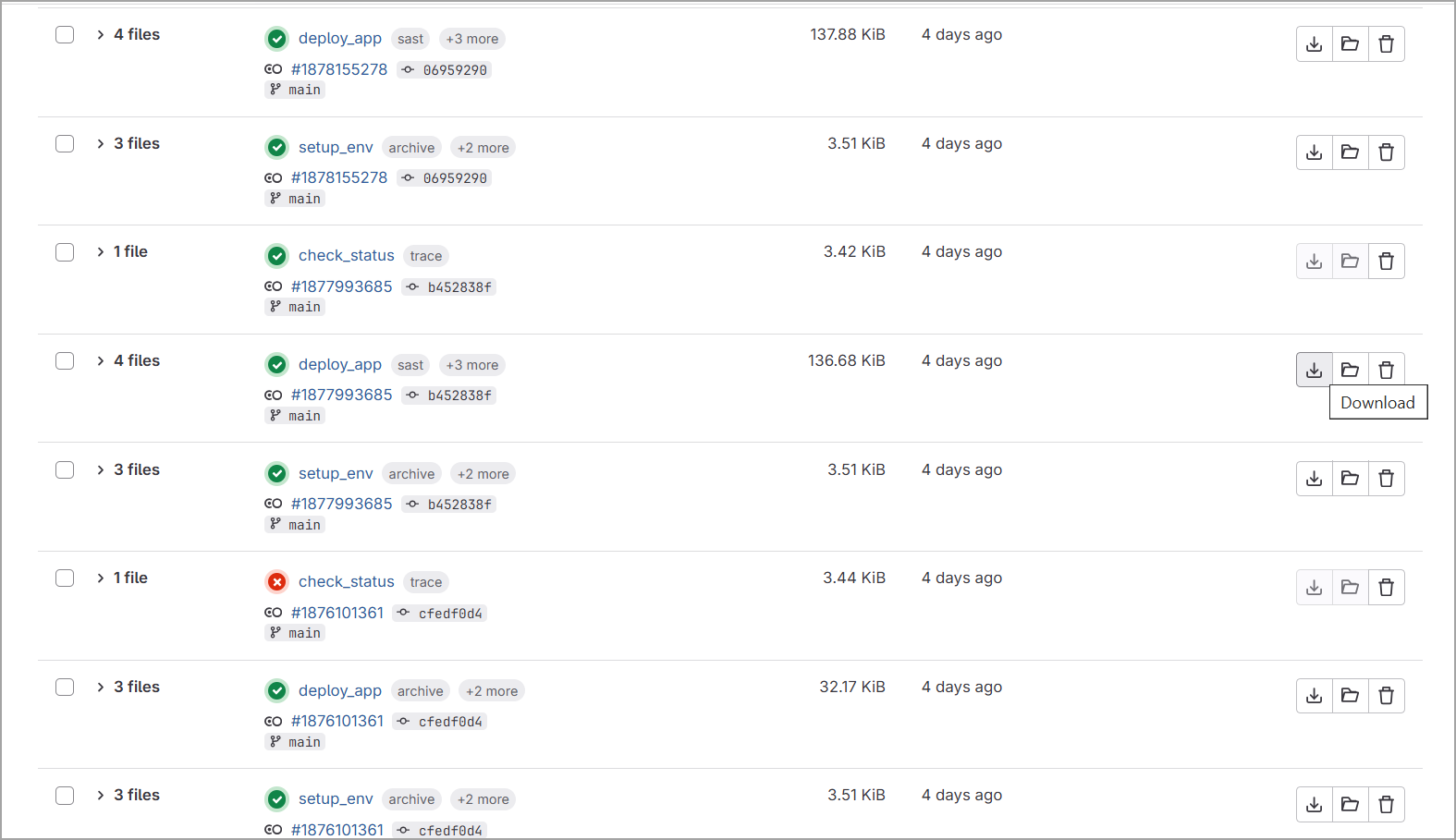
You can download this JSON file and PDF file from the Artifacts section of your repository.
If WAIT_FOR_RESULT is set to false, the GitLab action does not wait for the scan results. Once the scan is triggered via the API, a link to the scan report is provided. This link directs you to the scan results in the WAS UI, and the build passes immediately.