Partner Management Functions
Learn more about executing the following activities or functions from the Qualys Managed Risk Operations Center (mROC) Partners tab.
- Super Partners and Partners with the Manager role can add and delete partners.
- Super Partners and Partners with the Sub Manager role cannot add or delete partners.
Add a Partner
You can add a partner that is already added from the back office.
Complete the following steps to add the existing partner:
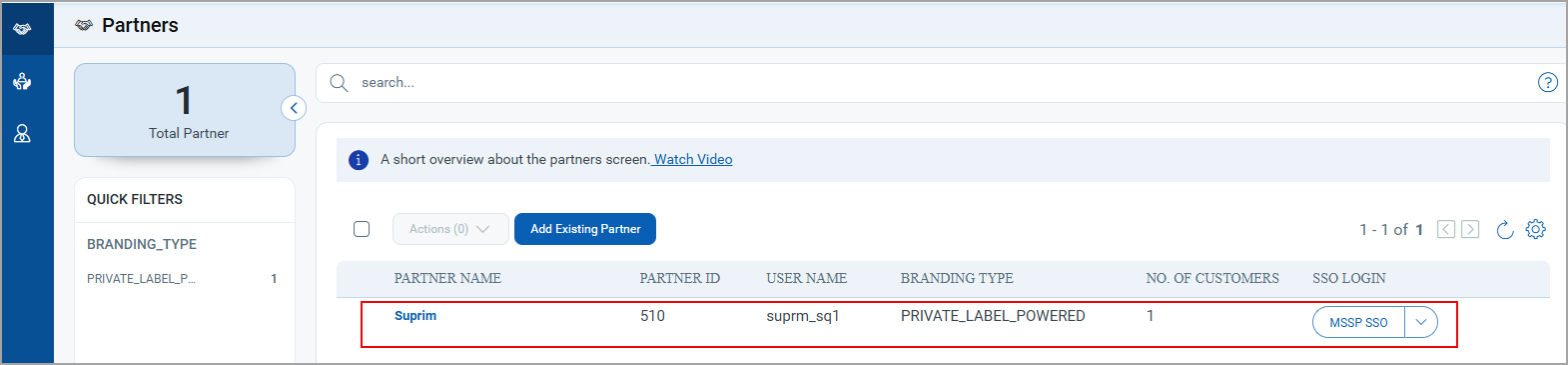
1. Navigate to the Partners tab and click Add Existing Partner. The Add Existing Partner pop-up is shown.
2. Enter the user name and the password in the Partner User Name and Password fields, respectively.
3. Click Add Partner.
A confirmation message is displayed that mentions that the existing partner has been successfully added. Also, the partner entry is added to the Partners page.
After the partner is added, the customers assigned or added under that partner are added to the Customers tab.
Delete Partners
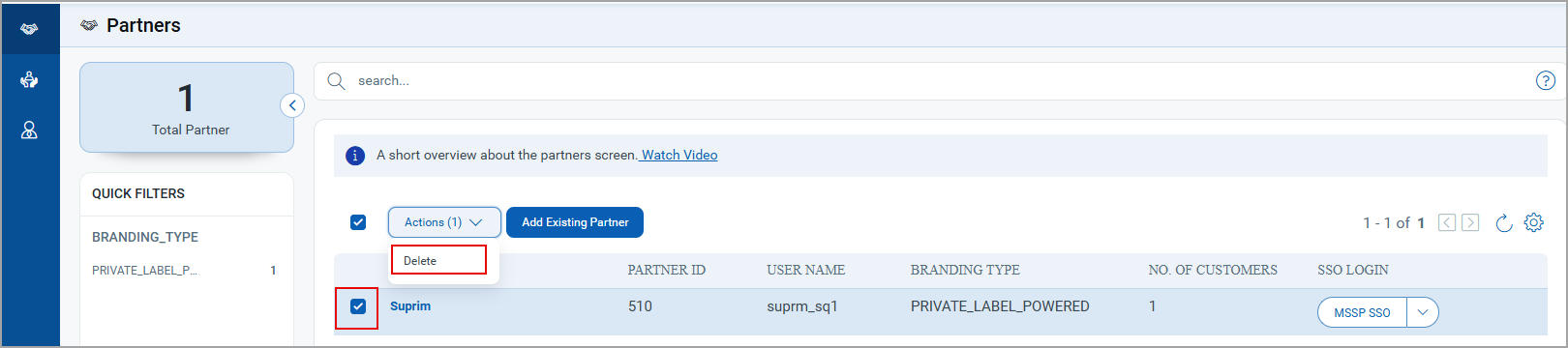
You can delete an individual or multiple partners from the Partners tab.
To delete an individual or multiple partners, click the checkboxes next to the partners and click Delete from the Actions list.
The message is displayed, mentioning the selected partners have been successfully deleted.