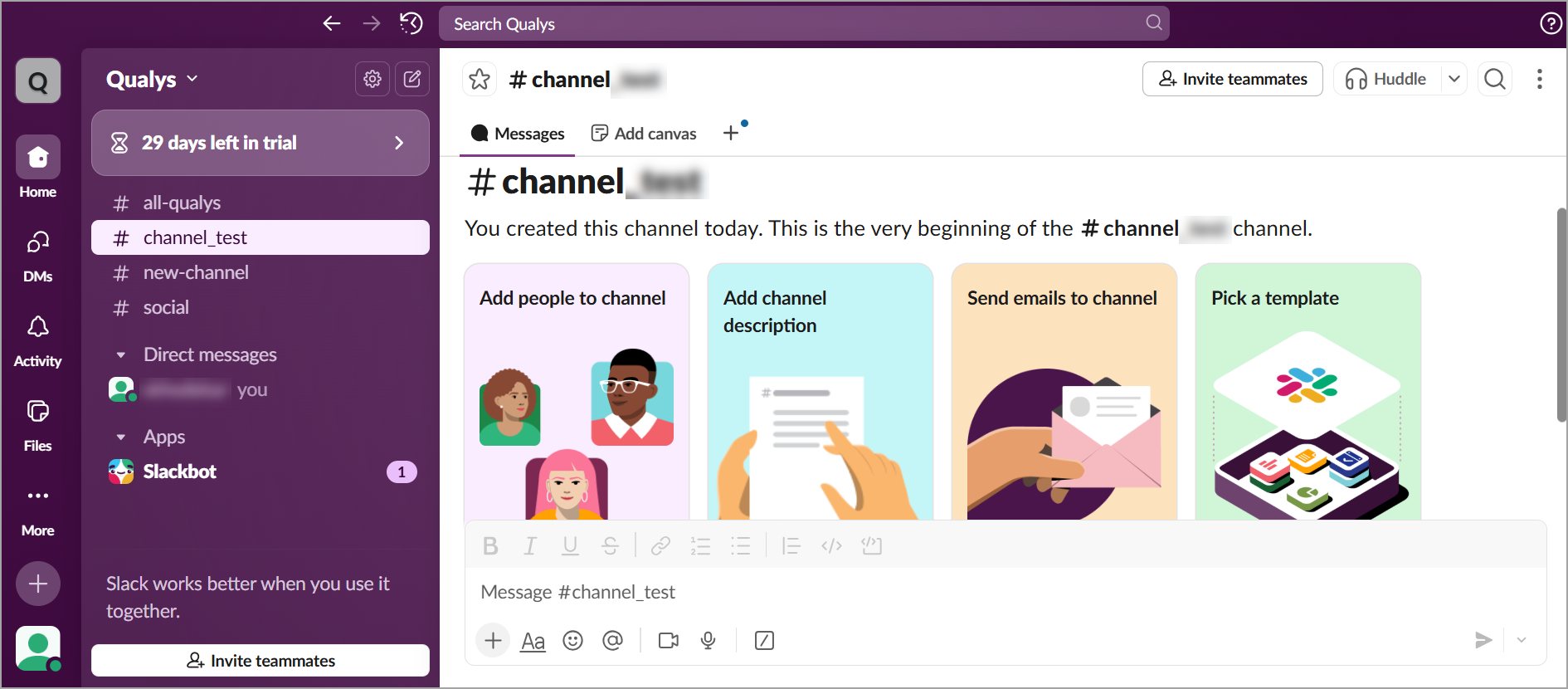
Create Slack Channel
To create a Slack channel, perform the following steps:
Before creating a Channel, you must have a Workspace created. For steps to create a Workspace, refer to Create a Slack Workspace page.
-
Login to Slack.
-
In the left pane, select the plus (
 icon > Channel.
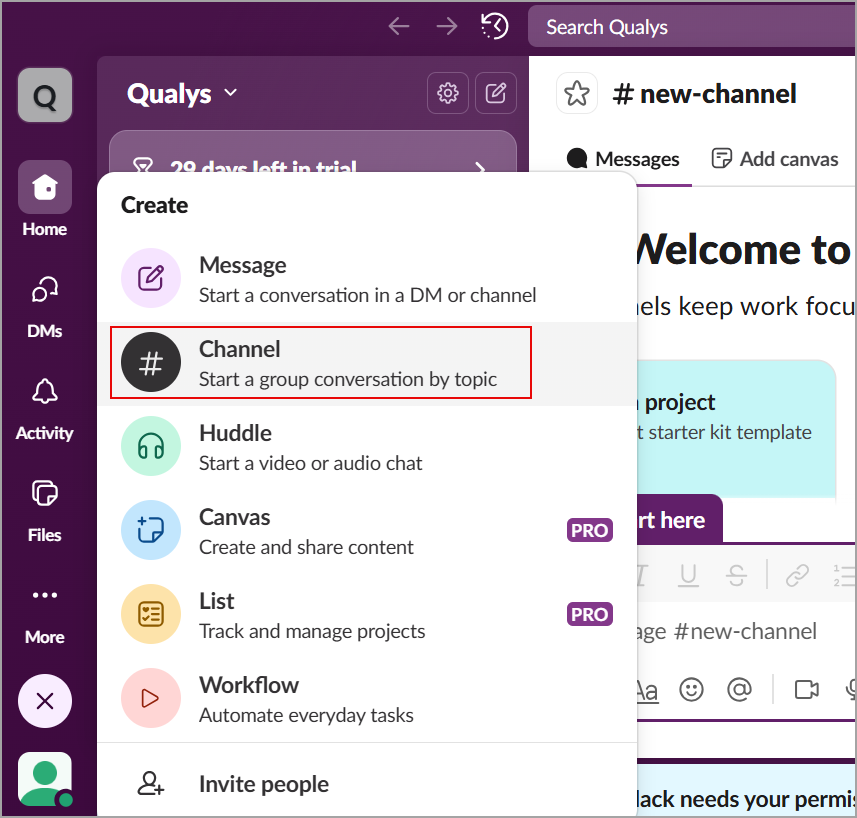
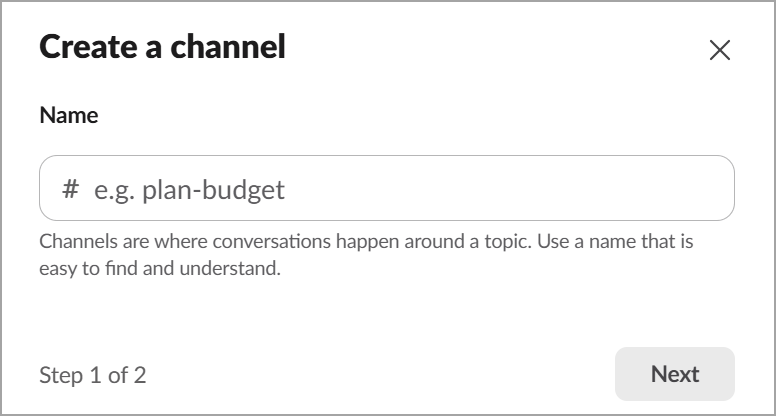
The Create a channel window is displayed.
-
Enter a name for the channel and click Next.
-
Select the type of visibility for the channel - Public or Private, and click Create.
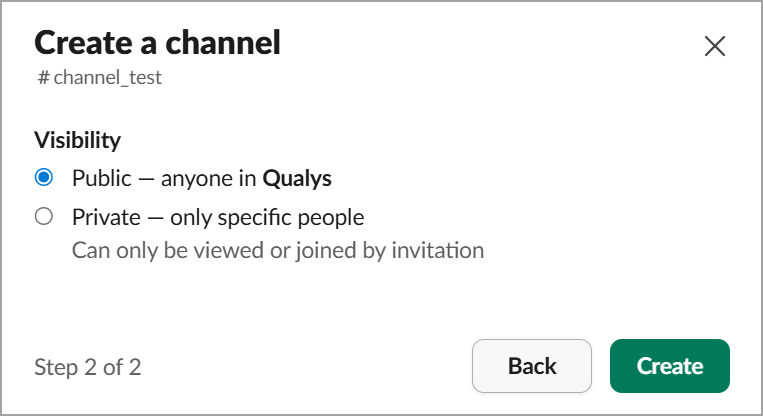
The new channel is created. -
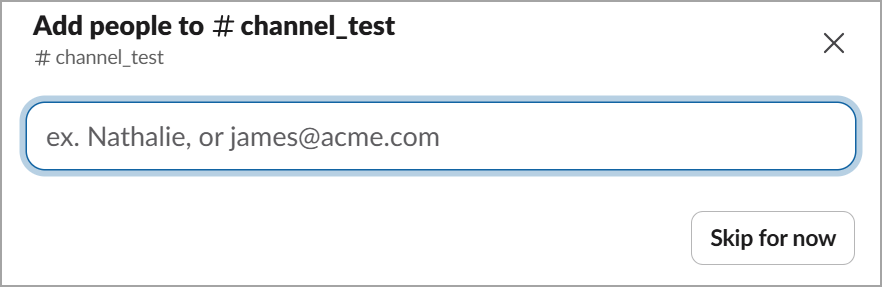
You can then add people to the new channel, however, this is an optional step.
To add new people to the channel, enter their email IDs.
OR
Select Skip for now.
The channel is created and displayed.