DB UDC Row Limit for Agent Setup
Go to PA > Policies > Setup to see global setup options related to compliance policies. Select DB UDC Rows Limit for Agent.
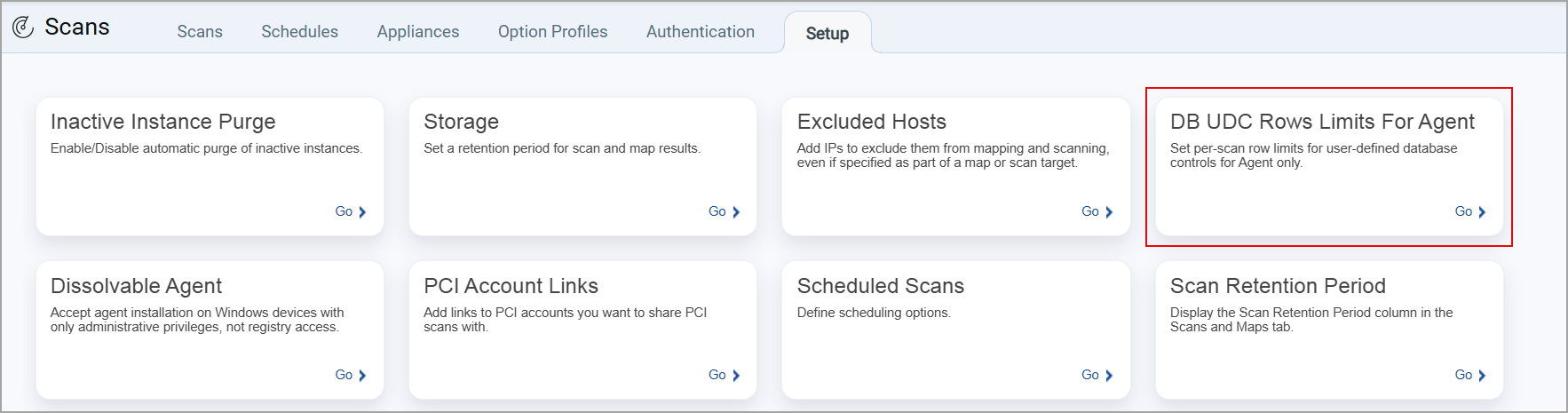
Some options may not be available, depending on your service level and subscription settings.
When selected, the DB UDC Rows Limit for Agent window is displayed. Here, you can define the number of rows to be displayed per scan for MSSQL and Oracle databases.
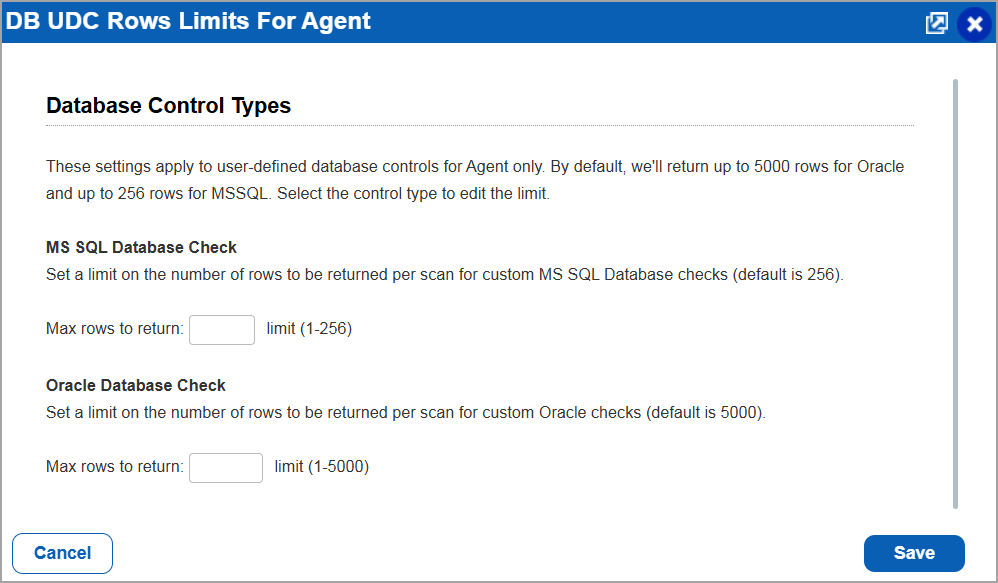
If no value is specified for the number of rows to be displayed per scan for MSSQL and Oracle databases, the default value is set as 5000 rows for Oracle and up to 256 rows for MSSQL databases.