Configure Virtual Host
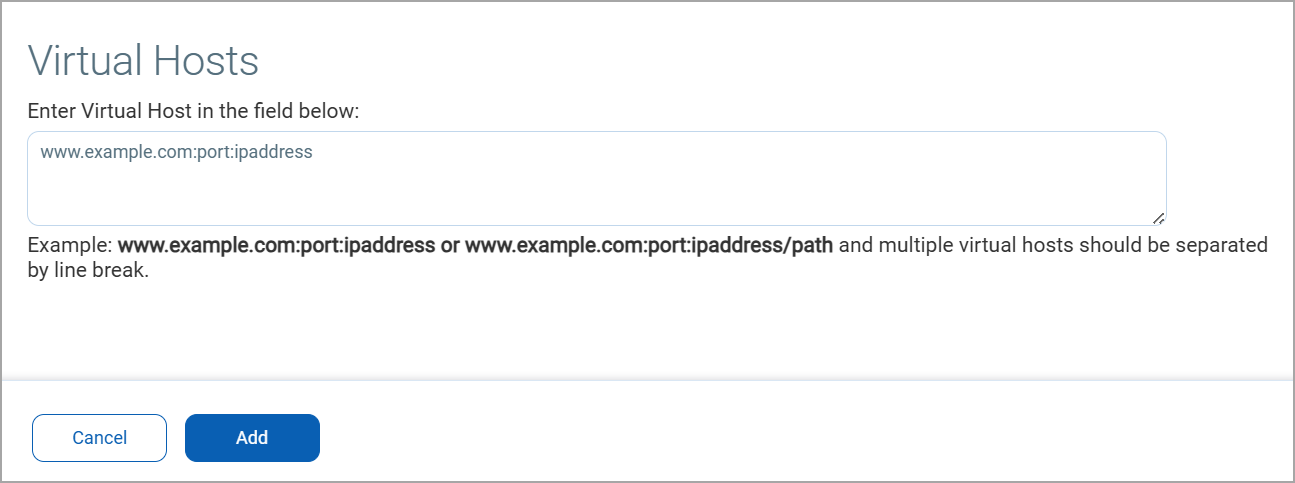
Your account may be configured to allow you to add/remove virtual hosts to scan. A virtual host configuration consists of the IP address of the virtual host, the port number to be associated with the hosted domain, and the domain name (FQDN) to be hosted by the IP address. To add a virtual host, go to Account > Virtual Host. Click New to add new virtual hosts. When adding multiple virtual hosts, separate each one with a line break.
Formats:
- FQDN:Port:IP
- FQDN:Port:IP/Path
For example:
- www.merchantA.com:2020:194.55.109.1
- www.merchantB.com:2020:194.55.109.1/path2
- www.merchantC.com:8080:194.55.109.1