View and Fix Current Vulnerabilities
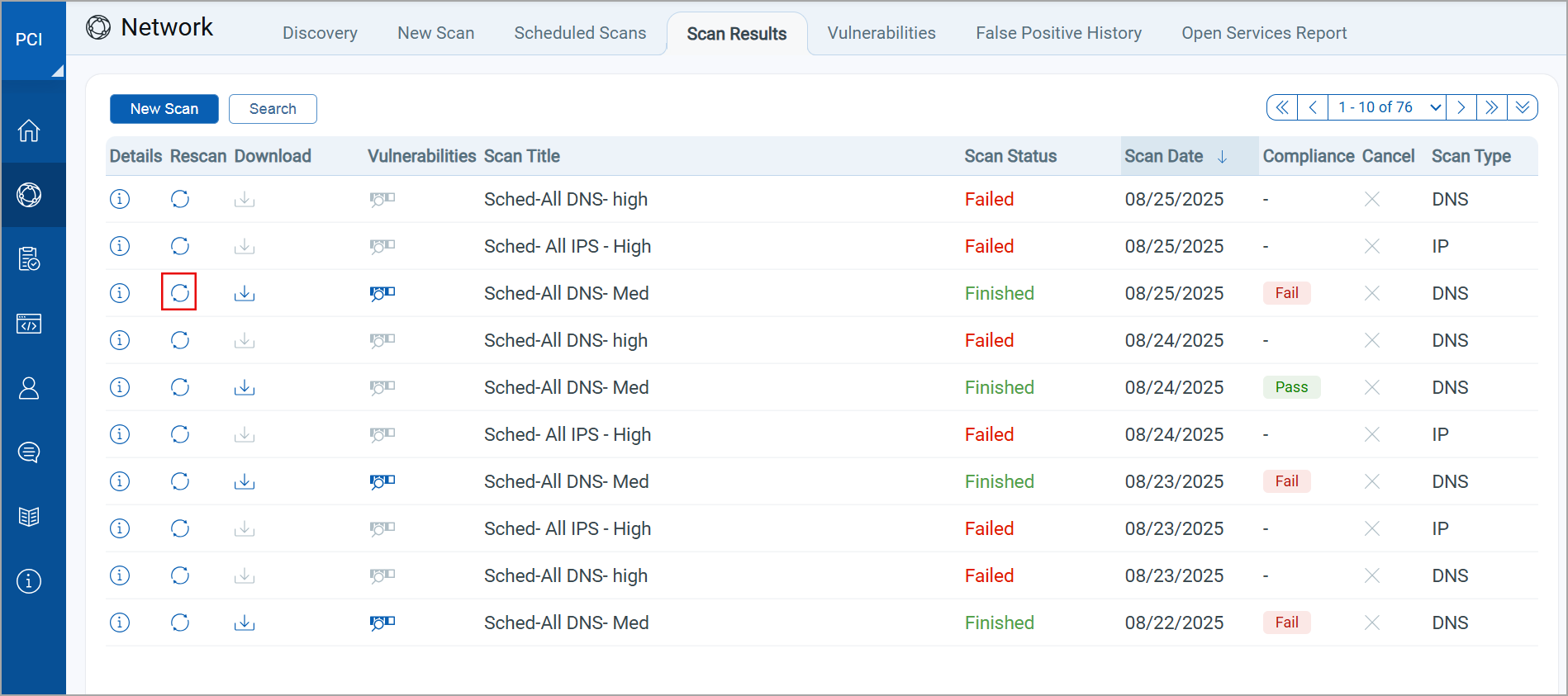
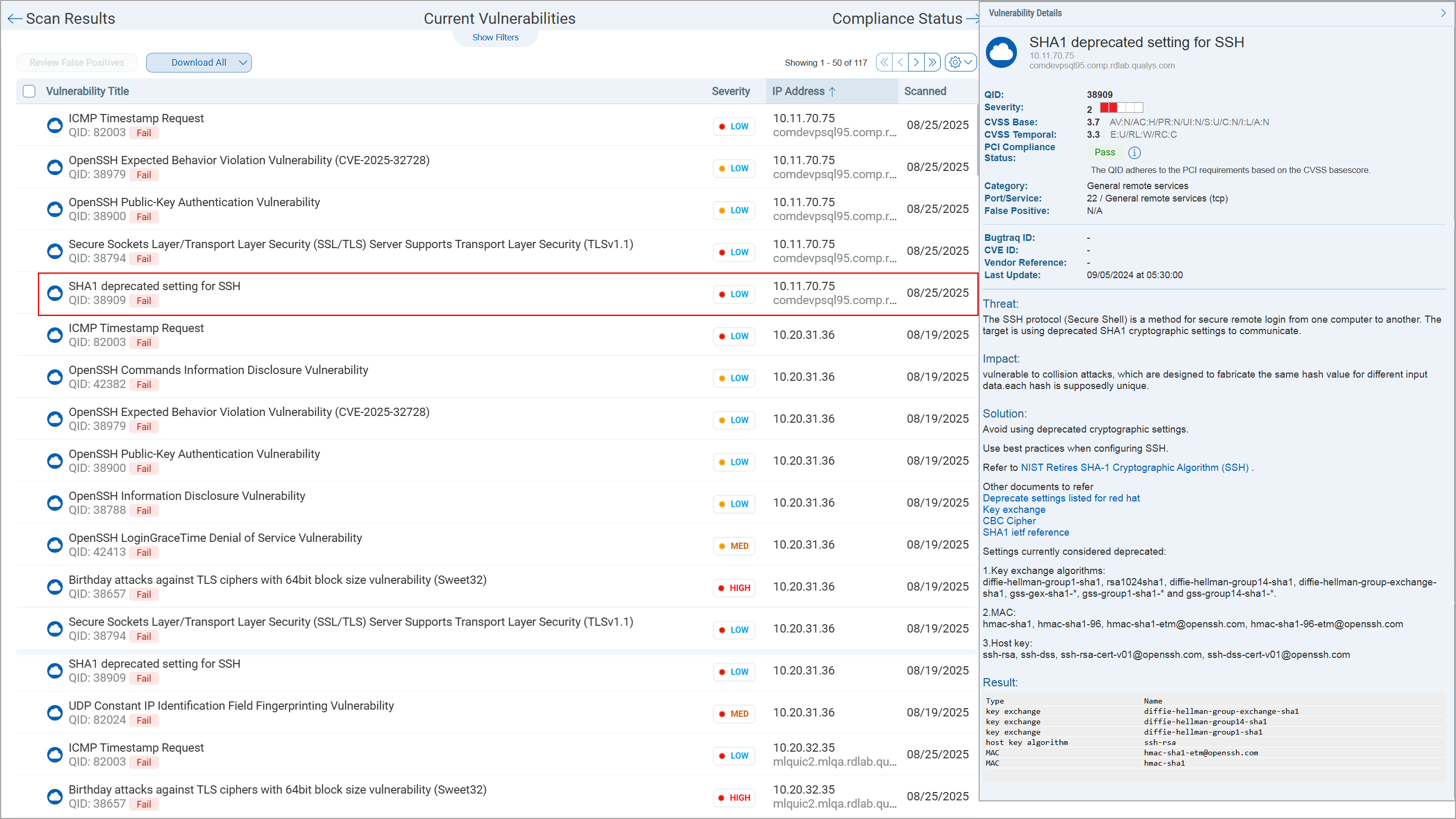
Go to your scans list and click  to view the current vulnerabilities for your scan. You’ll see filters for helping you to find vulnerabilities you’re interested in. To find the detected vulnerabilities that are causing you to fail PCI compliance click the check box “Display only PCI Fail Vulnerabilities.

For each vulnerability in your scan results the PCI compliance status is marked as  or
or  , and you’ll find a detailed description of the issue along with a verified solution from our security experts. Select a vulnerability from the list and view the detection details on the right. Next to PCI Compliance Status click
  (Information) to see the reasons for passing or failing PCI compliance.
Rescan to Verify Vulnerabilities are Fixed
Fix vulnerabilities and then rescan to validate that systems are no longer vulnerable. You can rescan as often as necessary to track your remediation progress.
Click  next to your scan to re-run your scan without having to enter your scan settings again.