Status and Return Codes for Mitigation Jobs
Learn about the various statuses and return codes for Mitigation jobs.
You can view the details of the mitigation job on the Jobs tab. Select the job and from Quick Action menu, click Job Progress to view the job details. The mitigation job has following two statuses:
- Completed: This status means that the job is completed with all QIDs successfully mitigated.
- Completed with Failure: This status means that the job is completed, but one or more QIDs failed to be mitigated.
The following are the statuses and their respective return codes for mitigation QIDs:
| QID Status | Return Code / Status Code | Operating System | Description |
|---|---|---|---|
| Succeeded | 0 | Windows/Linux | 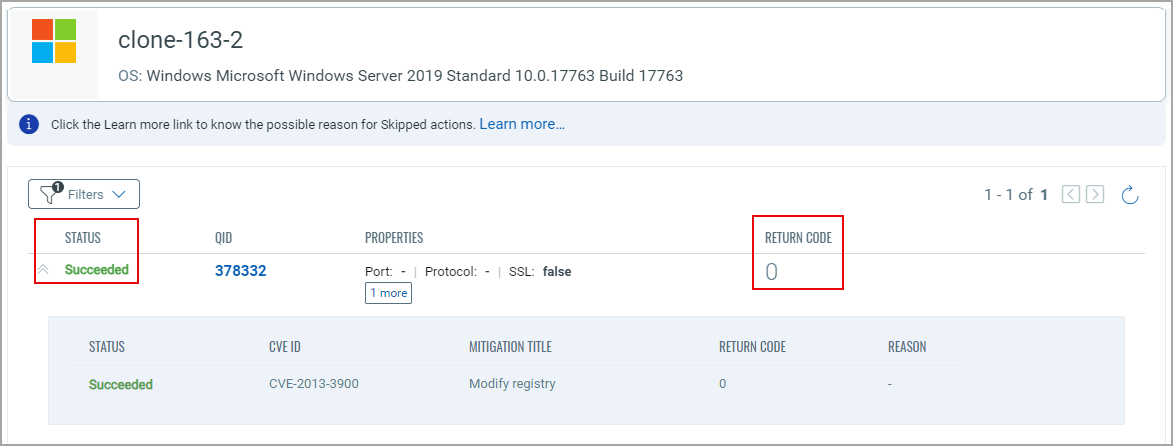 |
| Failed | 1 | Windows/Linux | Click Show More to view the details of the reason for failure. 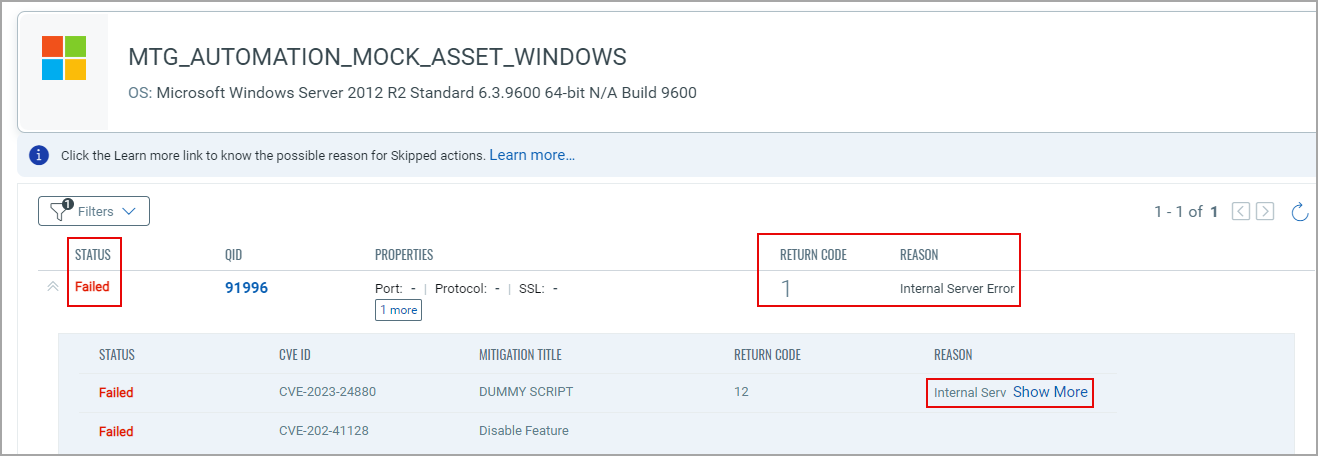
|
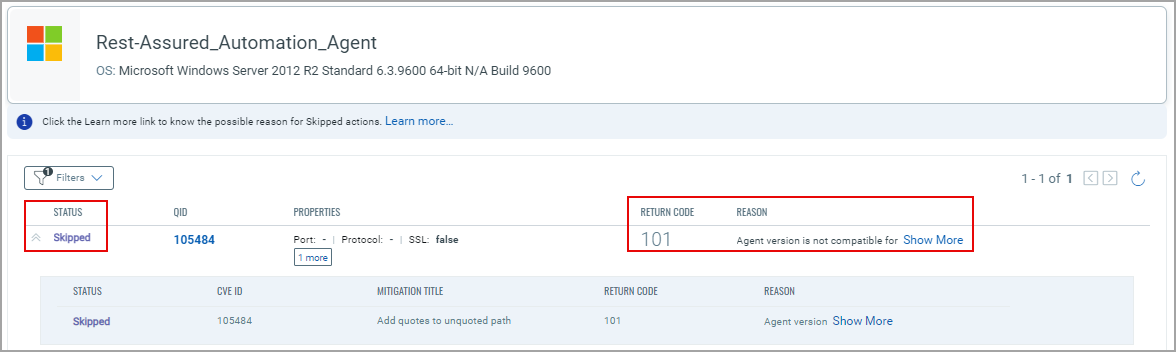
| Skipped | 101 | Windows/Linux |
Click Show More to view the details of the reason for the QID being skipped. |
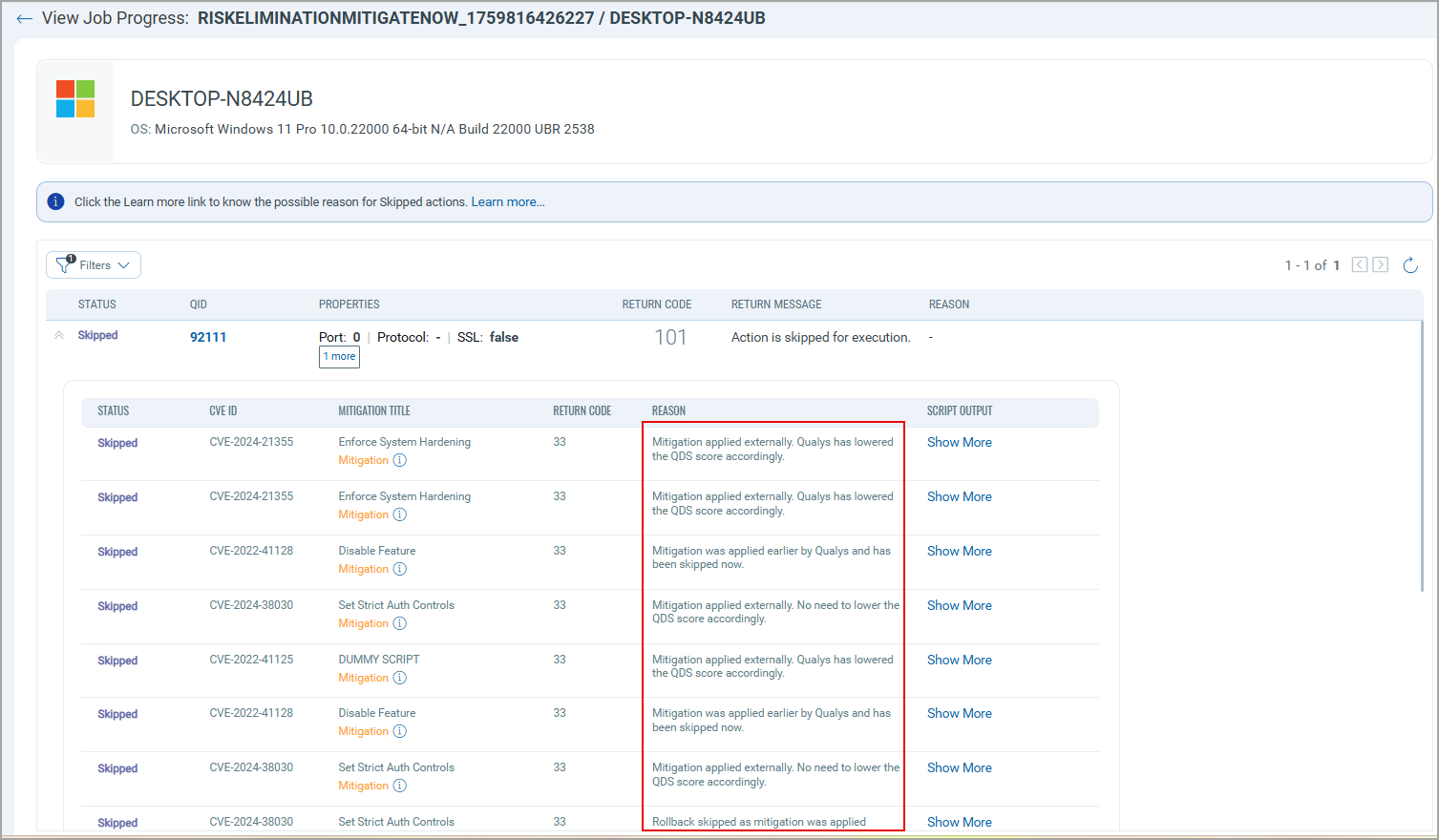
| 33 | Windows/Linux |
203: This status means that the mitigation is applied externally, and Qualys has just updated the QDS score. 204: This status means that Qualys has applied the mitigation earlier, hence mitigation was skipped now. 205: This status means that rollback action was skipped, as the mitigation was applied externally. 206: This status means that mitigation was skipped because it was applied externally, and Qualys has already updated the QDS score. The codes 203, 204, 205, and 206 appear only at the back-end and are not displayed on the Job Progress page. Only the reasons for each of them are displayed on the UI. To view the detailed script output, click Show More for the corresponding CVE under the Script Output column. |