Enterprise TruRisk™ Platform Release 3.23.0.0-2
January 06, 2026
The Enterprise TruRisk™ Platform (ETP) Release 3.23.0.0-2 supersedes its previous release 3.23.0.0. All the features and enhancements supported with ETP 3.23.0.0 are also supported with this release. Refer to the Enterprise TruRisk™ Platform Release 3.23 to learn more about the features available for this release of ETP.
 |
Cloud Agent |
New Feature: Token-based Authentication
With this release, we are introducing token-based authentication for Cloud Agent APIs. This update allows for secure authentication and authorization of API access directly from the user interface. Our API interactions are now authenticated with enhanced security measures.
With this feature, you can:
- Manage authentication and authorization processes more intuitively, providing a smoother user experience.
- Easily handle API access permissions directly from the UI, simplifying the process of granting and revoking access when needed.
- Maintain your existing workflows with minimal changes, enabling you to continue your tasks without the need to learn new processes extensively.
Access Control
We have implemented role-based access control to create User Level and Subscription Level clients.
Manager users can create two types of clients based on access requirements:
- User Level Clients: These clients are associated directly to individual user accounts, making them ideal for scenarios where user-specific access control is required. Users can access APIs and Cloud Agent functionalities that are provided in this client.
The token generated through the user-level client becomes invalid if the user is deactivated. - Subscription Level Clients: These are independent of user identities and offer broader access within the subscription. It means that the token generated through this client is tied to the subscription rather than an individual user.
The token generated for a subscription-level client continues to function even if the user is deactivated.
Non-manager users are restricted to creating only User Level Clients, ensuring limited access control.
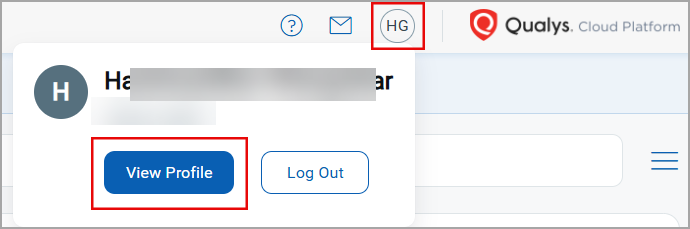
To access the client management tab, navigate to your profile icon, located at the top-right corner, and click View Profile > Auth Id Client Management tab.
To create a client, select either User Level or Subscription Level, and then click New Client.
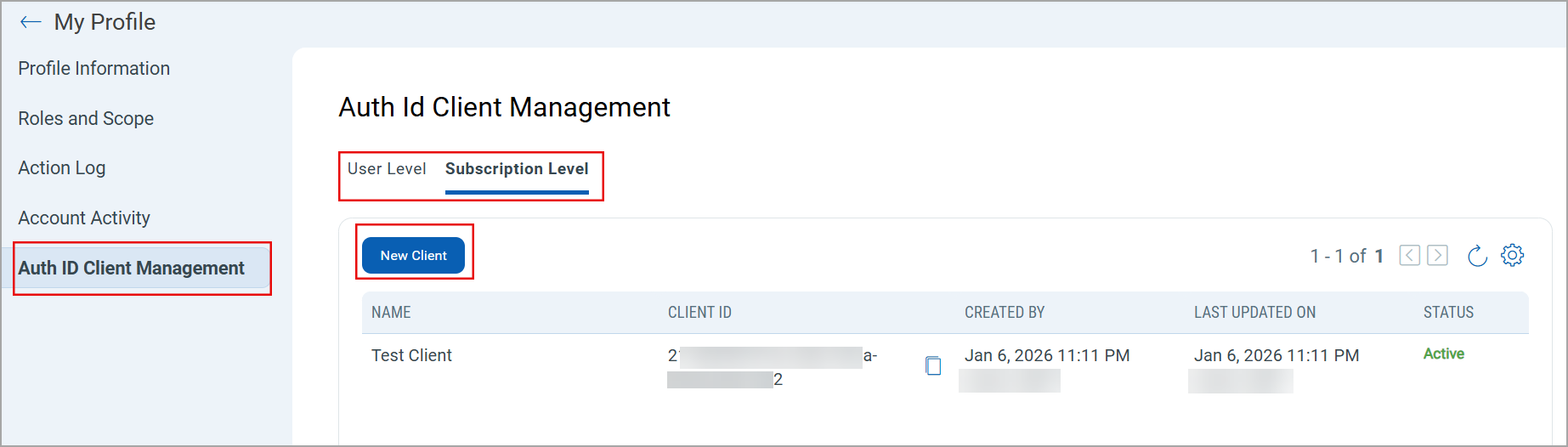
Only users with manager privileges can view and access the Subscription Level tab.
While creating a client, you can select all modules at once or individual modules as required. You can also set various permissions, including global permissions, dashboard permissions, tagging permissions, as well as API access. Depending upon these permissions, a user can access the modules and their features that are assigned to the client.
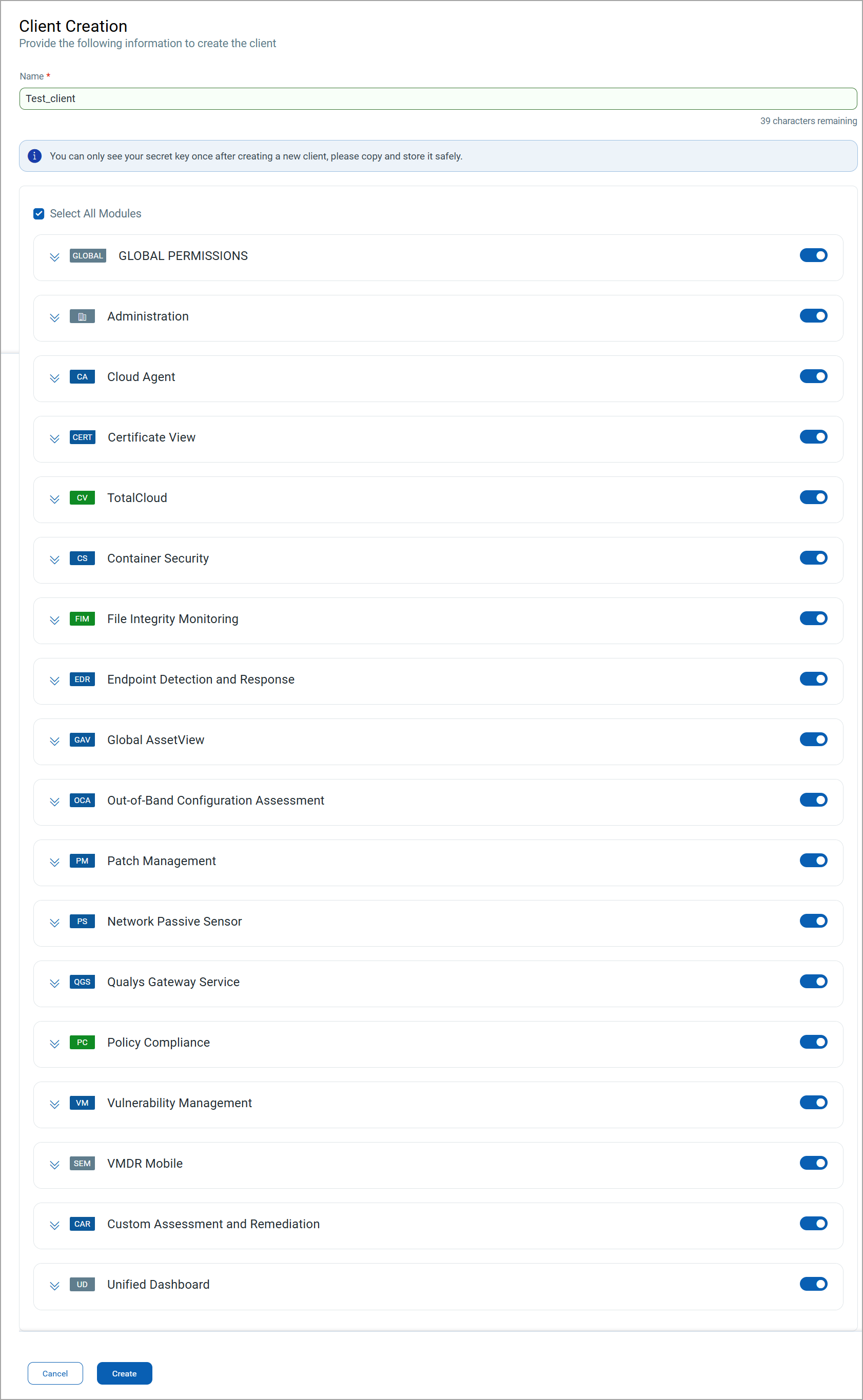
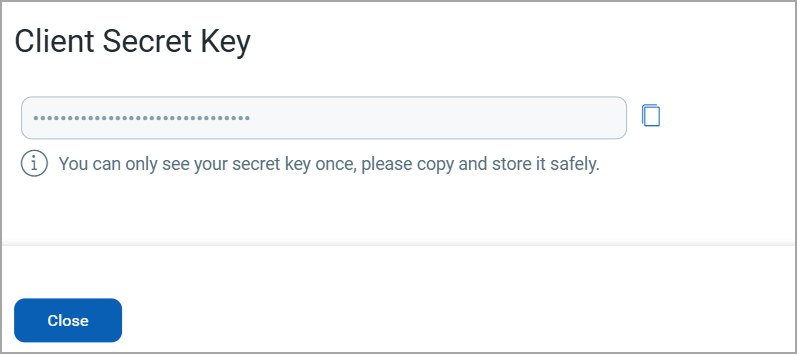
Once you click Create, a Client ID and Client Secret Key are automatically generated. The Client Secret Key is displayed only once. Make sure to copy and store it securely. This key is essential for generating JWT access tokens and cannot be retrieved later.
For more information, refer to Enterprise TruRisk™ Platform 3.23.0.0-2 API Release Notes.
For detailed information on Token-based Authentication, refer to Token-based Authentication from UI and Token-based Authentication using IdP.