Register Physical Appliance Using Remote Console Interface
Perform the following steps to register the physical appliance using the remote console interface:
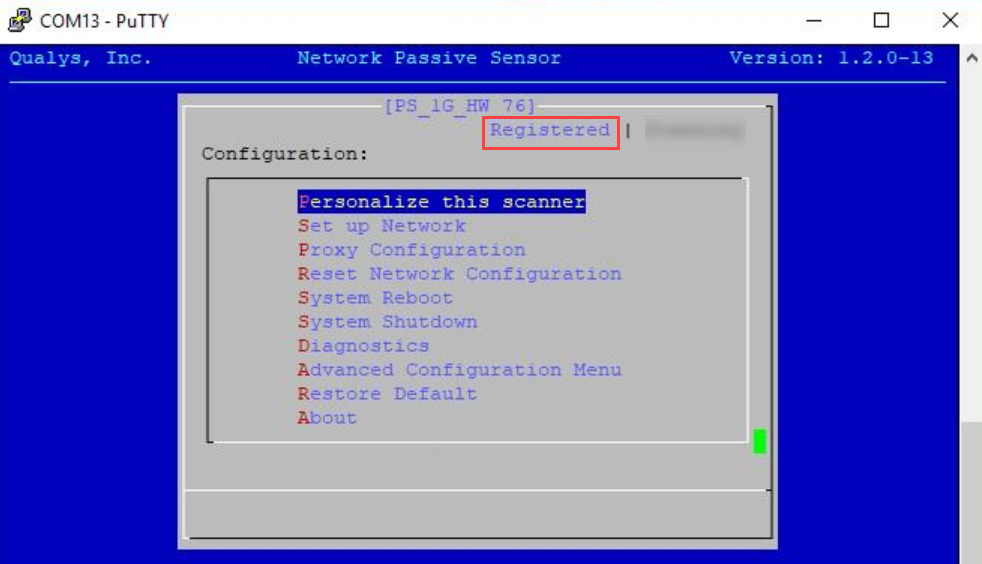
- Go to Personalize this scanner menu option and press Enter to continue.
- Enter your 14 digit personalization code which you generated in Step 1 - Generate the Personalization Code.
- Click Submit and wait for the confirmation message Appliance registration completed successfully. Check that the status on the console is Registered. Once your appliance successfully registers to the Qualys Cloud Platform, you start seeing the appliance with the status as paused.
Next Step