Connected IPs
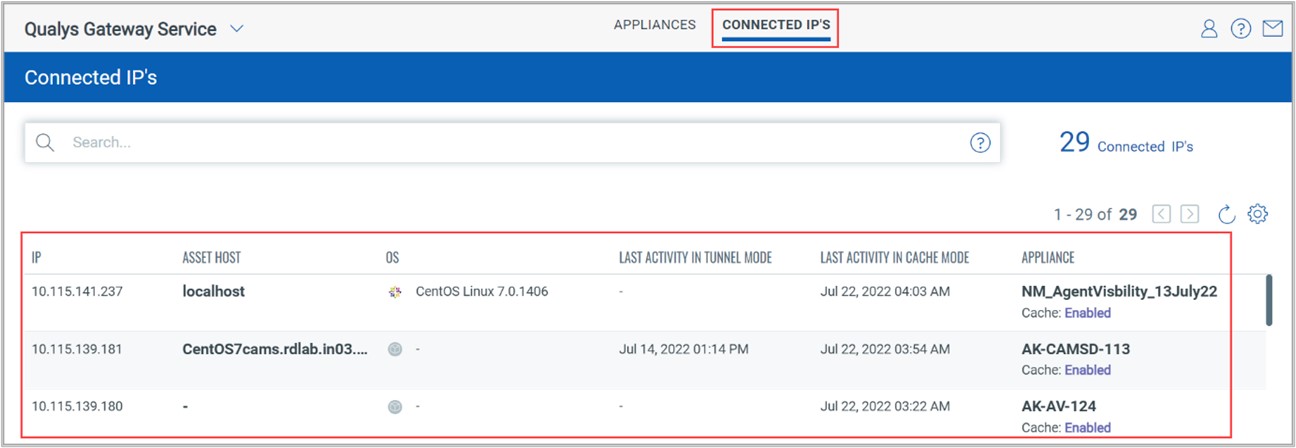
In the Connected IPs tab, as shown in the following screenshot, you can see the details of the IPs connected to the Appliance. Using this option, you can see all the IPs, asset hosts, OS, last activity in tunnel mode, last activity in cache mode, and appliance data of the Windows and Linux agents, which are communicating via QGS appliances. Also, you can see which agents are communicating via QGS appliances.