Activity Logs
The Activity Log tab provides a read-only view of all QLU-related changes made to products under the QFlex plan. Use this page to view allocation changes, module activation, and trial activation across your subscribed products.
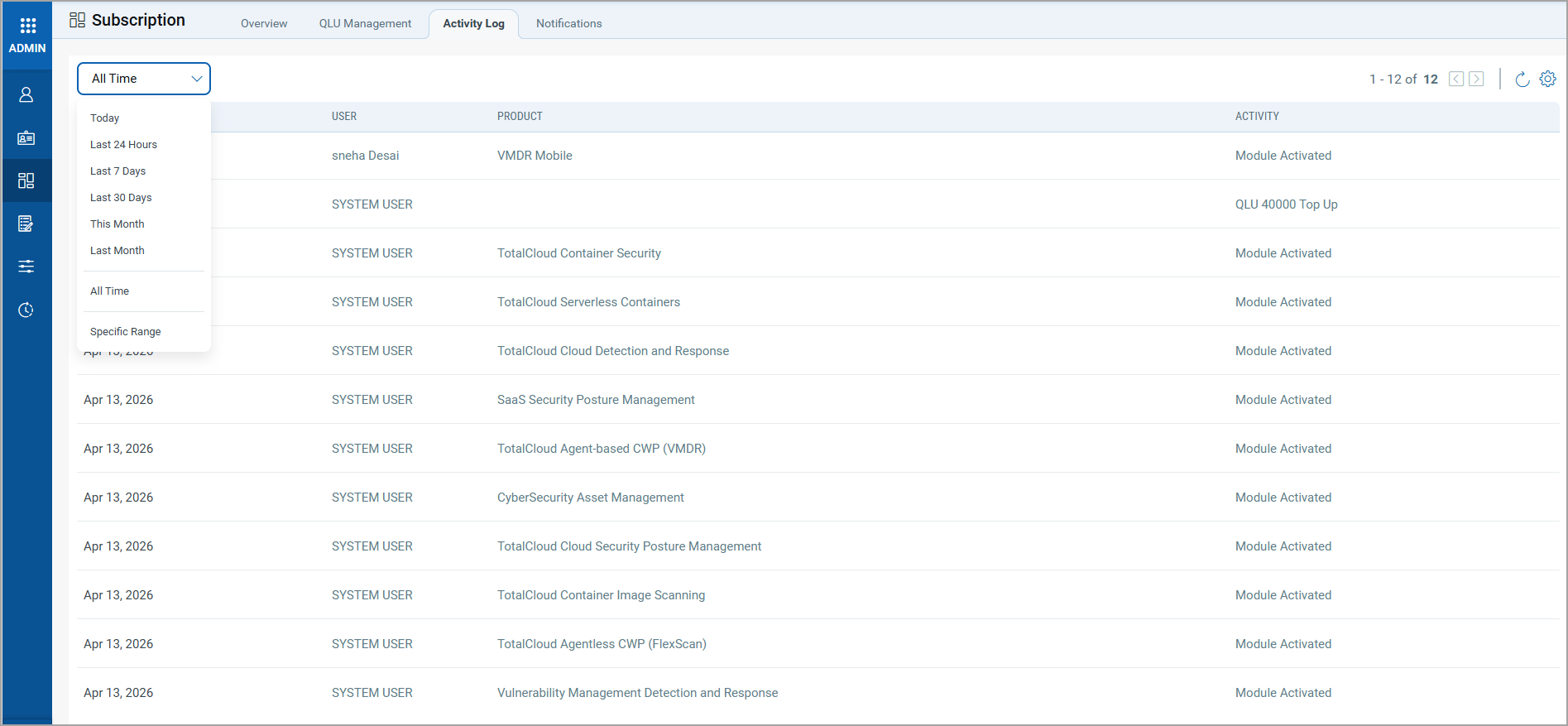
The Activity Log records each entry with the details: the Creation Date, indicating when the activity occurred; the User who performed the action (system-initiated changes are listed as System User); the Product associated with the change; and the Activity type, which describes the nature of the change. For example: Module Activated, QLU Top Up.
By default, the Activity Log displays all recorded activity. To filter results, select a duration from the All Time drop-down, such as Today, Last 24 Hours, or Last 7 Days, or specify a customized date range.