View Scan Results
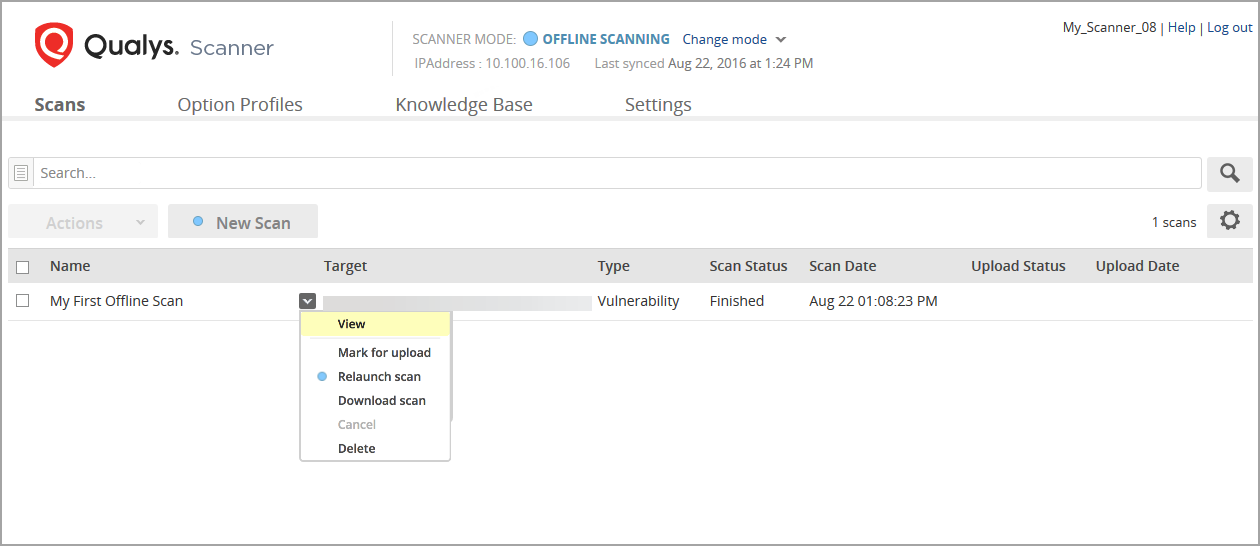
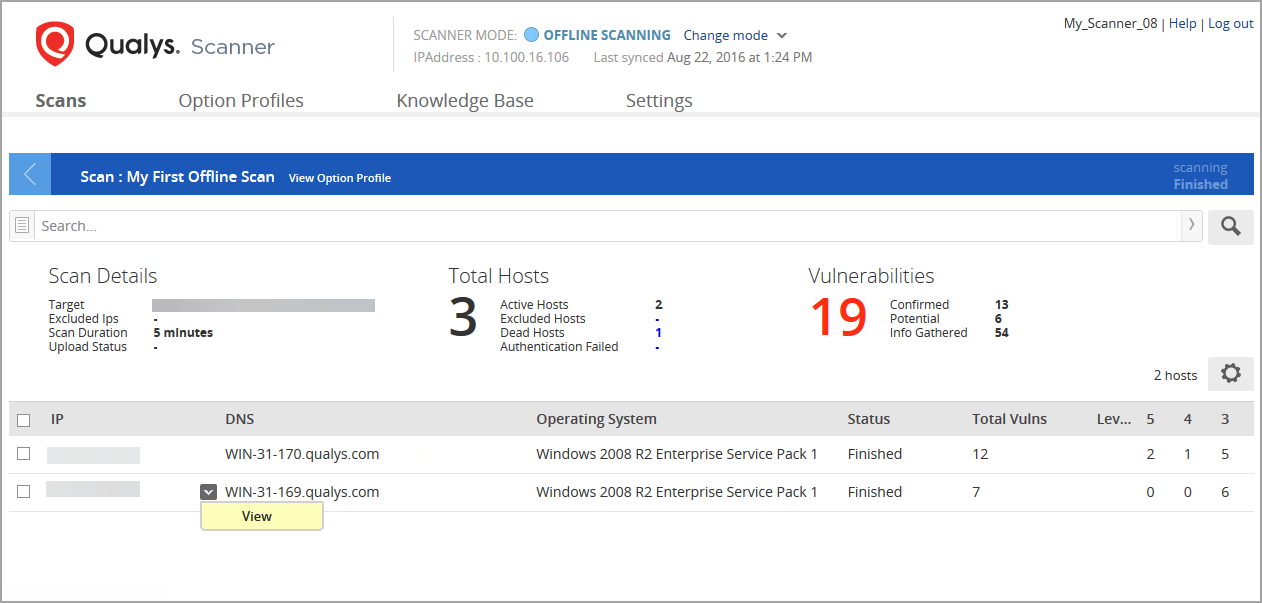
You can view scan results for any finished scan. You can see scan details, such as scan target, total hosts scanned, total vulnerabilities found, scan duration (how long the scan was actively running), and others. This is followed by a list of scanned hosts.
To see the host results, select View for any host.
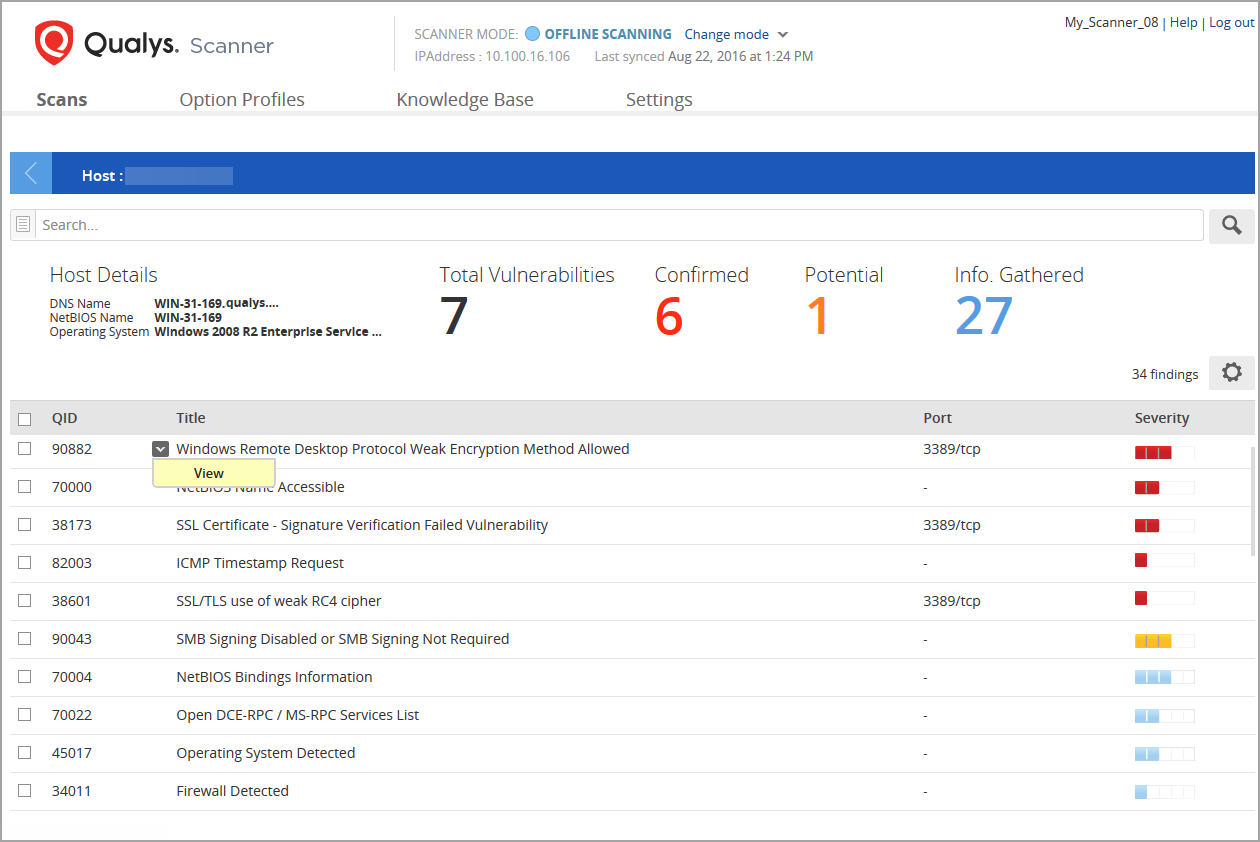
The host details are followed by a list of vulnerabilities and information gathered QIDs detected on the host. You can drill down further by selecting View for any QID to see threat details and scan results.
The Threat Details include specific scan results returned for the QID on the host.
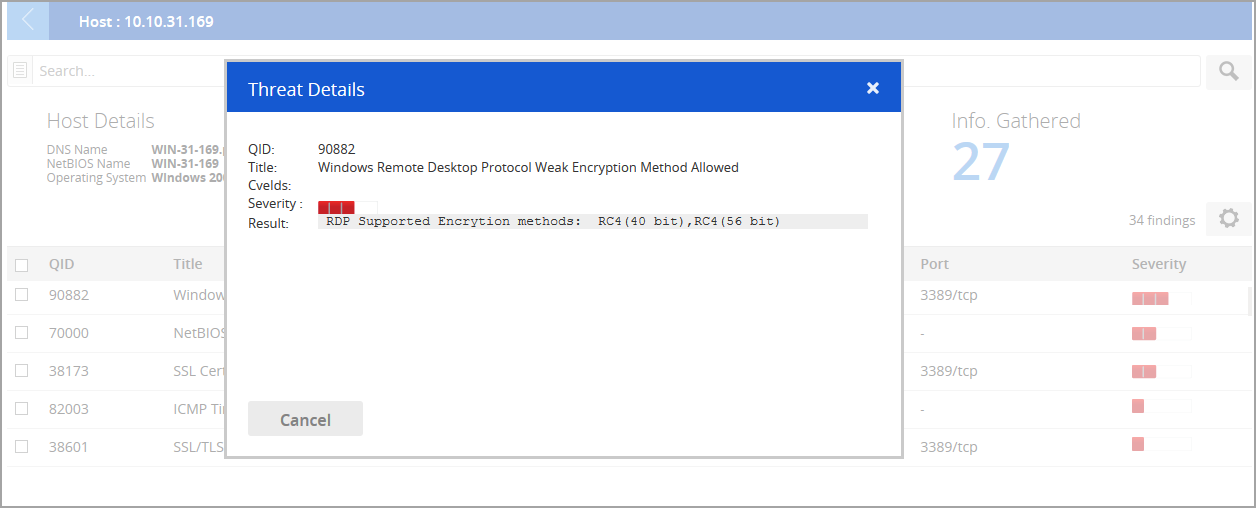
When you are done viewing results, close the Threat Details window.