Log in to Web User Interface
To log in to the Web User Interface, perform the following steps:
- Open a new browser window and enter the Web UI URL.
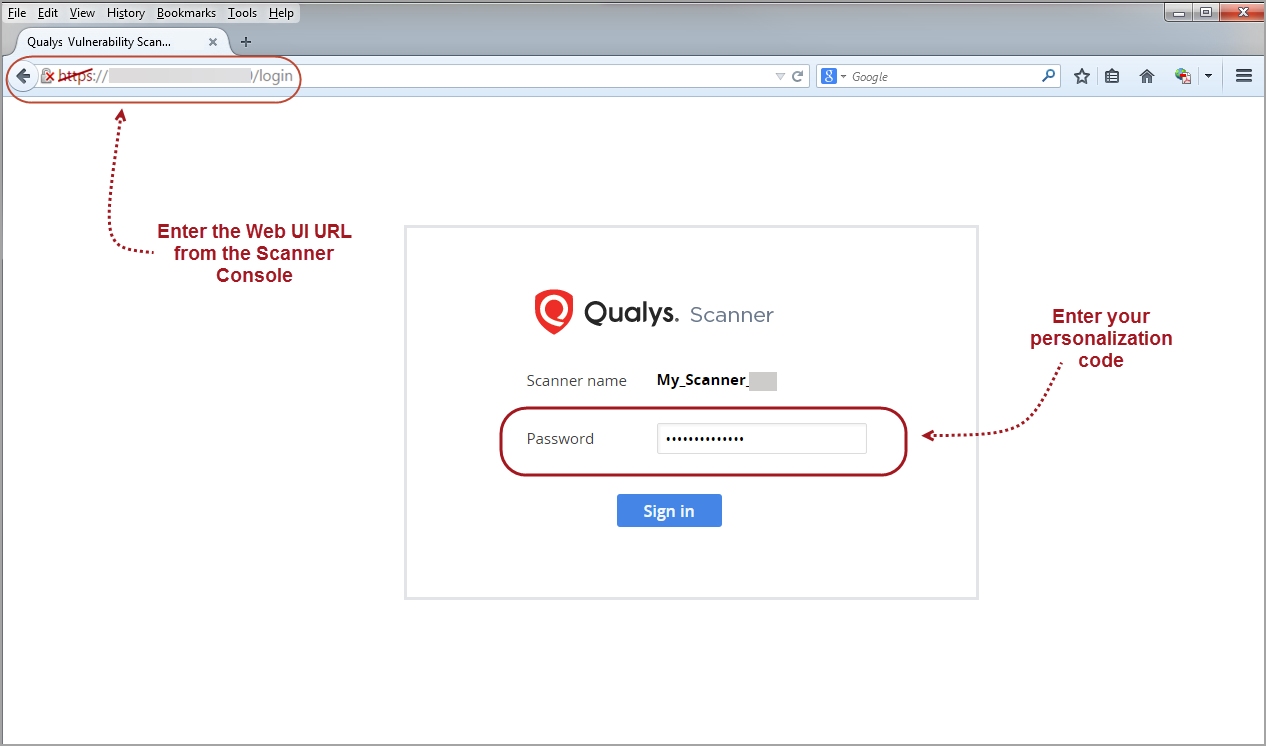
- Enter the personalization code for the initial password.
You are prompted to change password immediately.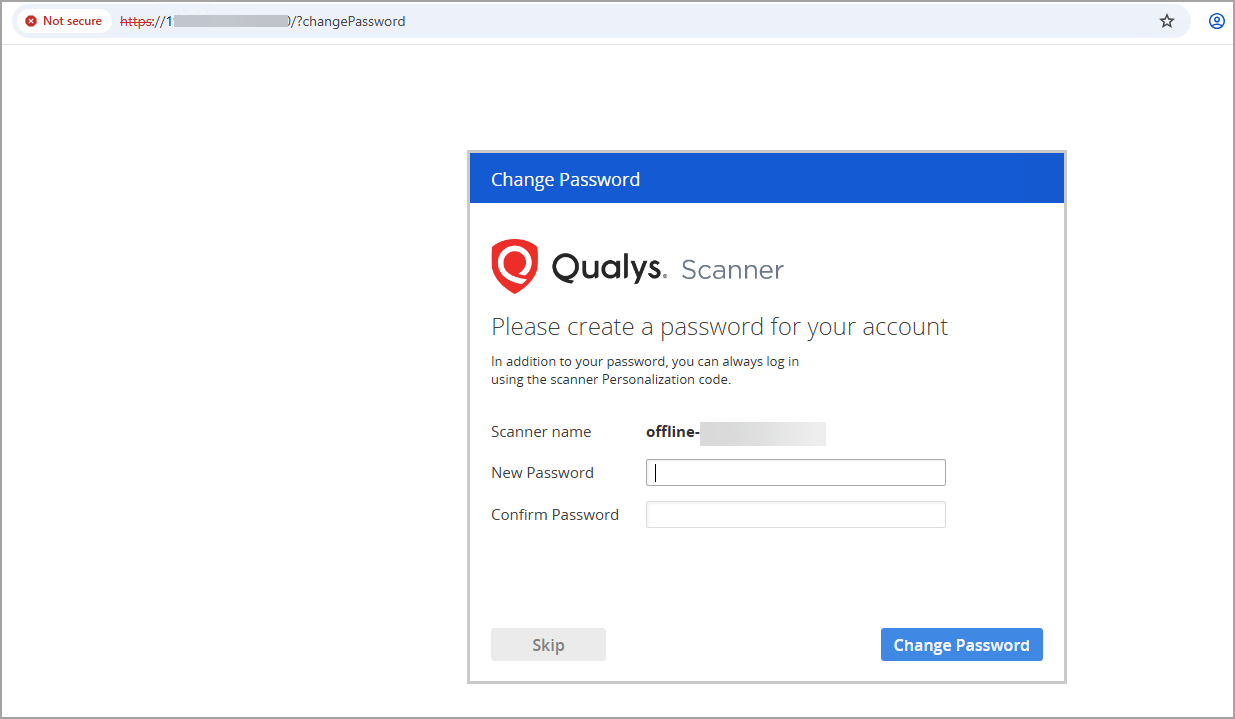
-
Enter the New Password and click Change Password.
That's it! You are now logged in and ready for offline scanning.