Download the Image
This step is for virtualization platforms that allow downloading a scanner appliance image (for example, VMware, Citrix XenServer, and some others). If you are using a cloud platform, please skip to the next step.
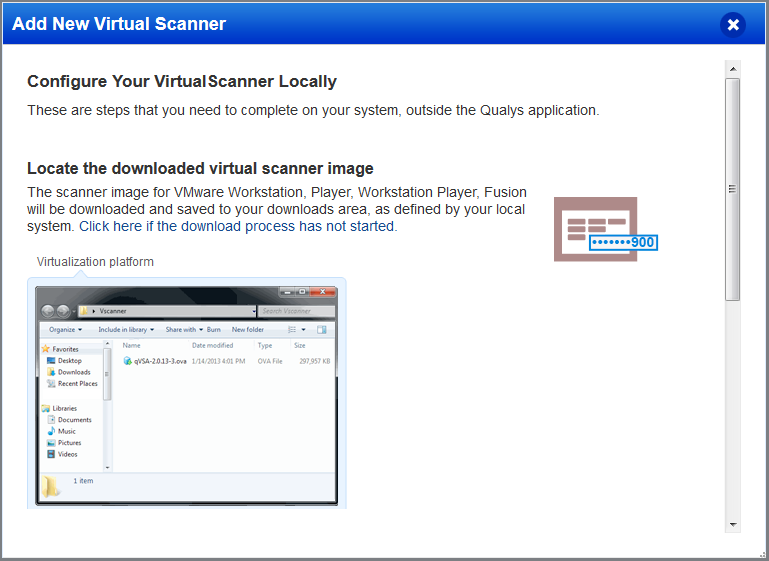
Locate the Virtual Scanner image on your local system.
If you are looking to import a QCOW2 image into KVM, download the OVA file and convert it using the qemu-img tool.
Next Step
Step 4 - Get your Personalization Code