Personalize the Scanner
After deploying the scanner VM, personalize the scanner to associate it with your Qualys account and make it ready for use.
To personalize the scanner, perform the following steps:
-
After you powered on the scanner VM with the
qm start <VMID>command. -
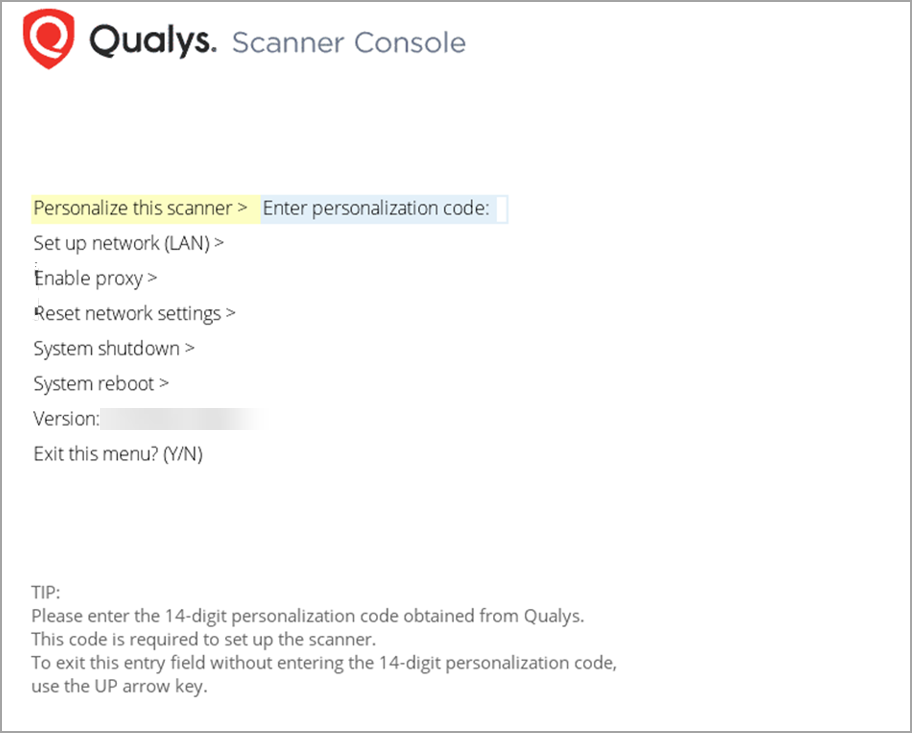
In the Proxmox VE web interface, launch the VNC console for the scanner instance,
-
Press ENTER.
-
Type in the personalization code: