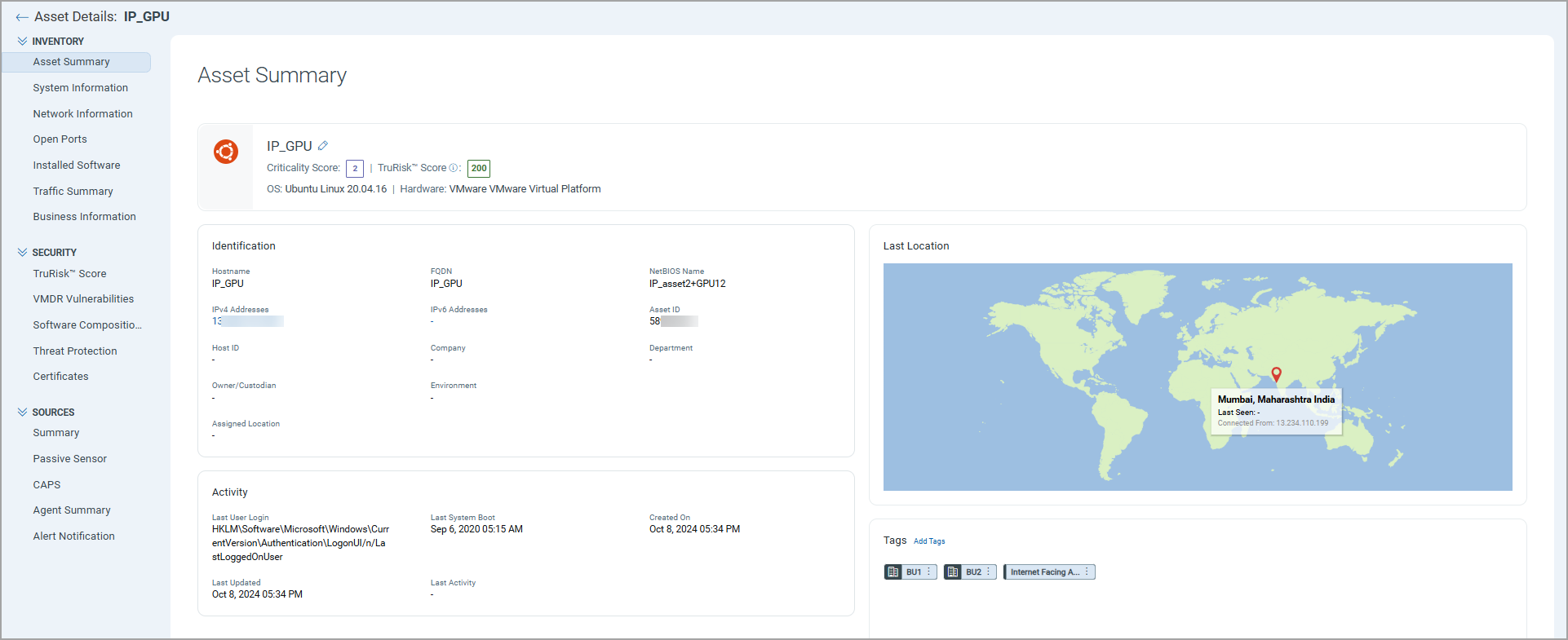
Asset Details
You can view the asset details, where you get visibility to the detailed and consolidated view of an asset with information on asset inventory, security posture, compliance posture, and sensor information across all interfaces for the assets. This detailed information includes IT and security data. This helps the user to understand the security risks, policy, and compliance violations, IT data such as licenses, end-of-life dates, and network connections.
AI Asset Details
To view asset details, navigate to Inventory > AI Assets and click asset name.
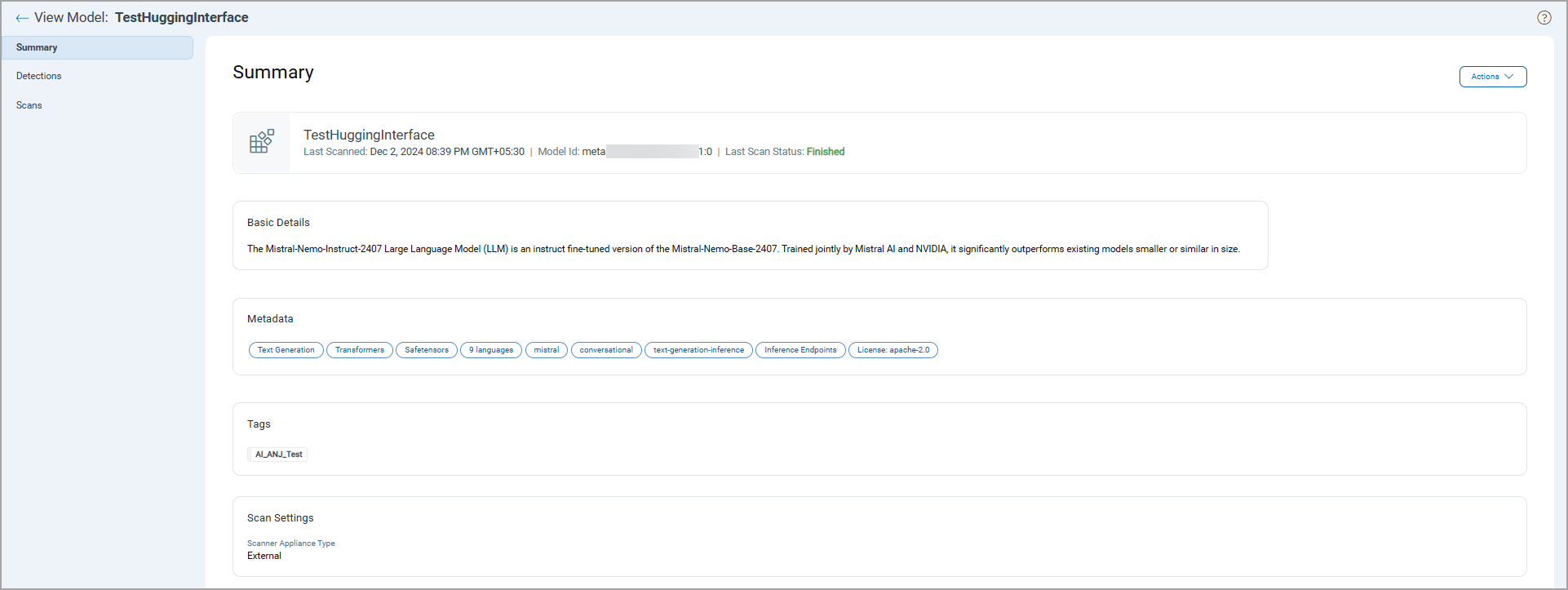
Model Details
To view model details, navigate to Inventory > Models and click View from the Quick Actions menu for a model.