View AI Containers
The AI Containers tab displays the containers with AI-related data along with TruRisk™ scores from the Container Security application.
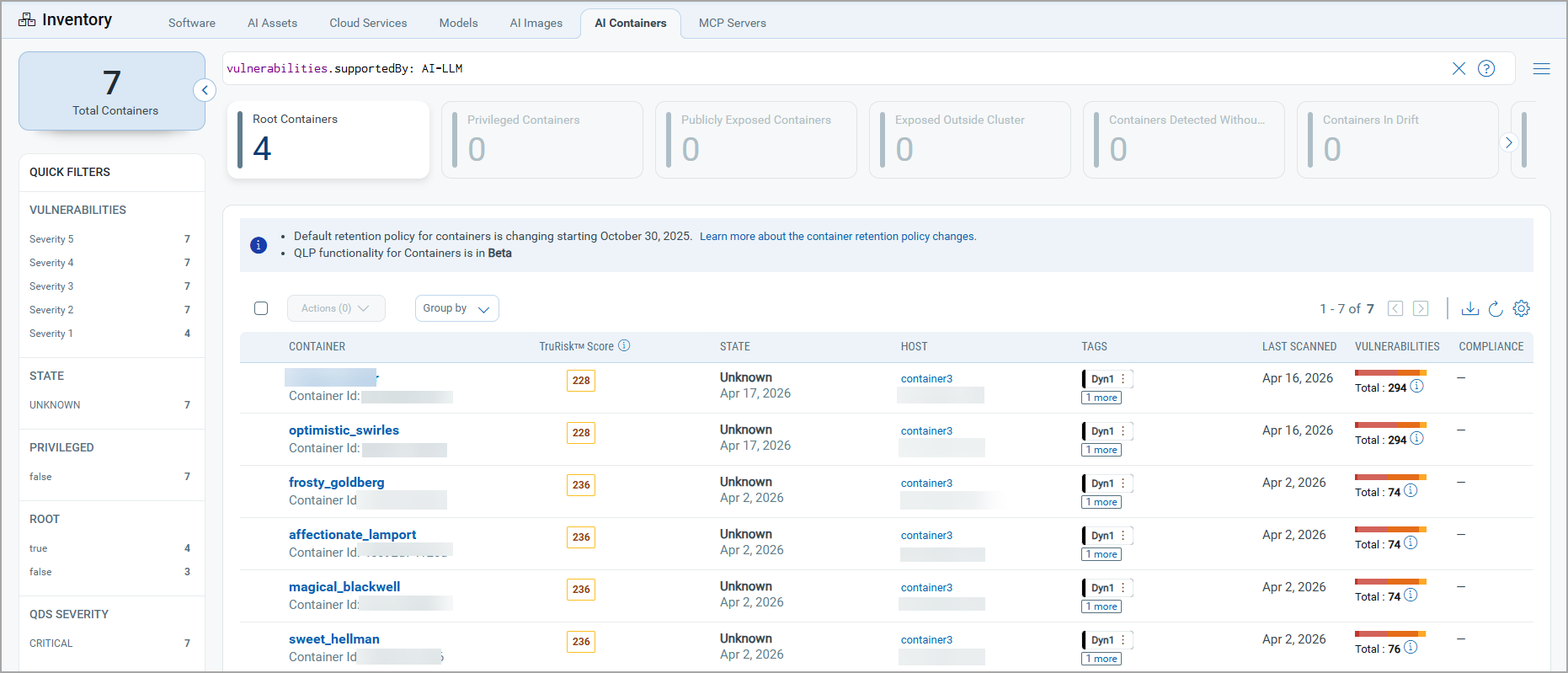
Currently, you can only view the AI containers data.
Using the Quick Actions menu, you can perform the following actions on the AI Images:
- View details of the selected container This includes a comprehensive view of a container by combining operational context, such as network configuration, services, users, installed software, Kubernetes metadata, and associations with linked containers and hosts — with security and risk insights including vulnerability details (with filters for patchable and exempted vulnerabilities), compliance controls, vulnerability exceptions, and a TruRisk™ Score, making it a single pane of glass for assessing both the runtime environment and overall security posture of a container.
- Add tags to the image.
- Delete the selected container from the TotalAI inventory.