Cloud Services
The inventory of cloud services running in your cloud account is displayed in the Cloud Services tab. Here, you can monitor the inventory of AI services running in your Cloud account and get the details of the model deployment to launch a scan.
- To view the different inventory types, navigate to the Inventory > Cloud Services tab.
- The Cloud Services tab lists the different inventory types. For example, AI Foundry. Using the Quick Filters, you can filter the inventories based on their location.
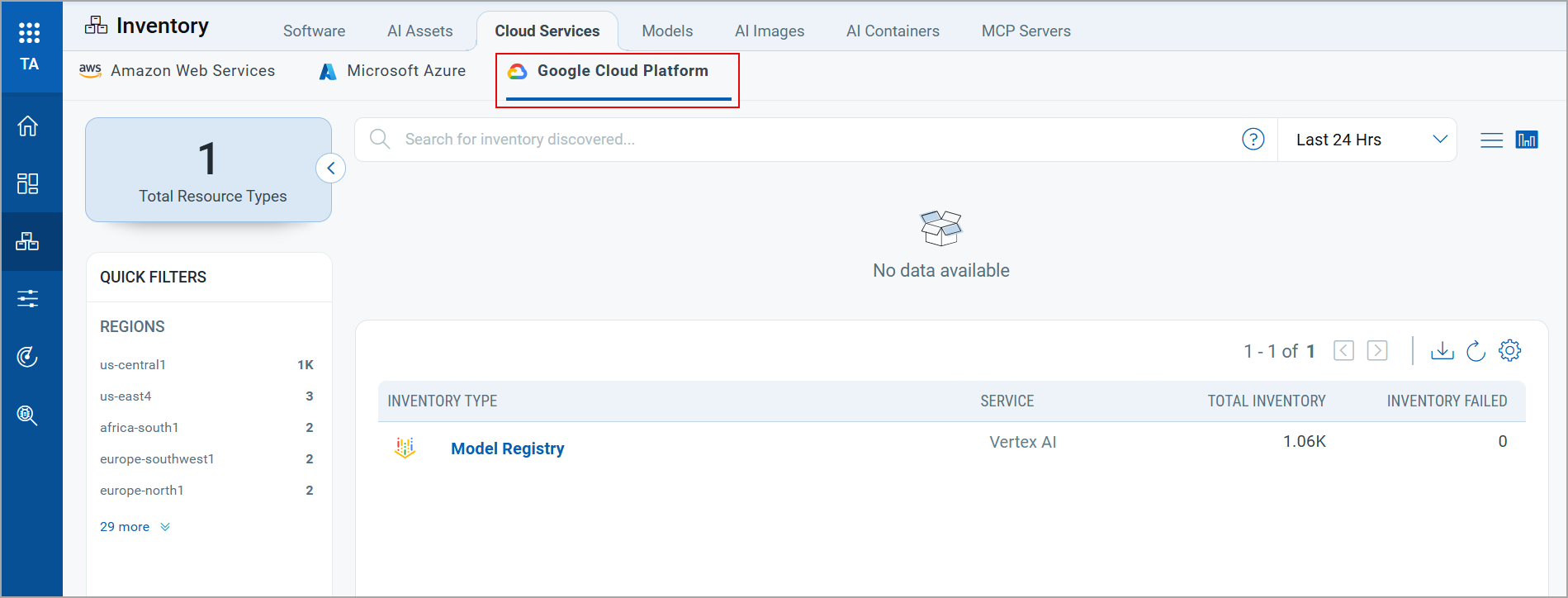
- To view the AI services running on your cloud, click an inventory type from the list. The list of active AI services is displayed.
- Using the Quick Filters, you can filter the inventories based on their Kind and Location.
- To view the inventory details, click on an inventory from the list. The Inventory Details window opens.
The Inventory Details window displays the following information:
Inventory Summary
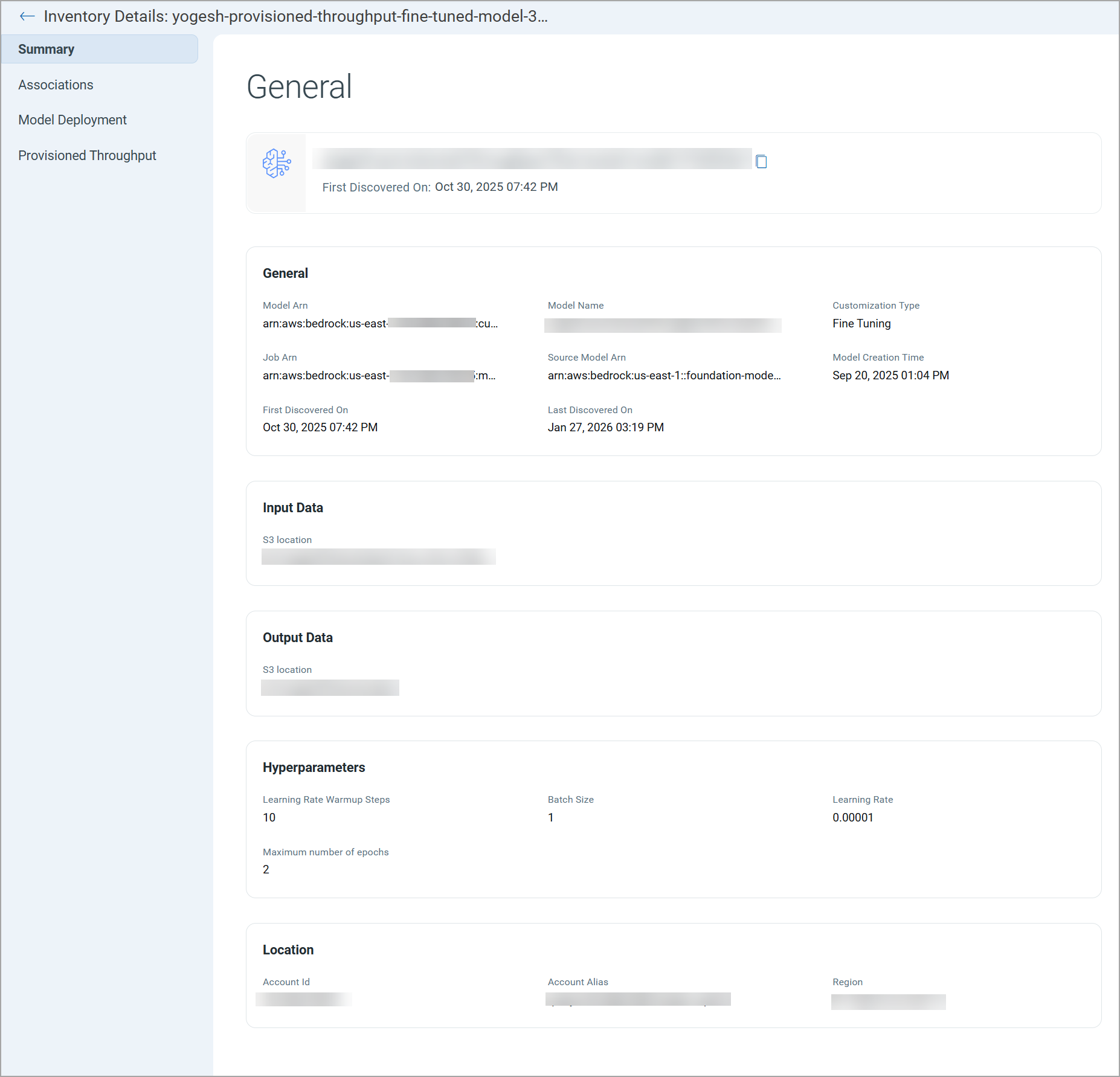
Click the Summary section to view the basic details of the inventory, such as the inventory name, ID, location, kind, and dates.
Associations
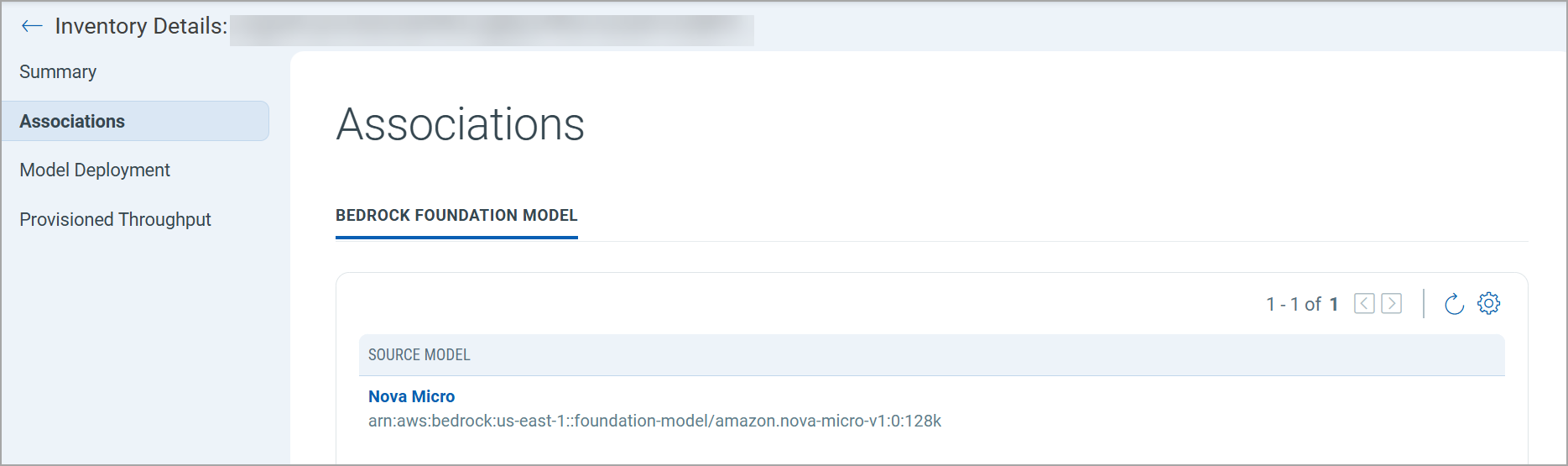
The Associations tab displays the foundation model associated with this inventory item. You can use this information to understand the source model.
Model Deployment
Click the Model Deployment section. The Model Deployment section contains information about the model endpoint, deployment name, model name, and model version.

You can use the Endpoint URL to manually launch the scan for the model.
To launch a scan, copy the endpoint and create a model. For details, refer to New Model Onboarding.