SaaS Posture
The SaaS Posture tab shows how your onboarded SaaS applications measure up against your assigned controls, and lists the events detected for those applications. It includes two tabs: Controls and Events.
Controls
The Controls tab shows control evaluation results for your onboarded SaaS applications.
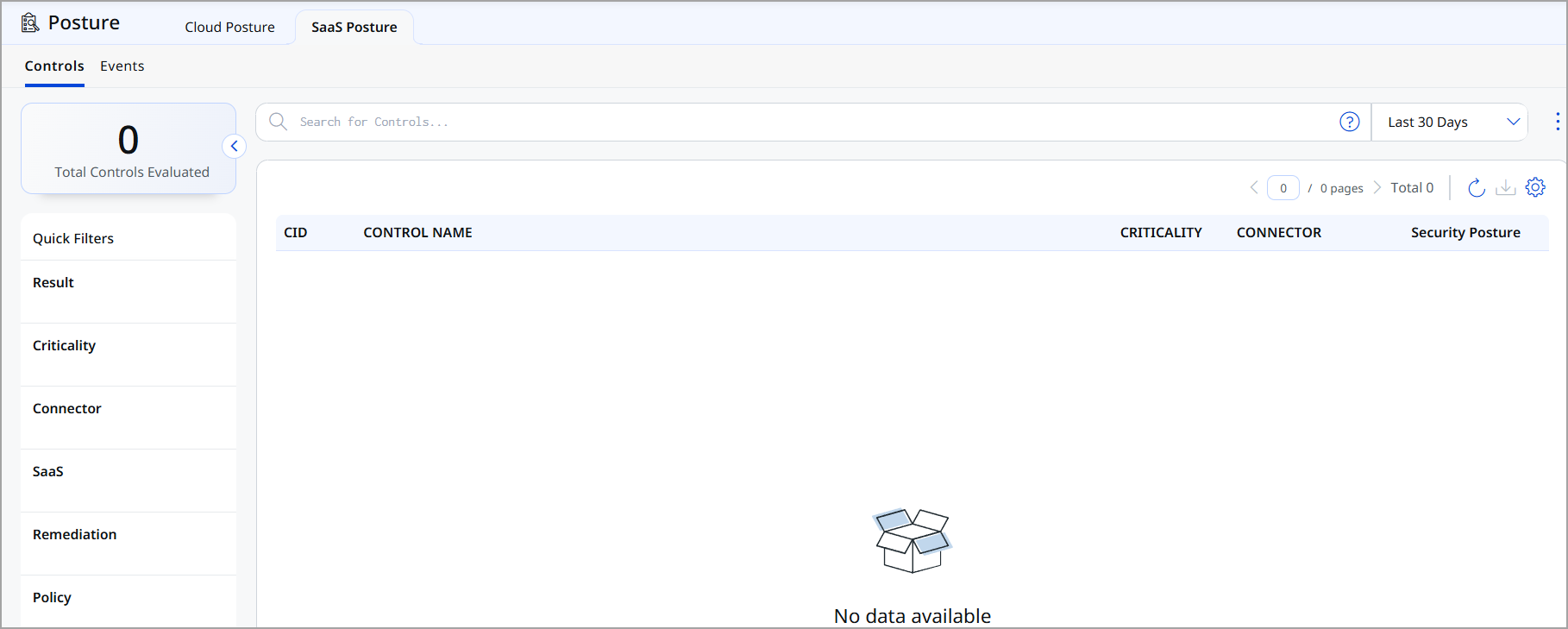
The Total Controls Evaluated counter shows the number of controls evaluated for the time range you choose, such as Last 30 Days.
Use the Quick Filters panel to narrow the control list by:
- Result - Filter by whether the control evaluation passed or failed.
- Criticality - Filter by the control's risk level.
- Connector - Filter by the connector used to evaluate the control.
- SaaS - Filter by the SaaS application the control applies to.
- Remediation - Filter by whether remediation guidance is available for the control.
- Policy - Filter by the policy the control belongs to.
The controls list displays the following details for each control:
| Column | Description |
|---|---|
| CID | Unique identifier for the control. |
| Control Name | Describes the configuration or security setting the control checks. |
| Criticality | The risk level of the control, such as High, Medium, or Low. |
| Connector | The connector used to evaluate the control. |
| Security Posture | A pass/fail breakdown for this control. |
Events
The Events tab lists activity detected on your onboarded SaaS applications.
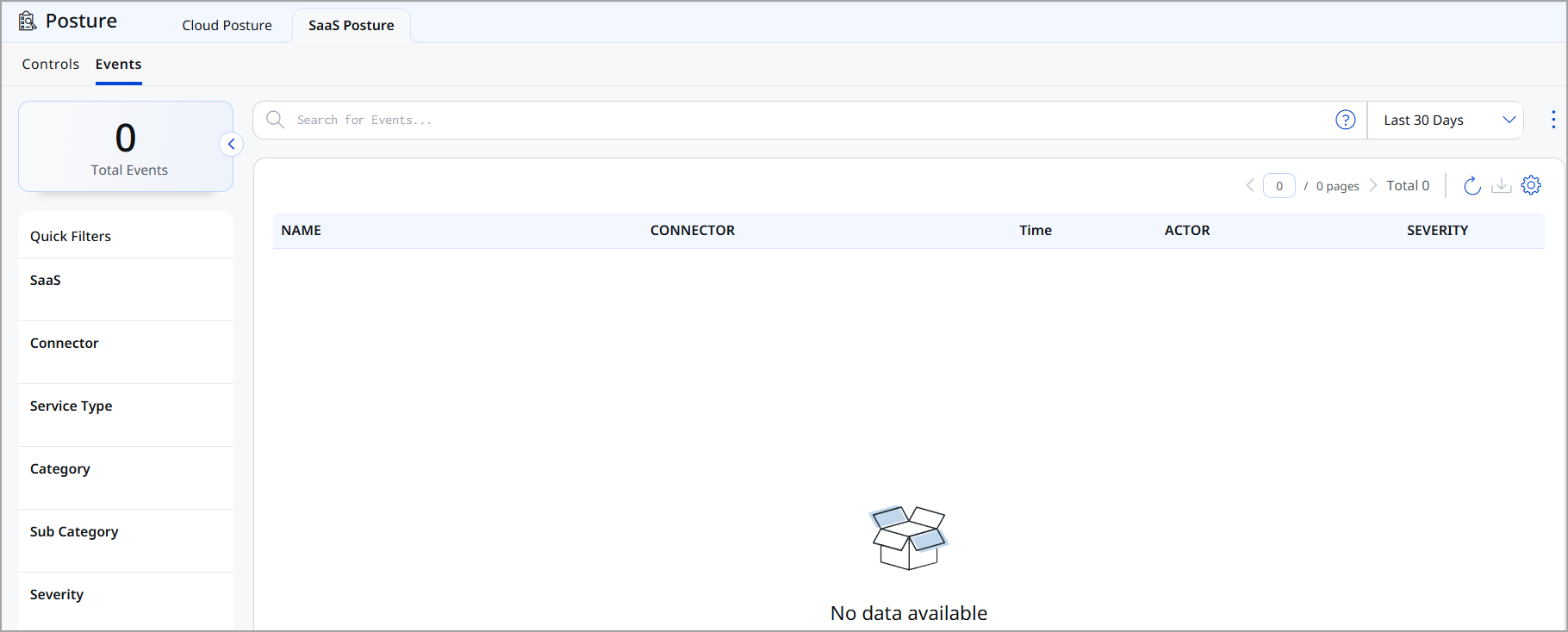
The Total Events counter shows the number of events detected for the time range you choose, such as Last 30 Days.
Use the Quick Filters panel to narrow the events list by:
- SaaS - Filter by the SaaS application the event occurred on.
- Connector - Filter by the connector that detected the event.
- Service Type - Filter by the type of service the event relates to.
- Category - Filter by the event category.
- Sub Category - Filter by the event sub-category.
- Severity - Filter by the event's severity.
The events list displays the following details for each event:
| Column | Description |
|---|---|
| Name | Name of the event. |
| Connector | The connector that detected the event. |
| Time | Date and time the event occurred. |
| Actor | The user or entity that triggered the event. |
| Severity | The severity of the event. |