View Scan Details
To view the details of a scan, select a scan from the datalist and then click View from the Quick Actions menu.
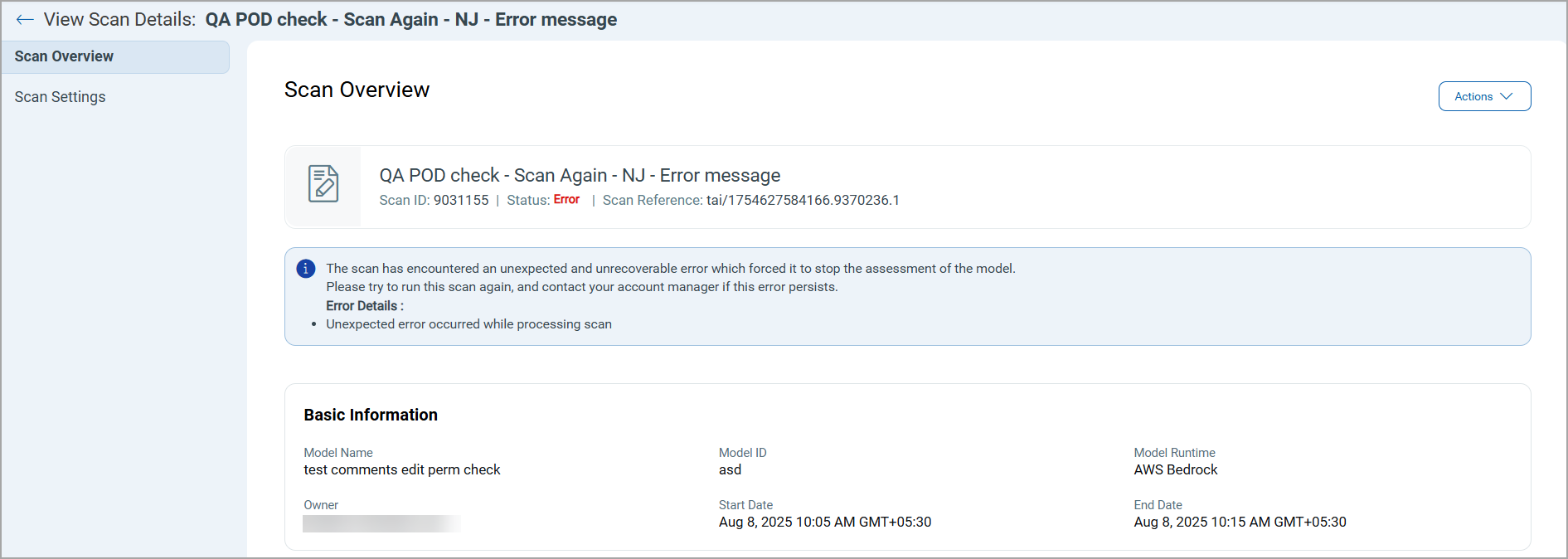
The View Scan Details page displays the following tabs:
The Scan Overview tab shows basic information about the Model Name, Model ID, Model Runtime, Owner, Start, and End Date.
You can now see an Error Status in the Scan Overview screen whenever a scan encounters an unexpected issue.
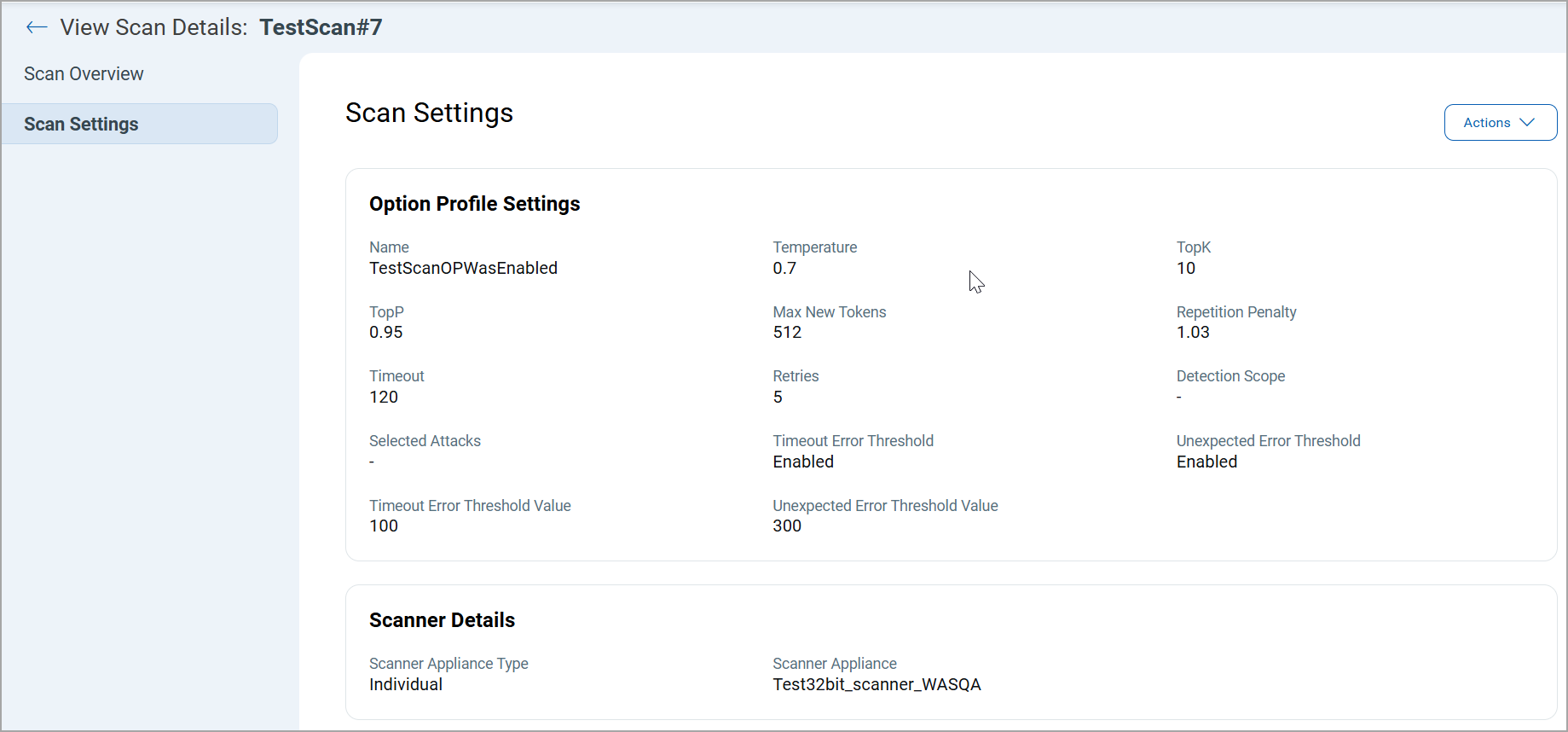
The Scan Settings tab provides detailed information about the Option Profile Settings and Scanner Details used during the scan.