Test Authentication - Basic Information
On this page, add basic information for the test authentication scan.
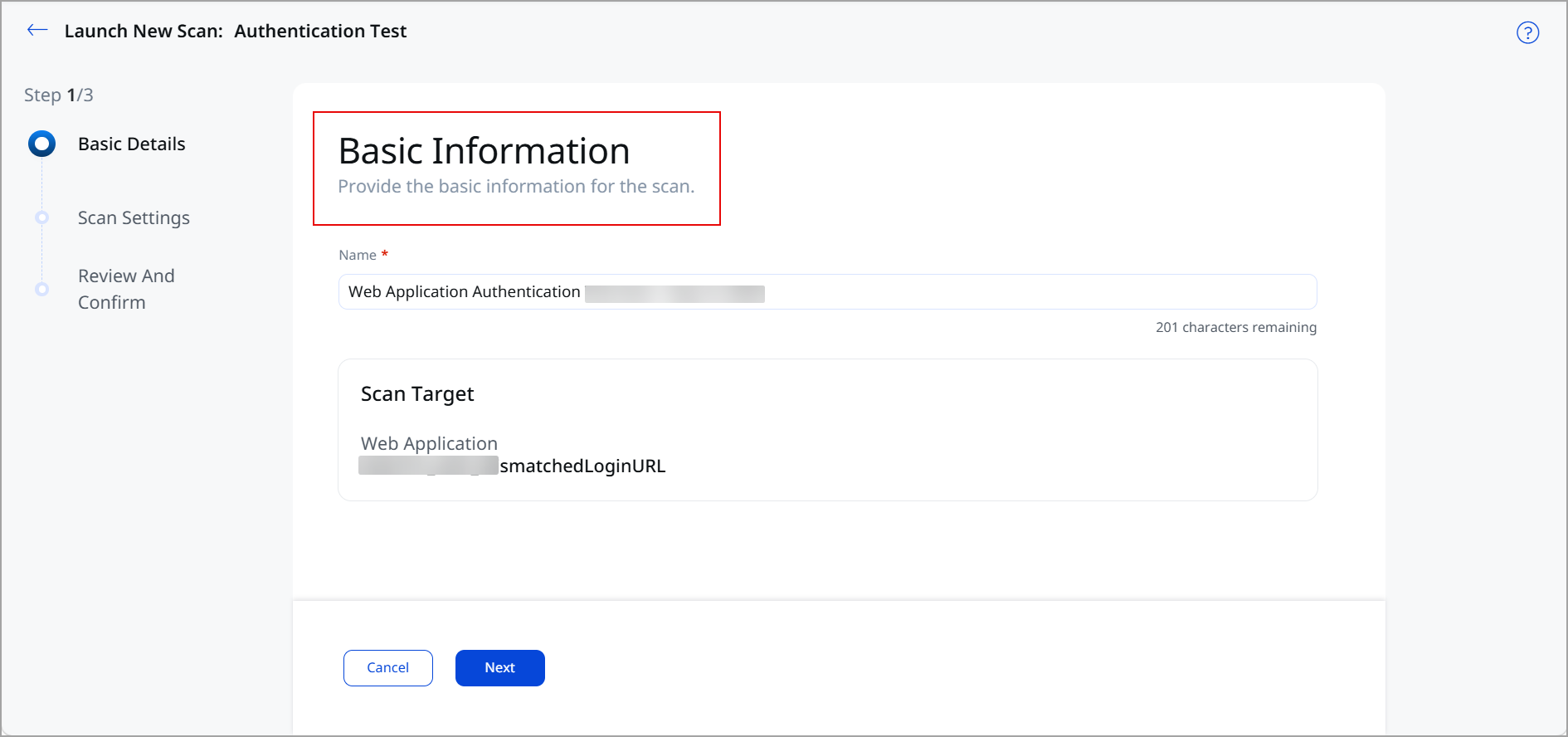
Name
A scan name is provided automatically and you can enter a custom name. The name can have a maximum of 256 characters. We recommend you avoid using special characters in the scan name.
Scan Target
The Scan Target section displays the web application that you selected on the Web Applications tab before you launched the scan.
Unlike a discovery scan or a vulnerability scan, a test authentication scan always targets a single web application. You cannot add more web applications or select a web application by tags on this page.