View Threat Feed List
You can view the threat feed list from VMDR module. Go to Prioritization > Threat Feed. The Threat Feed tab shows the High Rated Feeds, Medium/Low Rated Feed, and thread feeds marked as favorite by you.
You can also search for feeds based on categories, content, or published date. Use the search tokens to filter the threat feeds. For example, contents: "google".
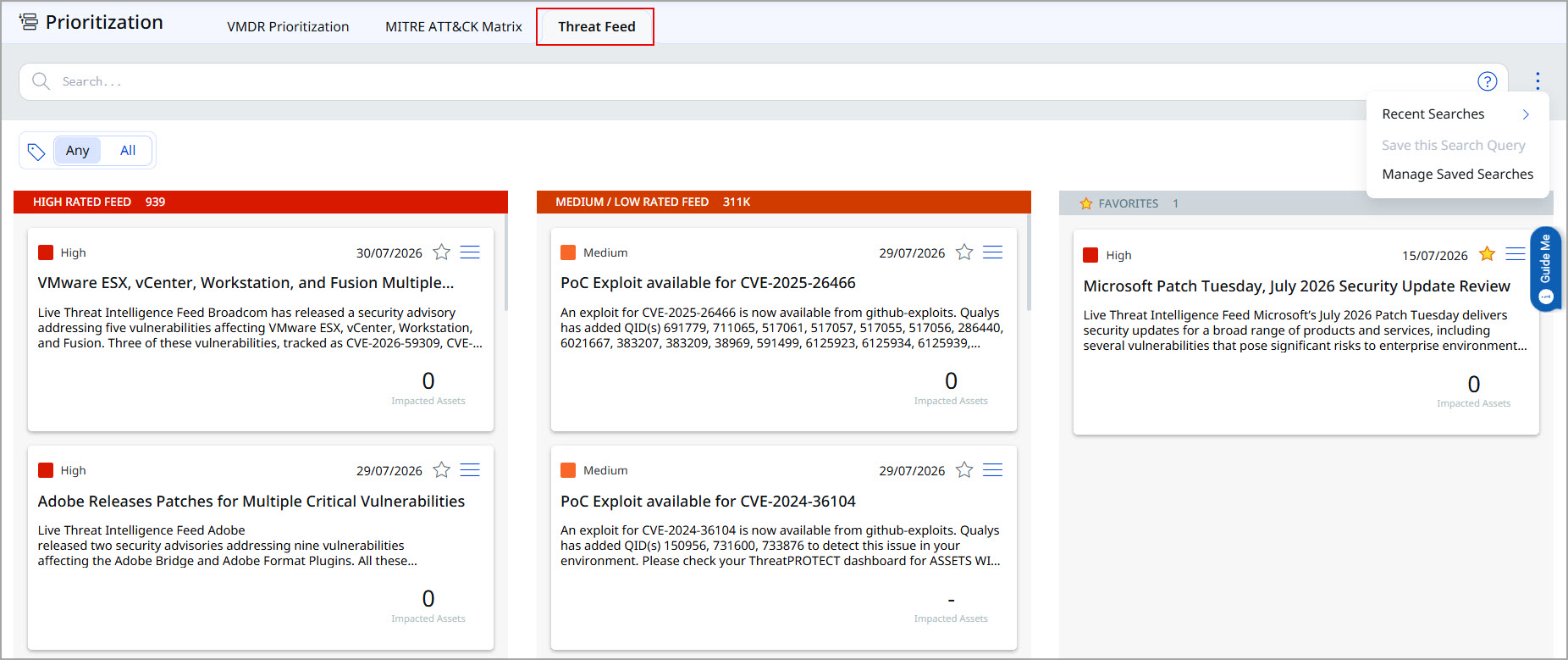
You can also save your search query and view the recent strings that you have searched. To save a search query, in the upper-right corner of the Threat Feed tab > More option icon ( ) > Save Search Query > type a Title > Save. If you have saved a search in Threat Protection, the same feed appears on the Threat Feed tab.
You can also filter the threat feeds using the Asset tags  .
.
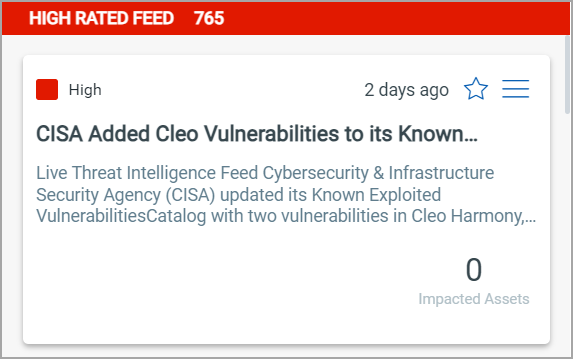
The threat feed card shows the following details:
- The threat severity
- Blog title and content preview
- Published Date
- Threat category
- Impacted asset count