Re-evaluate Controls
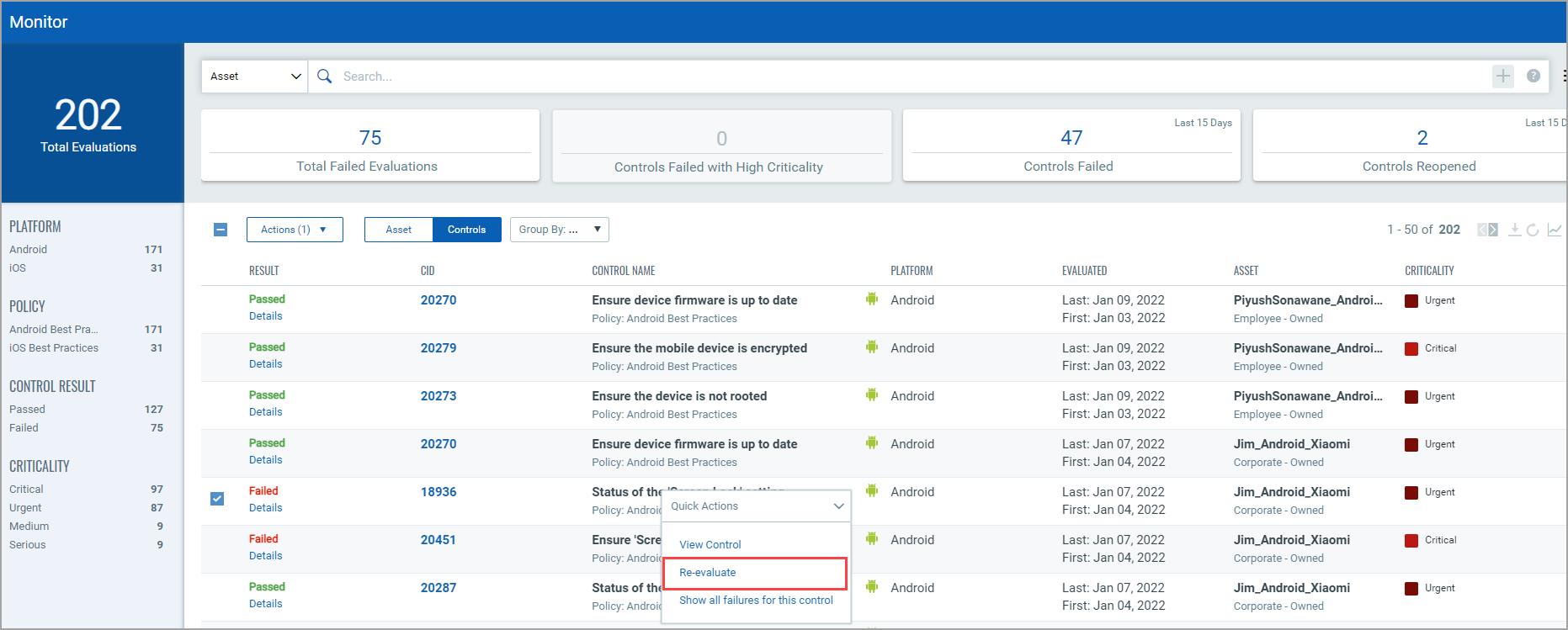
To re-evaluate a control:
- Select the Quick Actions menu next to the control name and click Re-evaluate.
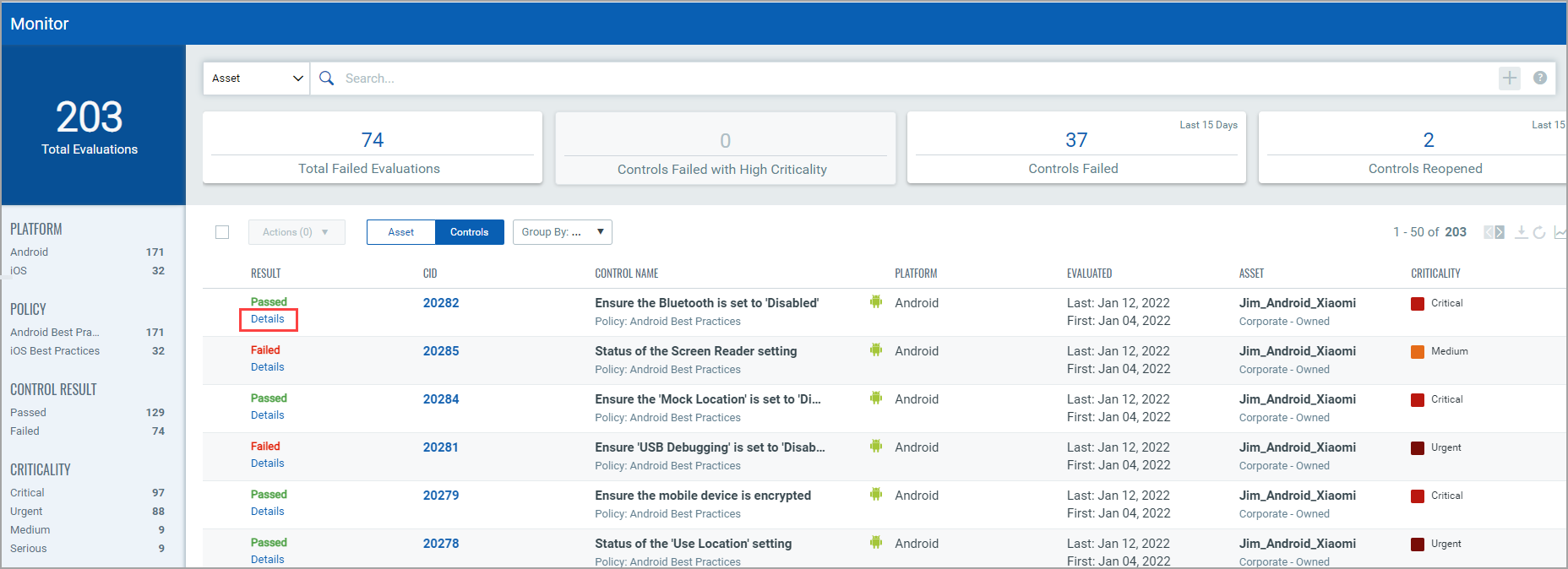
After the re-evaluation is done, the control’s status is updated across the application. - Click the Details link (below the Result status) to view the control evaluation details for an asset.