Qualys Insights
Qualys Insights gives you summarized information about the vulnerabilities by collecting data from various risk factors. Using this data, you get the list of affected assets and accordingly take action on those assets. Qualys Insights helps you fasten the remediation action by consolidating the data into widgets. The widgets are divided between Asset and Vulnerability.
Asset Widgets in Qualys Insights
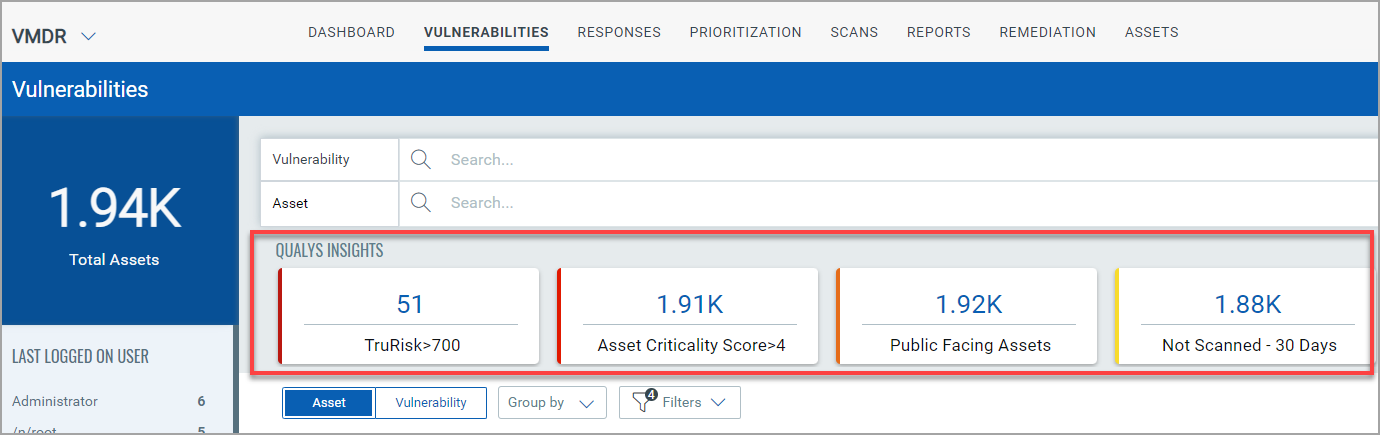
The Asset widgets in Qualys Insights are:- TruRisk > 700, Asset Criticality Score > 4, Public Facing Assets, and Not Scanned - 30 days. The following example screenshot depicts all the asset widgets that you can access to ease your asset findings:
Vulnerability Widgets in Qualys Insights
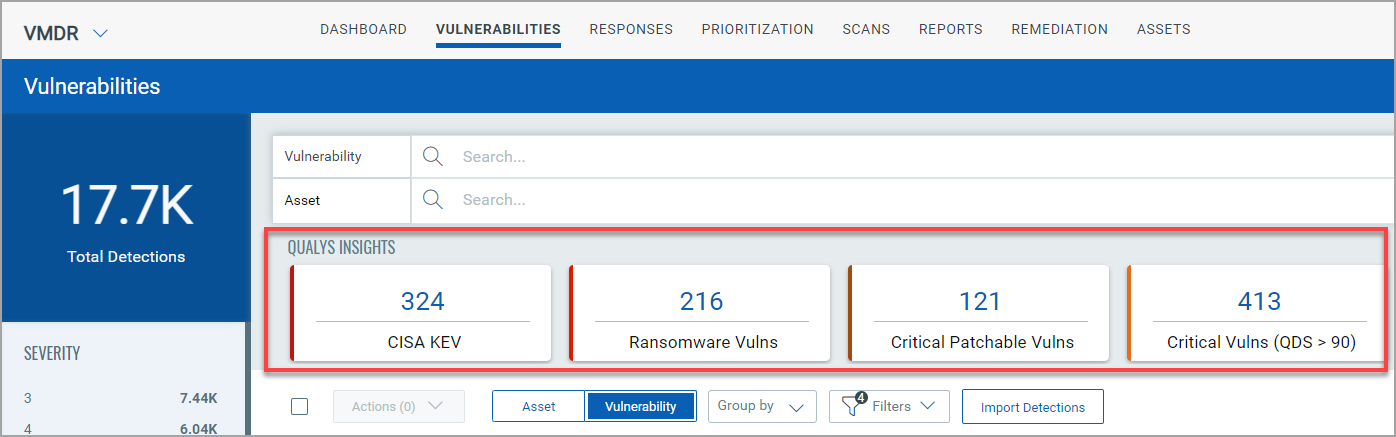
The Vulnerability widgets in Qualys Insights are:- CISA KEV, Ransomware Vulnerabilities, Critical Patchable Vulnerabilities, and Critical Vulnerabilities. The following example screenshot depicts all the vulnerability widgets that you can access to ease your vulnerability findings:
Qualys Insights feature is available if you have a full subscription to VMDR.
Additional Resources