Execute Shell Commands on Assets
The Connect To Host option in Custom Assessment and Remediation (CAR) enables you to execute shell commands on Windows assets in real time. This capability lets you interact directly with a Windows host from within the CAR interface.
This feature eliminates the need for third-party remote access tools and enables you to perform live troubleshooting, diagnostics, and remediation on Windows hosts securely and efficiently.
Only users with the Remote Shell Access permission from the Remediation module can initiate a remote connection to a Windows asset.
To add or remove the Remote Shell Access permission for users, see Manage Remote Shell Permission from the scope.
To initiate a remote connection to a Windows asset, follow these steps:
- Navigate to the Jobs tab and select a job to view its details.
- From the asset list, select the required asset and click Connect To Host from the Quick Actions menu.
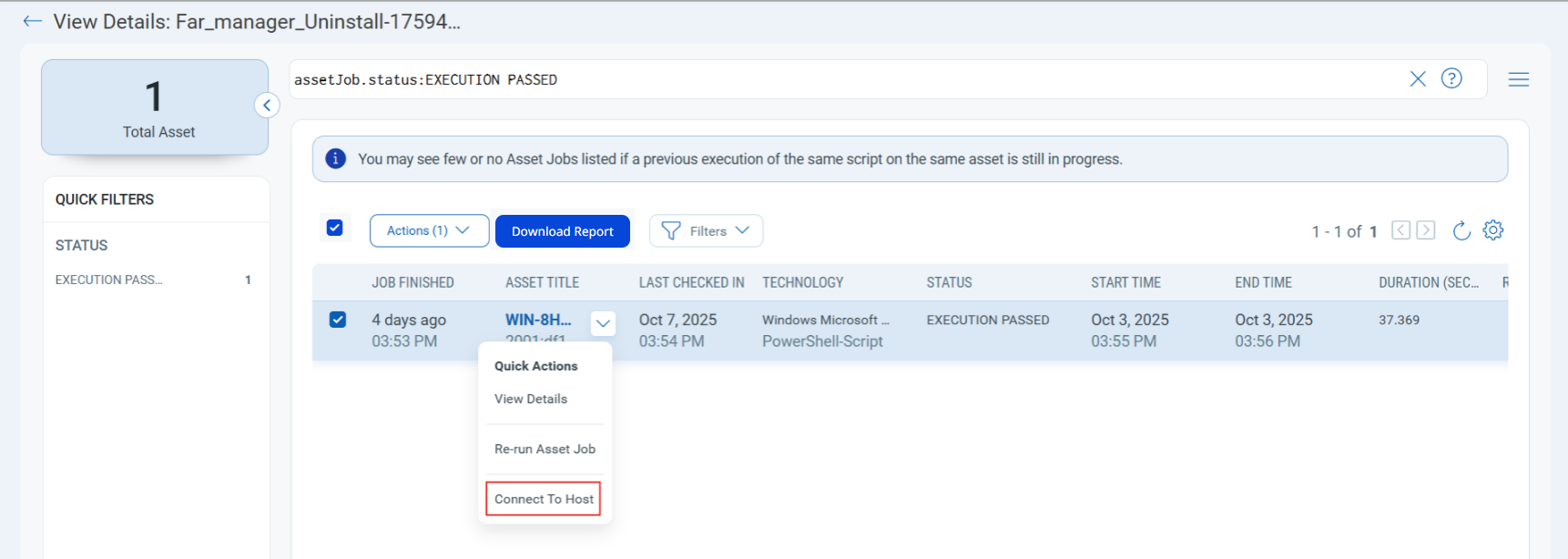
A remote connection to the asset is established, and a command window opens. From here, you can execute shell commands on the asset to perform troubleshooting tasks.
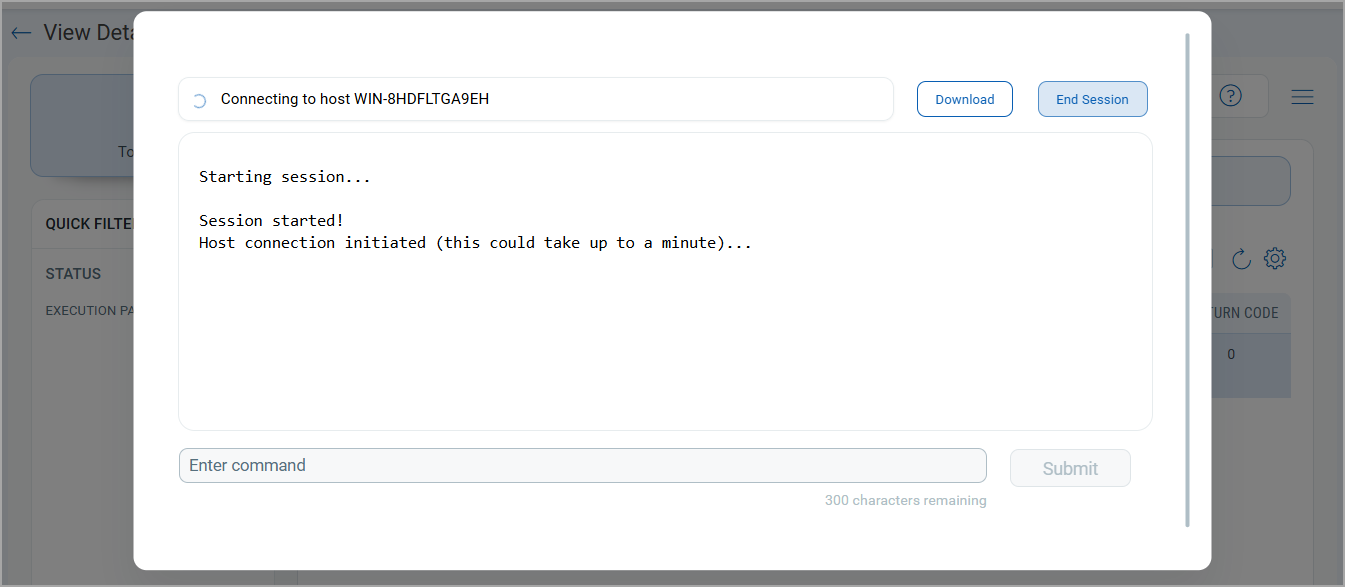
- Enter a command and click Submit.
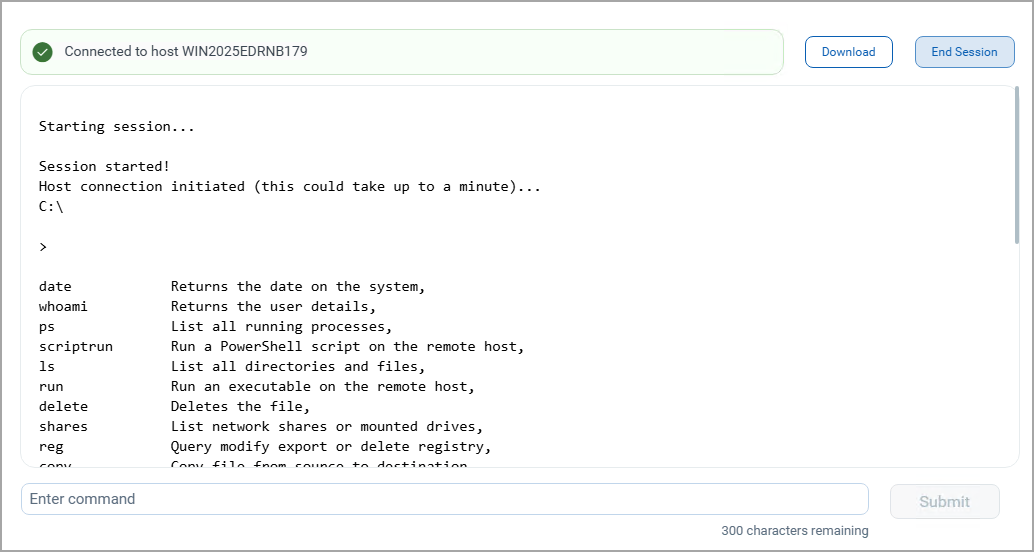
- When the session is complete, click Download to save the session logs, or click End Session to disconnect from the asset.
Related Topics
Manage Remote Shell Access Permission from the scope