Manage Access for User
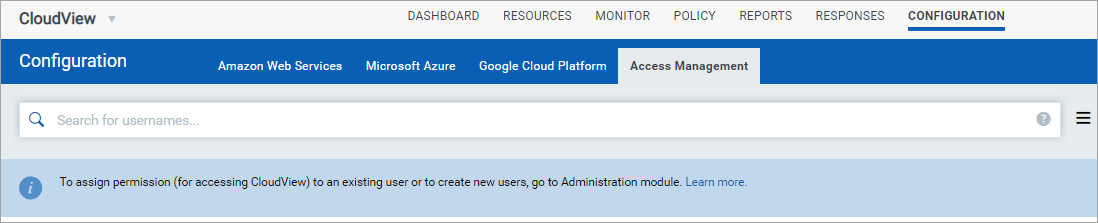
The user with Manager role can now assign access to other users and decide which connectors are accessible to users. The Access Management tab lists all the users who can access the module.
If you do not see any users, you can create users. To create new user, visit the Administration utility and create new users and assign role to each user. Learn more
Note: The Access Management tab is available only to user with Manager role. The user with Manager role can manage access for sub-users.
How do I manage access for users?
Navigate to the Access Management tab, select the user and choose Manage Access from the quick action menu.
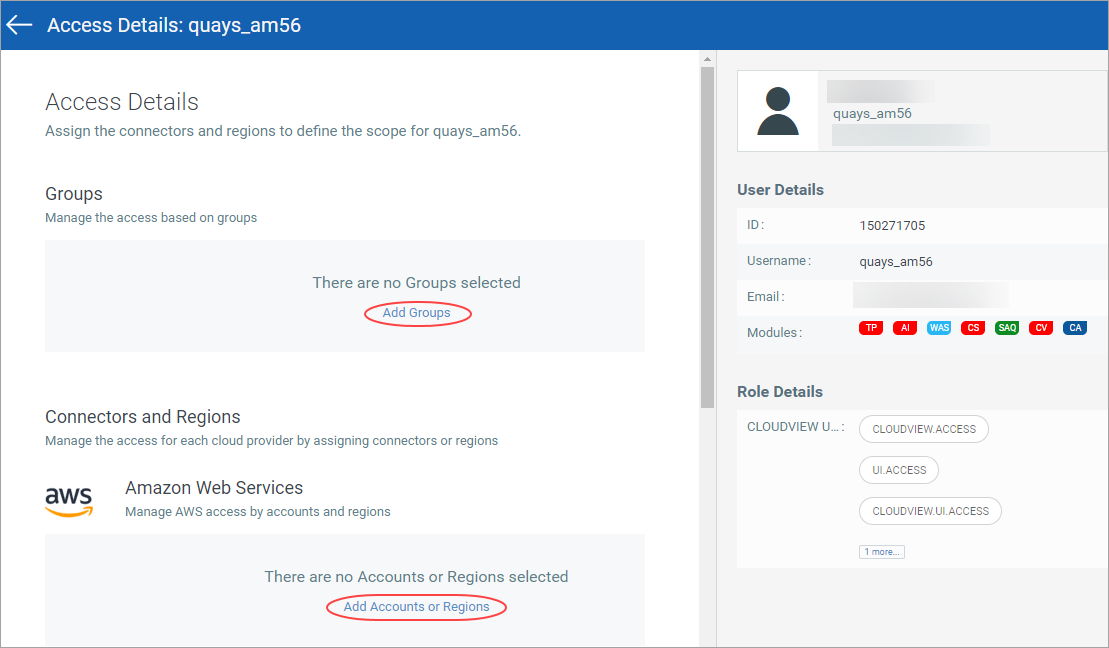
There are two options you could configure access for users:
- Using groups
To assign the groups to a user, you need to associate the group with the user.
Click Add Groups and select the group, and click Save to associate the group with the user.
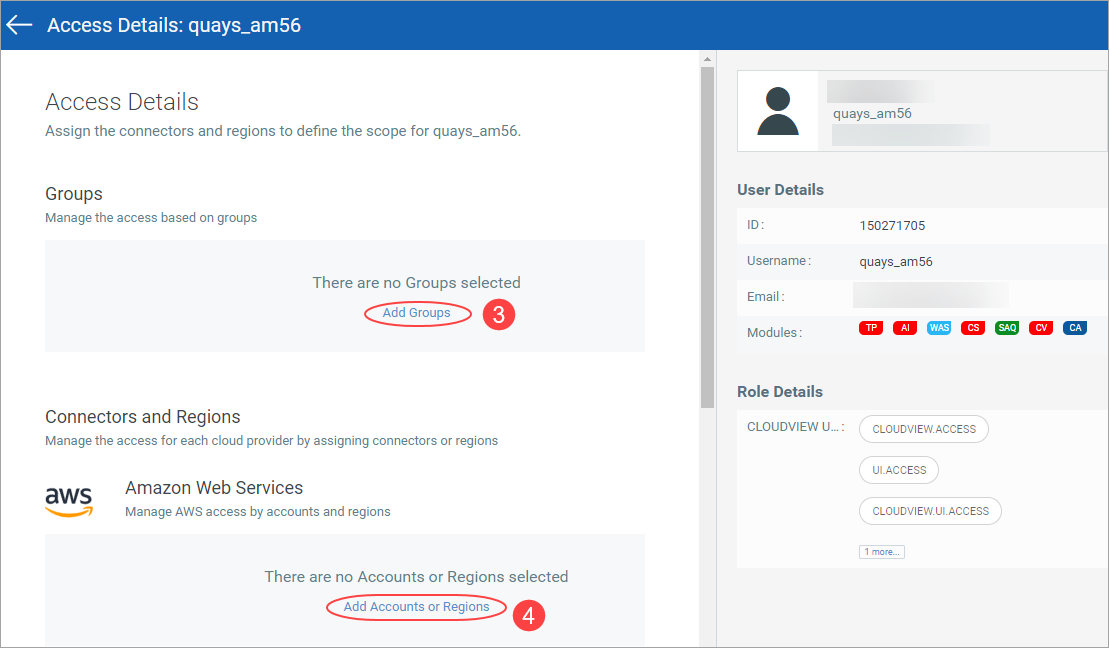
If a group is assigned to multiple connectors that belong to different Cloud Providers, the user can access all the connectors associated with the groups.
- Using connectors
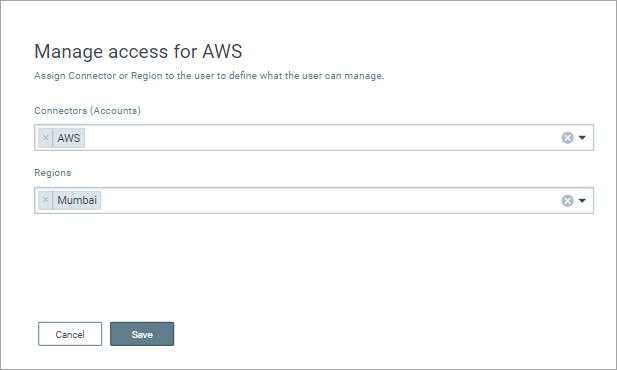
When you define scope for a user, you could directly select the connectors for every Cloud Provider and associate it with the user. The user can then access all the connectors assigned to the user.
In the Connectors and Regions section, click the link for the specific Cloud Provider, select the connector, and click Save.
You can select multiple connectors from multiple cloud providers as well. For AWS, you can select connector and region as well.