Configure the Plugin
Before running a scan, you have to install the IaC plugin on your Jenkins console. You can install the plugin using one of the following methods:
Install the Plugin from Jenkins
Follow these steps to install the Qualys IaC Security plugin directly from the Jenkins Plugin Manager:
-
On the Jenkins console, go to Manage Jenkins > Manage Plugins.
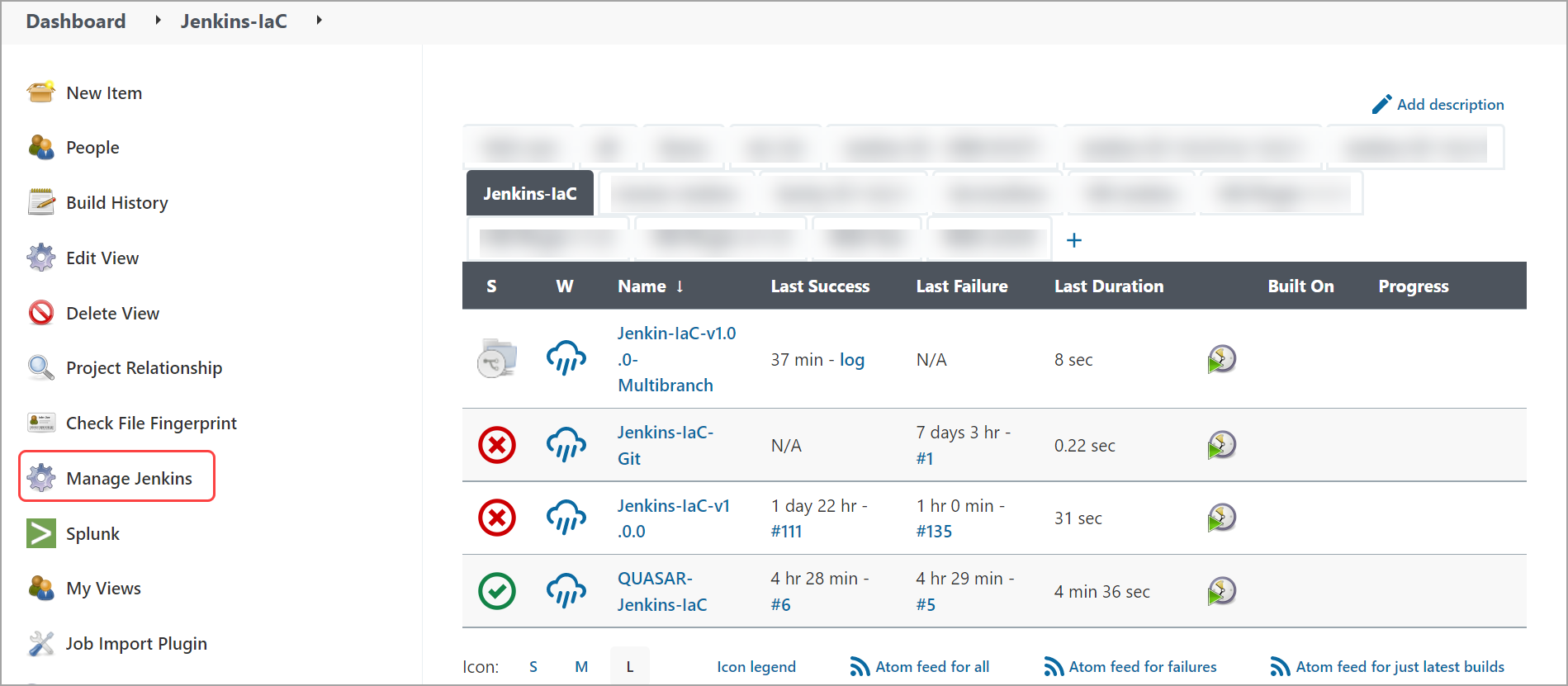
-
Navigate to Available Plugin in the plugin manager. Search for 'Qualys IaC Security' plugin and install.

-
Navigate to Installed in the plugin manager to view the deployed IaC plugin.