Enable Data Feed
This page describes how to enable integration of Qualys platform data into Splunk.
- Navigate to Settings > Data Inputs.
- Select the App name from the Local Inputs list.
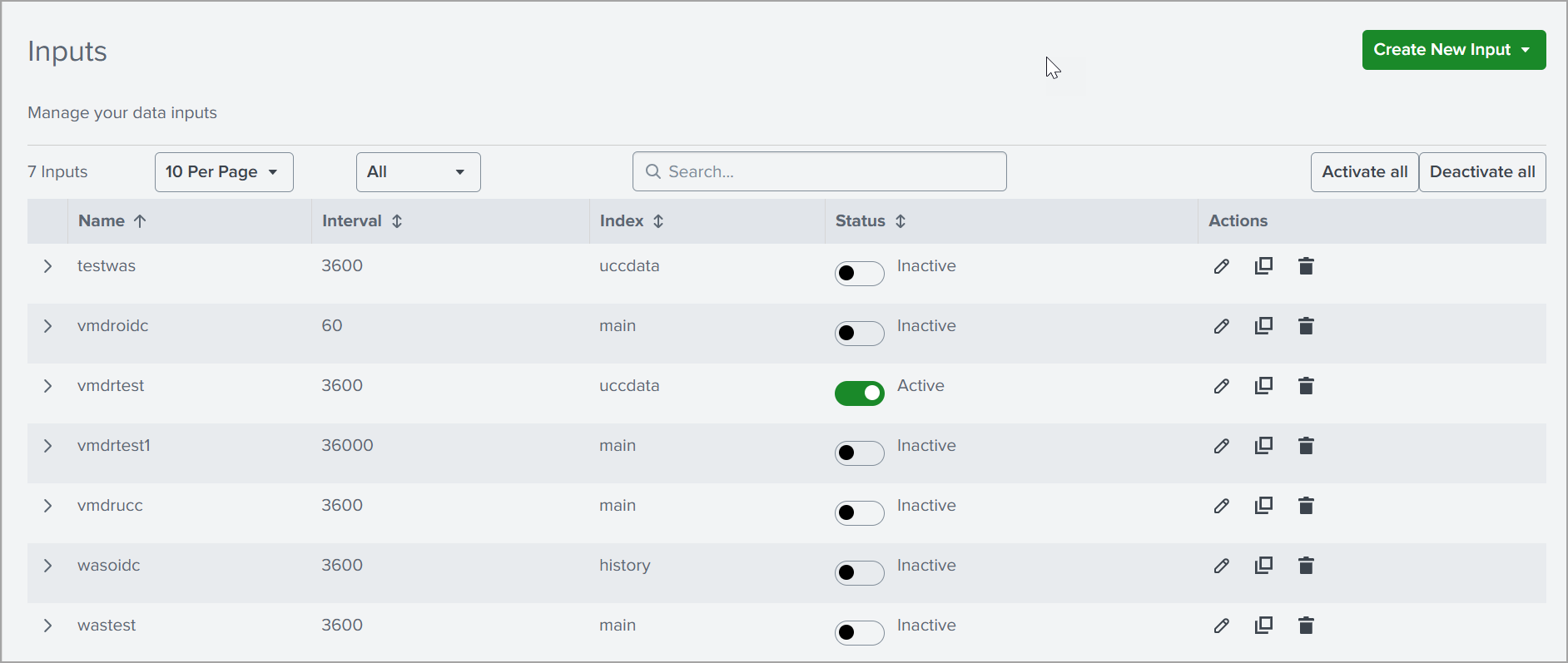
You can view each of the Qualys metrics you selected. Make sure you enable these. You can also activate or deactivate all inputs at once by clicking Activate all or Deactivate all.
Once you enable data feeds, check the $SPLUNK_HOME/etc/apps/TA-Qualys-Cloud-Connector/tmp directory on your search head to see the XML files begin to download.
Depending on the amount of data, it can take hours to days to download the first data set.