Multi-Factor Authentication for Device Replacement
When you replace your authenticator device, the new device becomes the primary verification method.
Replace the device in the following scenarios:
- You configure a new mobile device.
- You replace the hardware security key that you use for MFA.
How to Replace an Authenticator Device
To replace an authenticator device:
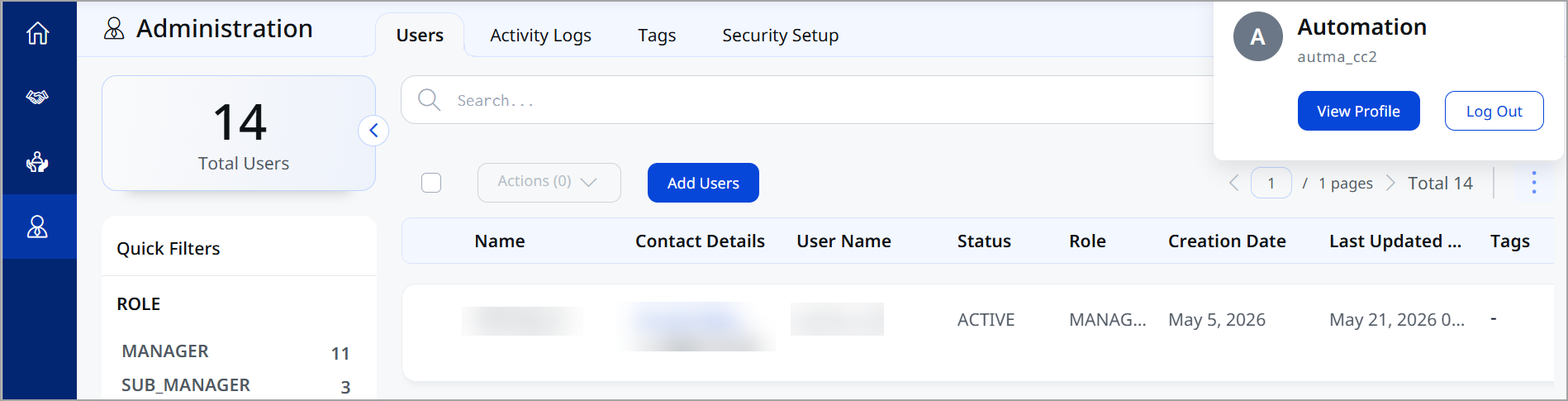
- Click on account > View Profile.
-
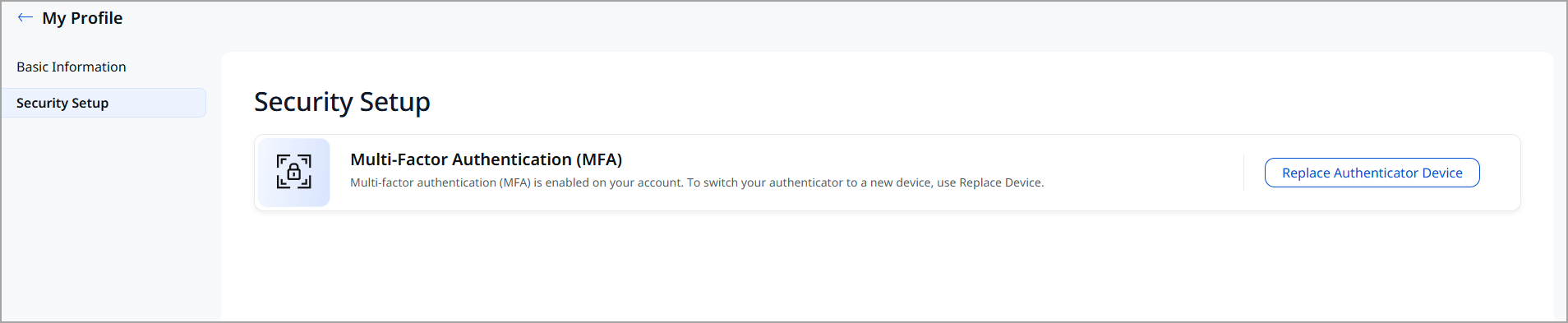
Click Security Setup, and then select Replace Authenticator Device.
-
To replace the device you use for MFA, you must have access to both the current and the new devices.
-
On the current device, open the authenticator application.
-
Enter the six-digit verification code generated by the authenticator application to verify your identity.
-
On the new device, follow the initial steps of Multi-Factor Authentication Configuration.
Your new device is registered.