Forgot Password
Learn more about getting a new password if you forgot your existing Managed Risk Operations Center (mROC) portal password.
- If you forgot your password, click the Forgot Password? link.
- Enter your user name and registered email Id in the respective fields, and click Get Email.
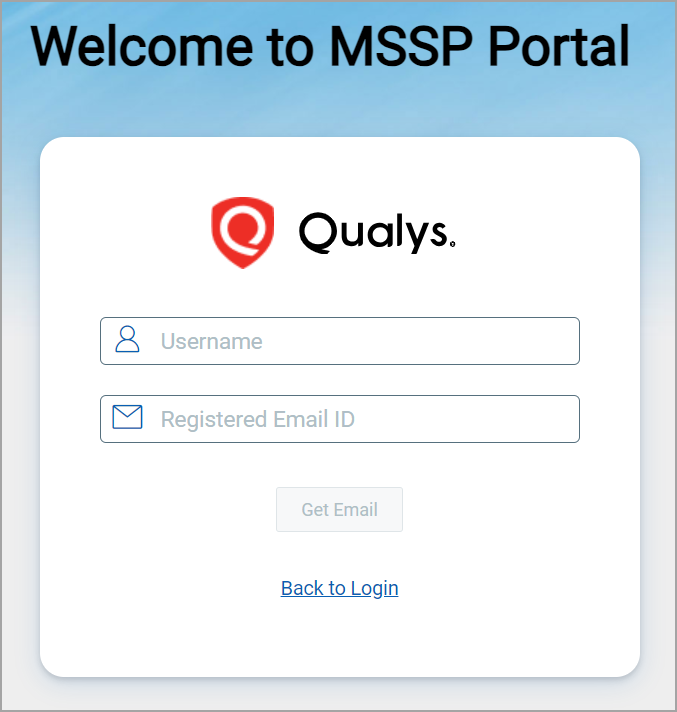
- You can see the message "Reset password link is sent to the mail," and the email is sent to your registered email ID.
- Complete the OTP verification and subsequent steps and access the mROC portal. For more information, see the OTP Verification and Redirection to Login Page, VIP Registration, and Password Update/change sections from Get Started with MSSP.