Option Profiles
With the option profile, you can define the scan parameters for model scan and search criteria for the detection scope. You can also add tags to the option profile, which organizes the option profiles.
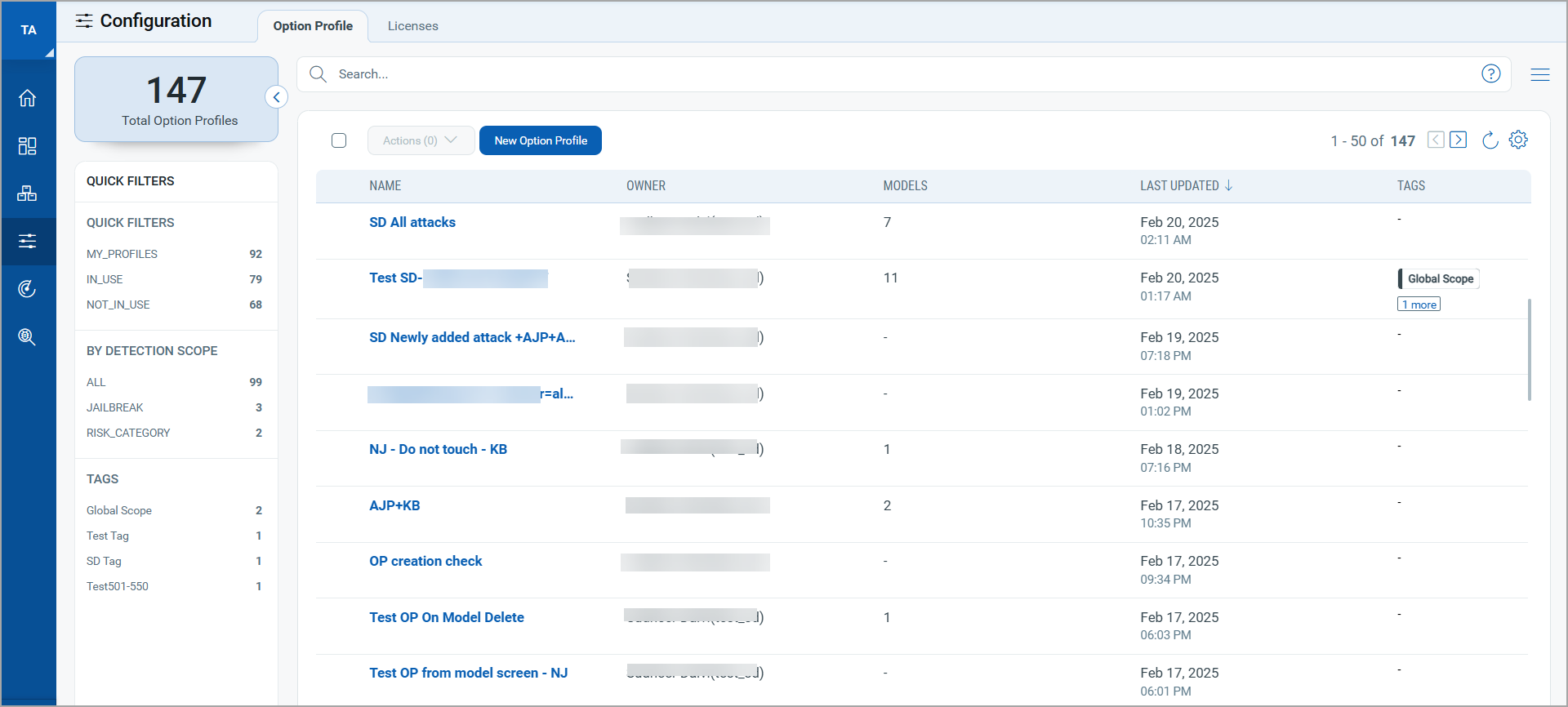
You can search through the list of option profiles using Quick Filters in the left pane or using QQL queries.
Option Profile Creation
You can also add a new model using the New Option Profile workflow. For details, see Option Profile Creation.
Quick Actions
You can view, edit, clone, or delete an existing option profile using the Quick Actions menu.
Edit
You can edit the settings in an existing option profile and update the option profile.
Clone
You can copy an existing option profile with all settings and save it as a new option profile using the Save As action. By default, a prefix copy of is added to the existing option profile name. You can provide a new name or save the option profile with the default name.
Delete
You can select and delete the option profile. If the option profile is associated with any model for scan, the Delete Option Profile dialog box displays the models with which option profile is associated.
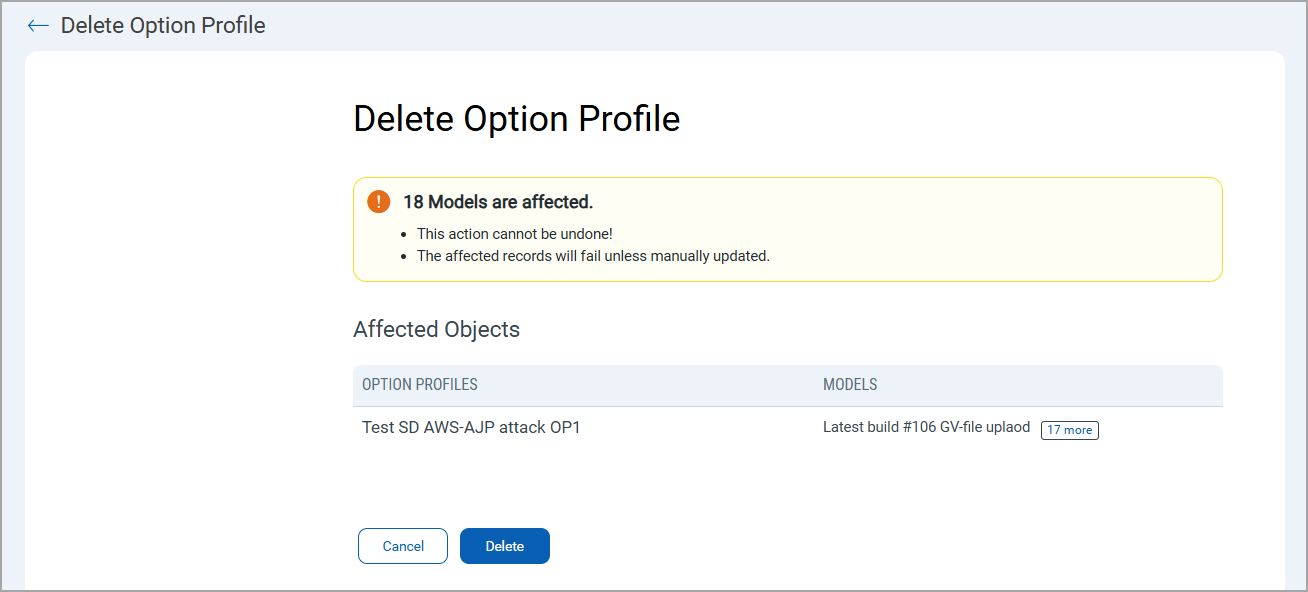
You must manually update the option profile linked to the affected models, else, the model scan fails.