Policy Audit Release 1.8
February 5, 2026
Qualys Policy Audit - Update
Policy Audit was introduced in June 2025. At the time of its announcement, it was communicated that Policy Compliance would be discontinued for all users, with a complete migration from Policy Compliance to Policy Audit scheduled to be completed by January 18, 2026.
As part of this update, when you sign in to the application, you will see a prompt confirming that Policy Compliance has been officially phased out and that your account has been successfully migrated to Policy Audit.
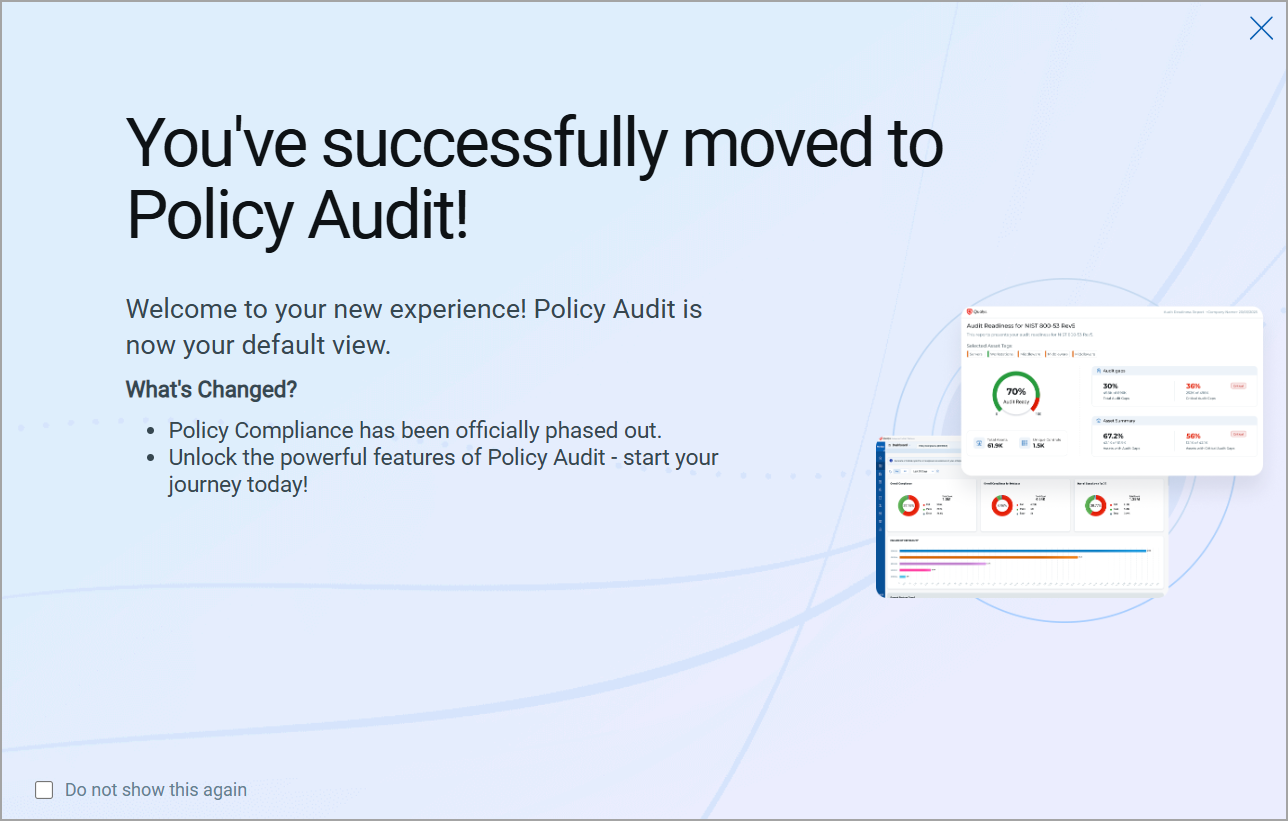
With this release, Policy Audit is now the default and only available view. Switching back to Policy Compliance is no longer supported.
For more information and updates, refer to our blog.
Update - Implementation of QQL Token Standardization
With this release, we have updated the names of two Qualys Query Language (QQL) tokens. The new token format follows the syntax: entity.attribute
For example, in the new token, control.criticality, control is the entity, and criticality is the attribute.
The following are the new Asset QQL token names:
| Old Token Name | New Token Name |
| asset.hostId | compute.hostId |
| sensor.lastComplianceScanDate | qualys.scan.lastComplianceScanDate |
For the complete list of old and new token mappings, refer to Old and New Token Mappings.
Issues Addressed
The following reported and notable customer issues are fixed in this release:
| Component/Category | Application |
Description |
| PA - New UI | Policy Audit | When the user selected Request Exception in Exceptions > Tutorials, it redirected them to the Policy Summary page. However, the Policy Summary tab has been deprecated. Relevant code changes have been done to fix the issue. Now, when users select Request Exception, it opens the New Interactive Report window, allowing them to request an exception. Additionally, the Online Help previously stated, 'You can quickly run interactive reports from the Policy Summary.' This information is incorrect after the deprecation of the Policy Summary tab and has now been removed. |
| PA - Feature Request | Policy Audit | When the user launched a compliance scan, they observed that although the Agent Correlation Identifier was enabled, it did not function as expected. Relevant code changes have been made to fix the issue. |
| PA - Reports | Policy Audit | When the users viewed a policy report, they observed that for Missing Values details the font was not aligned with the font of the report. This made the Missing Values field details not readable. Relevant code changes have been made to fix the issue. |
| PA - New UI | Policy Audit | When the user selected certain count details in a widget in the Dashboards tab, they were redirected to the Posture tab. However, the total count details in the Posture tab did not match those given in the widget in the Dashboards tab. Relevant code changes have been made to fix the issue. |
| PA - PCRS Reports | Policy Audit | When the user launched a report on a single instance, the reports frequently failed to complete and ended with errors. Relevant code changes have been made to fix the issue. |
| PA - PCRS | Policy Audit | When the user set a specific date format for their account, they expected the same format to be displayed in the downloaded Compliance reports in CSV format. However, the reports continued to display dates in the default format instead of the selected format. Relevant code changes have been made to fix the issue. |
| PA - AutoR | Policy Audit | When the user imported either one or multiple RHEL scripts in the Scripts tab under Audit Fix, they received an error stating 'Some error occurred while importing scripts'. Relevant code changes have been made to fix the issue. |