iOS/iPadOS Enrollment
- Admin can distribute the Qualys Cloud Agent from the MDM app store.
For your reference, here are the instructions on the distribution of Qualys Cloud Agent.
- Configuring Qualys Cloud Agent Enrollment Details with Airwatch
- Configuring Qualys Cloud Agent Enrollment details with Intune
Once the Agent is successfully distributed, you need to launch the Agent (app you just downloaded). Follow the instructions to allow other required permissions.
-
Qualys Cloud Agent will automatically fetch the configurations published through MDM app store.
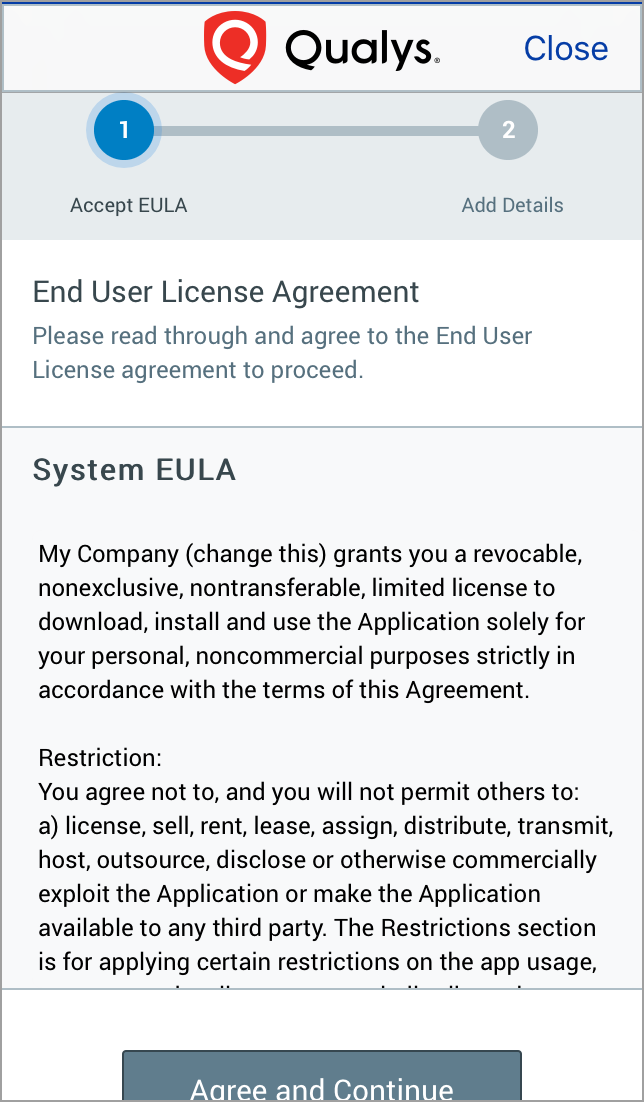
If EULA is not configured for your organization, you will be redirected to step 3. If EULA is configured and you have already accepted it, then you will be redirected to step 3, else you will be presented with a EULA. If you decline the EULA, you will not be able to enroll the device.
-
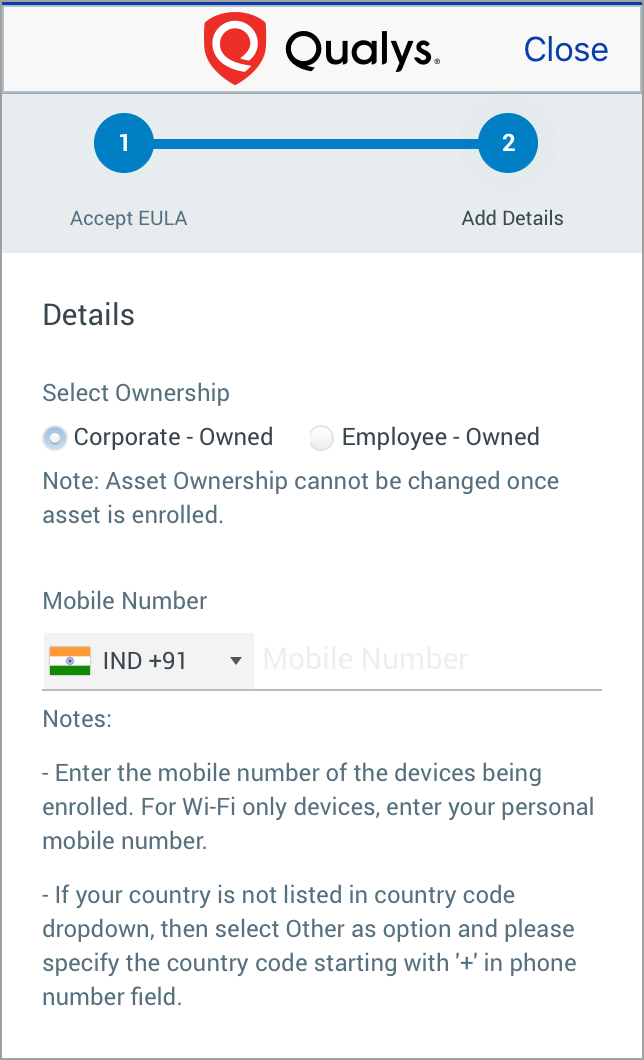
If your organization has set Default Ownership, then the respective Device Ownership radio button will be selected, and both the radio button will be read-only. Otherwise, you will need to select Device Ownership.
If the device is owned by organization, select Corporate - Owned and if not, select Employee - Owned.
Enter your mobile number in the space provided if it is mandatory by your Admin.
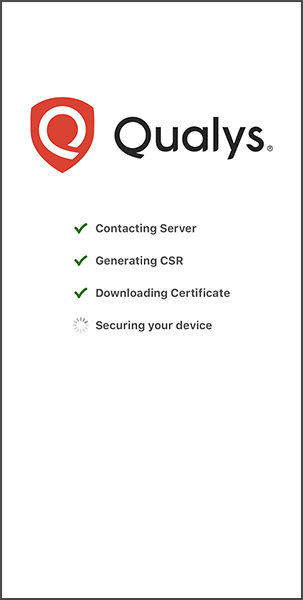
- After launching QAgent, you will be redirected to following screen.
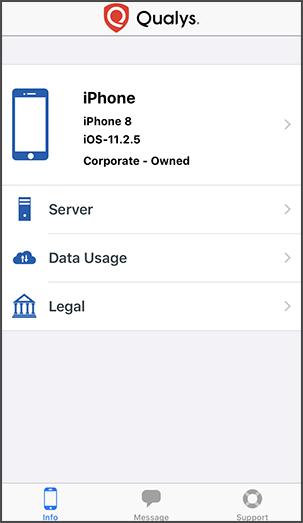
- This completes device enrollment and you’ll see the following screen.