VMDR OT Release 1.5
March 09, 2026
Alerting in VMDR OT
You can now configure alerts to monitor changes across events, assets, and networks in your OT environment. These alerts are rule-based and help you stay informed about changes by automatically triggering alerts when defined conditions are satisfied. This improves visibility into your OT environment and ensures timely awareness of critical changes.
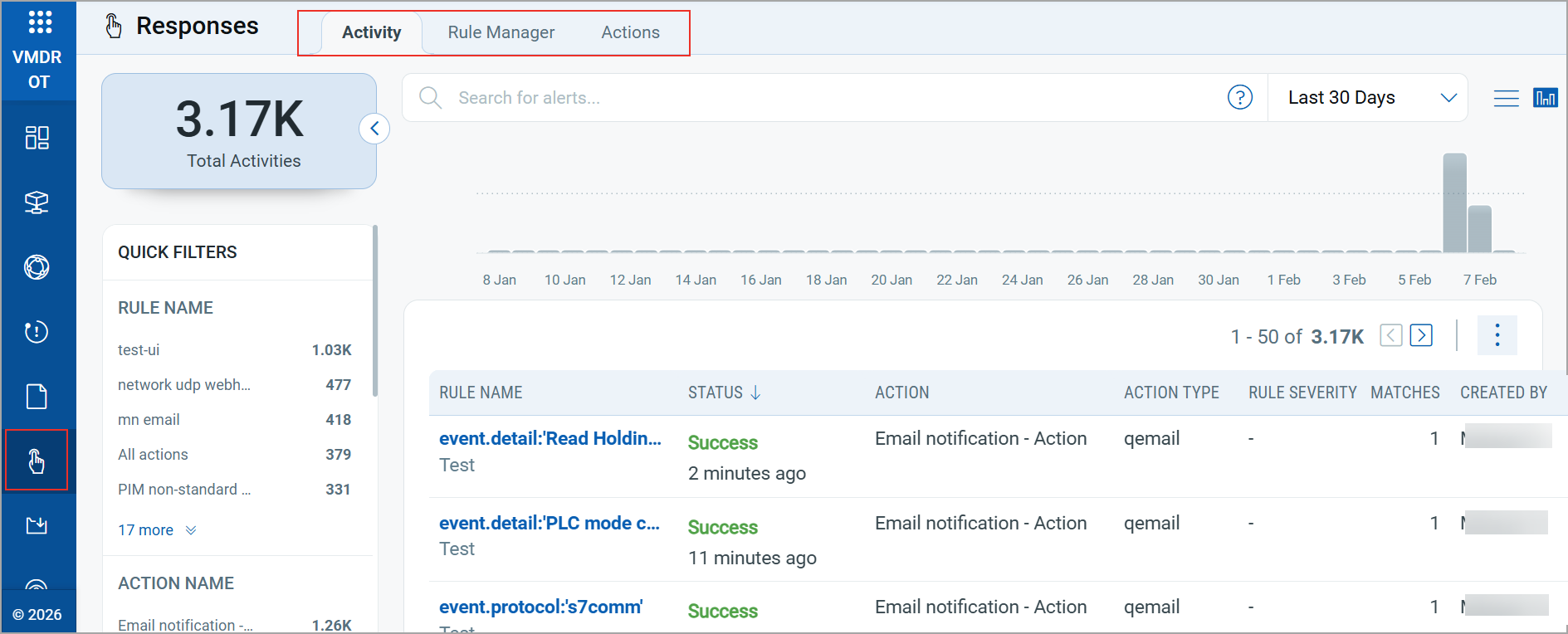
We have introduced the new Responses tab in VMDR OT to provide a centralized interface for configuring, managing, and monitoring alerts.
Key Capabilities
From the Responses tab, you can:
- Create alert rules and define the trigger criteria for generating alerts.
- Create actions to specify the alert delivery method.
- Monitor alert generation by viewing when rules are triggered and which actions are executed.
For more information about creating alerts, refer to the VMDR OT Online Help.
Visibility for Special Asset Types
Some assets detected in your environment may fall outside your OT environment or may not be inventoried. These assets are grouped into the following special categories:
- External
- IP Excluded
- MAC Excluded
- Anonymous
- Multicast
- Broadcast
With this release, you can now quickly view additional information for these special asset types directly from the Monitoring > Events and Network > List View tabs.
Simply hover over the info (ⓘ) icon next to the asset type to view the label information, and hover over the asset type label itself to view detailed information about that asset.
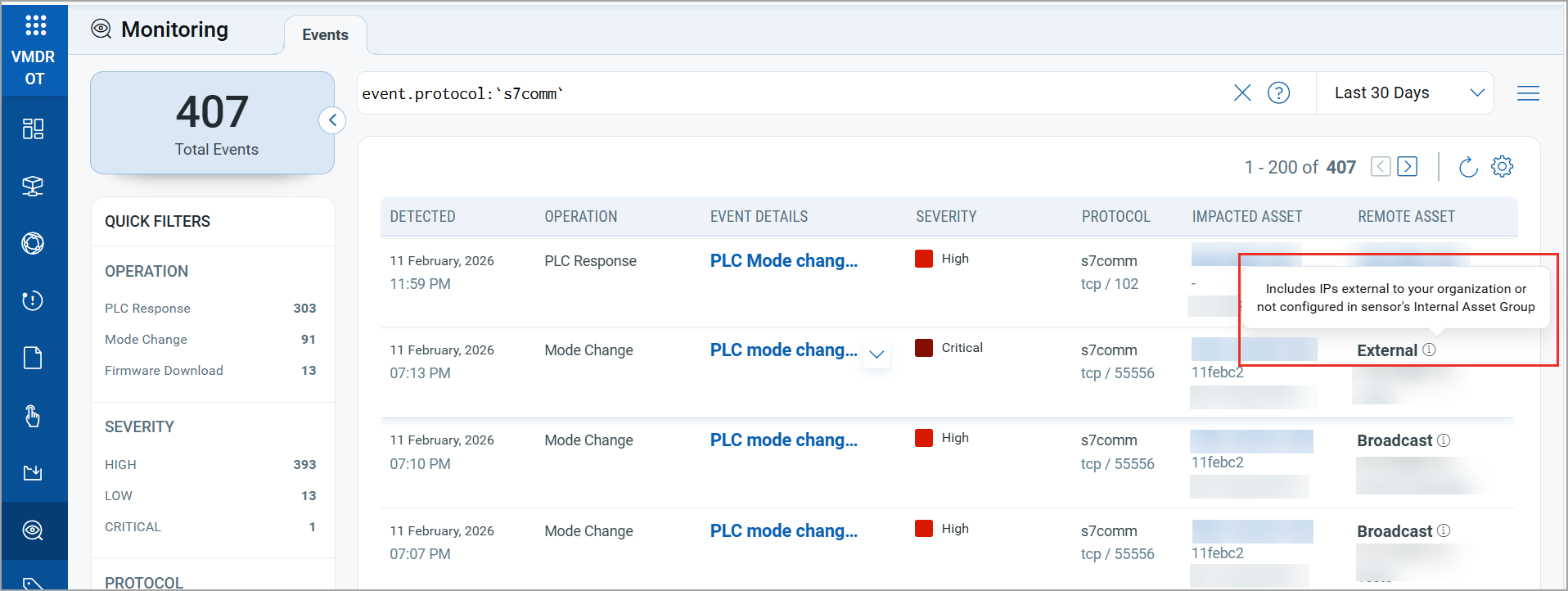
Example 1:
On the Monitoring > Events tab, hover over the info (ⓘ) icon next to each asset label to view a brief description.
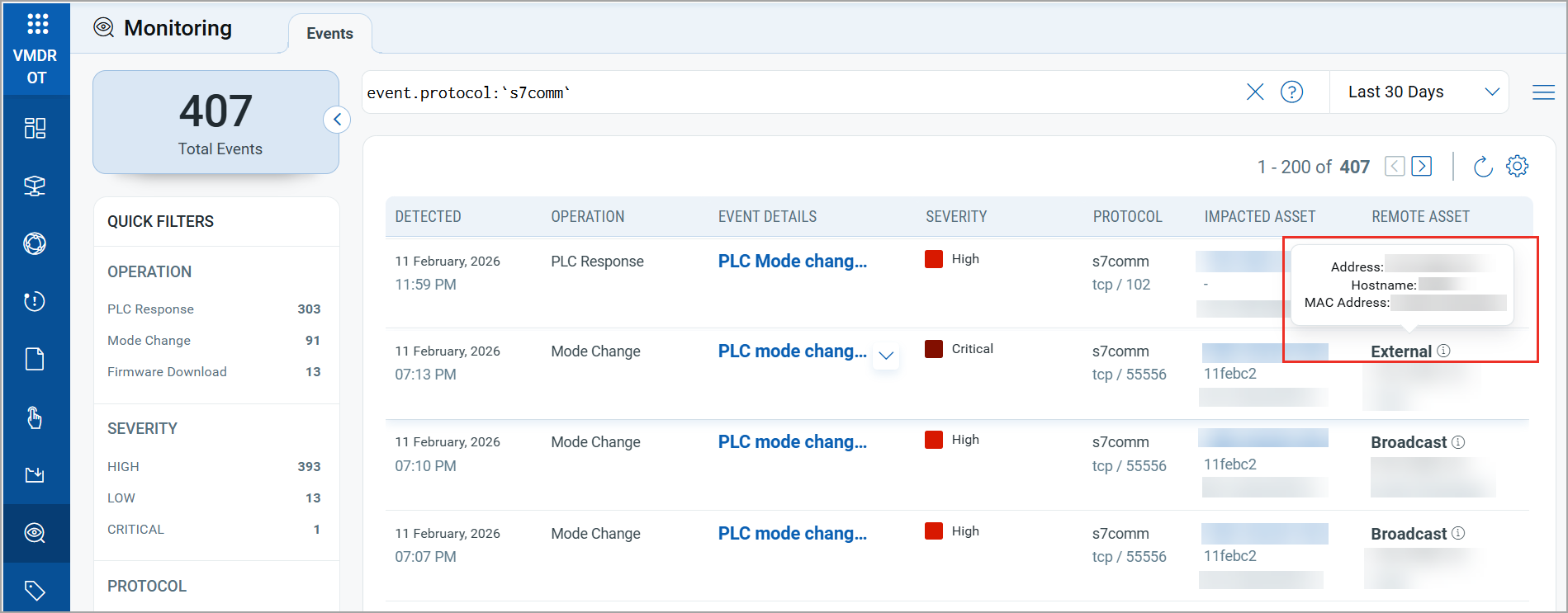
Example 2:
On the Monitoring > Events tab, hover over the special asset type label to view detailed information about the asset.
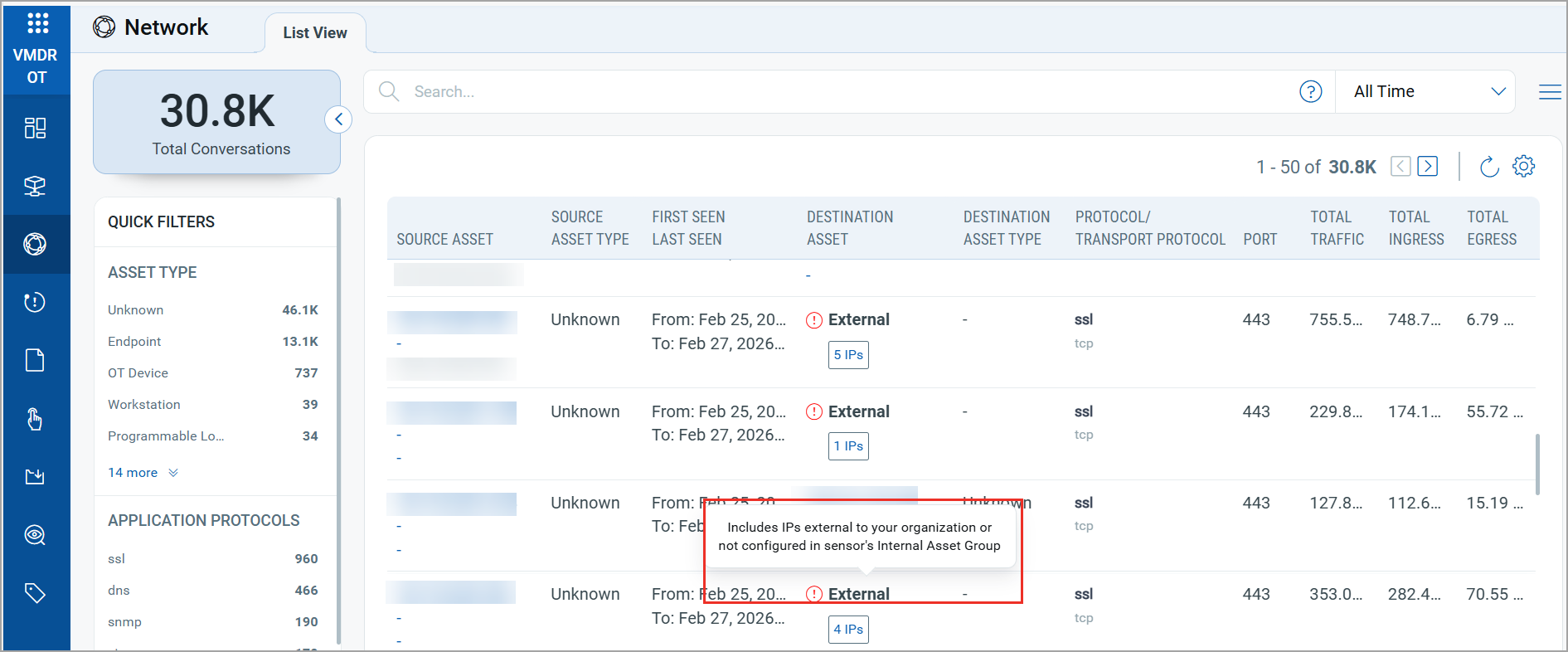
Example 3:
In the Network > List View tab, hover over the special asset type label to view detailed information about that asset.
Import Support for Johnson Controls .dbexport Files
VMDR OT now supports .dbexport project files used by Johnson Controls. You can import these project files into VMDR OT to extract asset information and include the asset in your OT inventory.
New QQL Tokens for Alerting
We have introduced new tokens to define the rule query when configuring an alert rule, based on the sources below. Click a source to see the corresponding tokens in VMDR OT Online Help.
Issues Addressed
There are no issues addressed in this release.