
Tagging Cloud Agent Host
The dynamic asset tagging features help you manage your agent host assets just like other assets in your subscription.
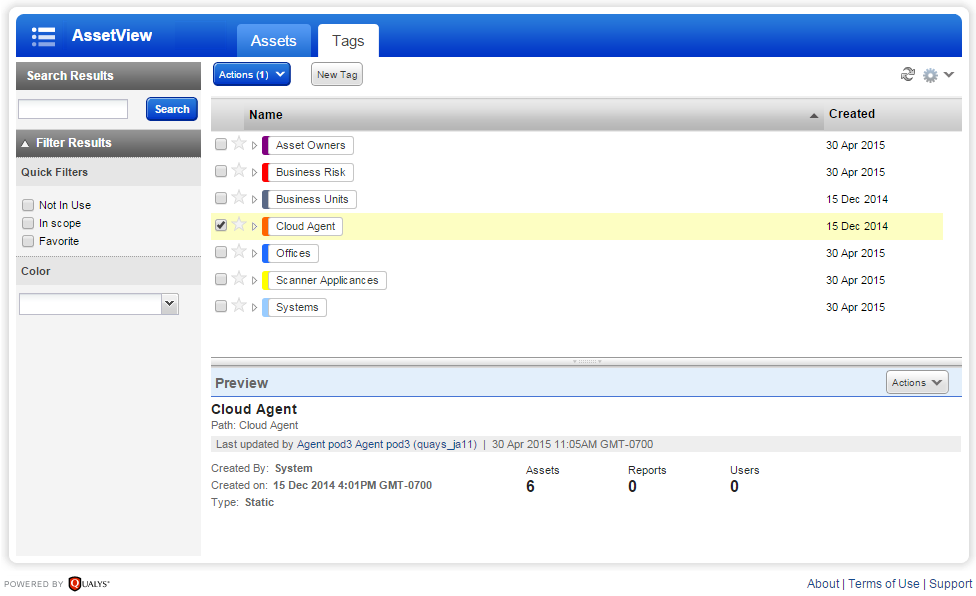
Every Cloud Agent host is assigned the Cloud Agent tag. In the Global AssetView (GAV) application, navigate to Tags tab. Select a tag to see the host assets to which it is applied.
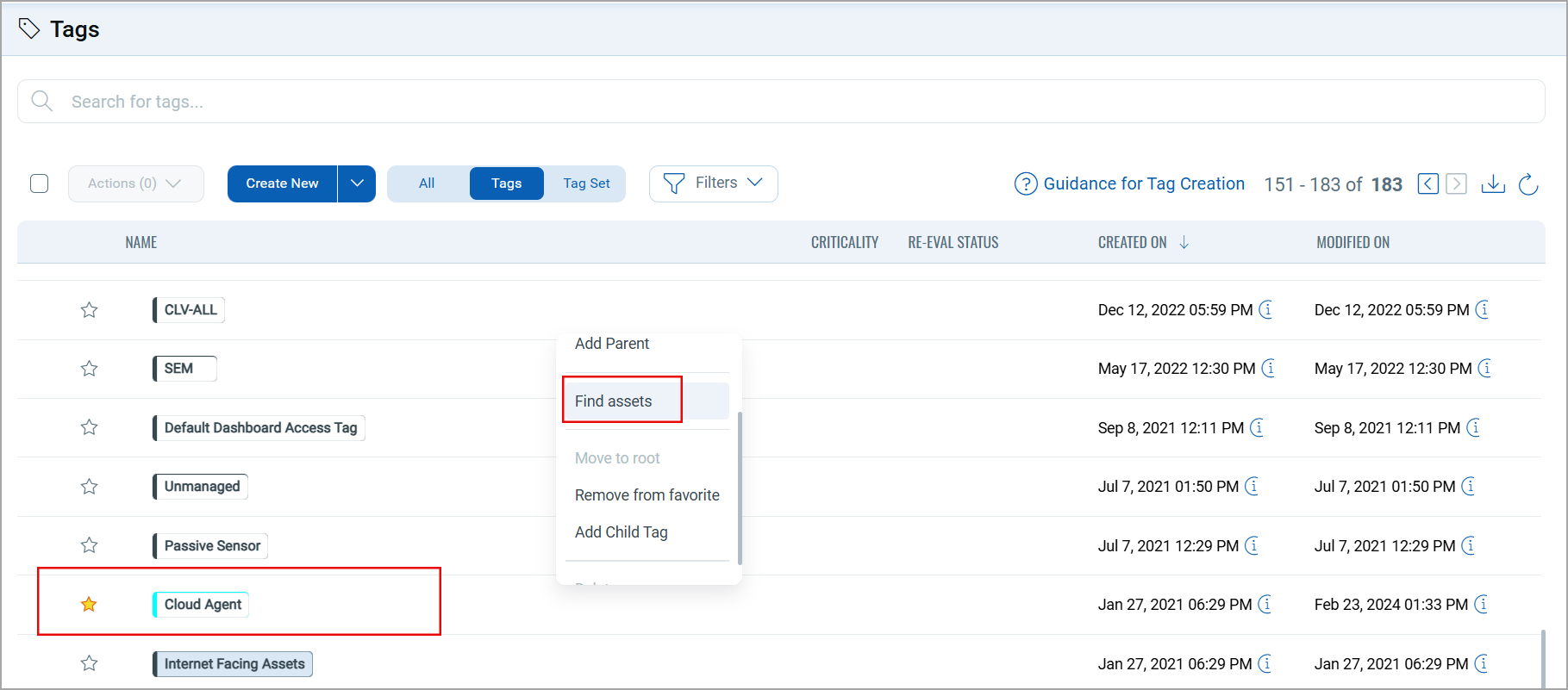
In the Quick Actions menu Find assets option lets you find host assets.
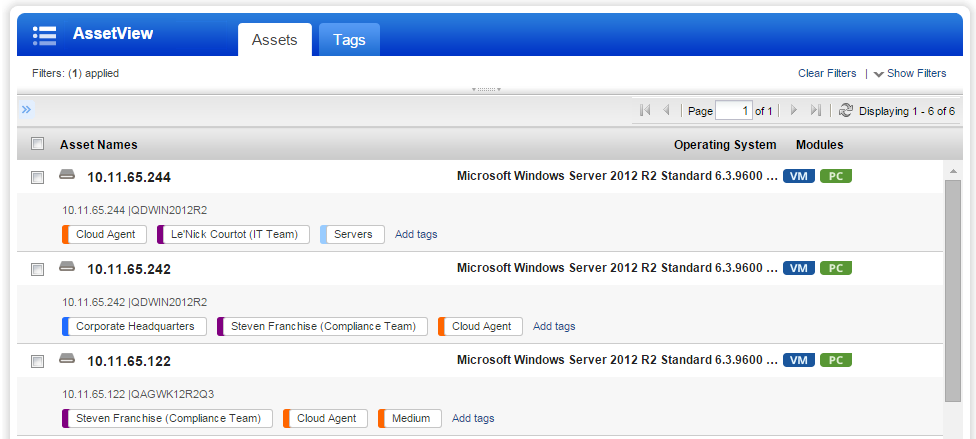
In the GAV application, navigate to Inventory > Assets tab. You can apply specific tags to these host assets to organize and report them.
You can also the Tags from Cloud Agent user interface. To learn more, refer to Manage Tags.